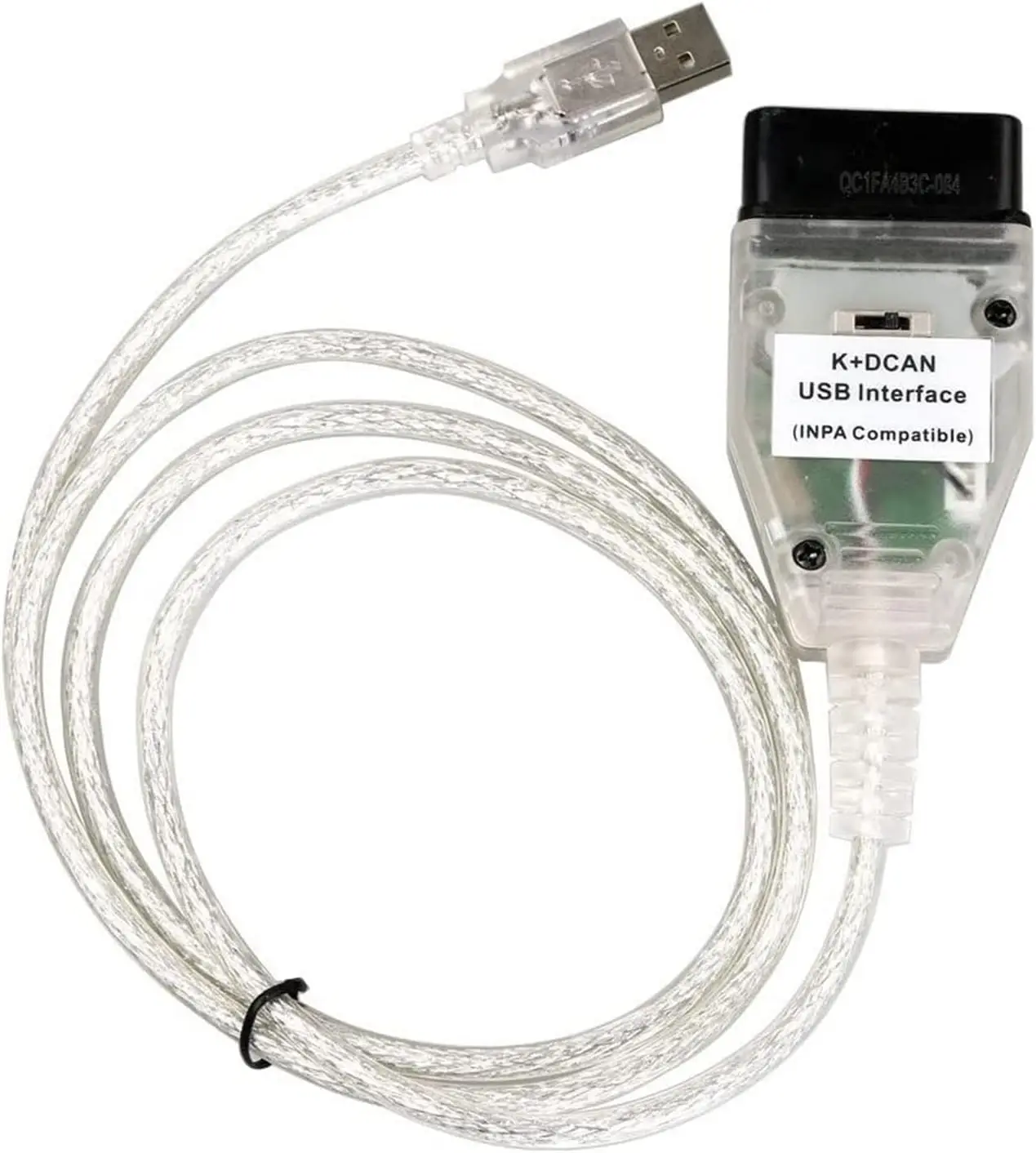
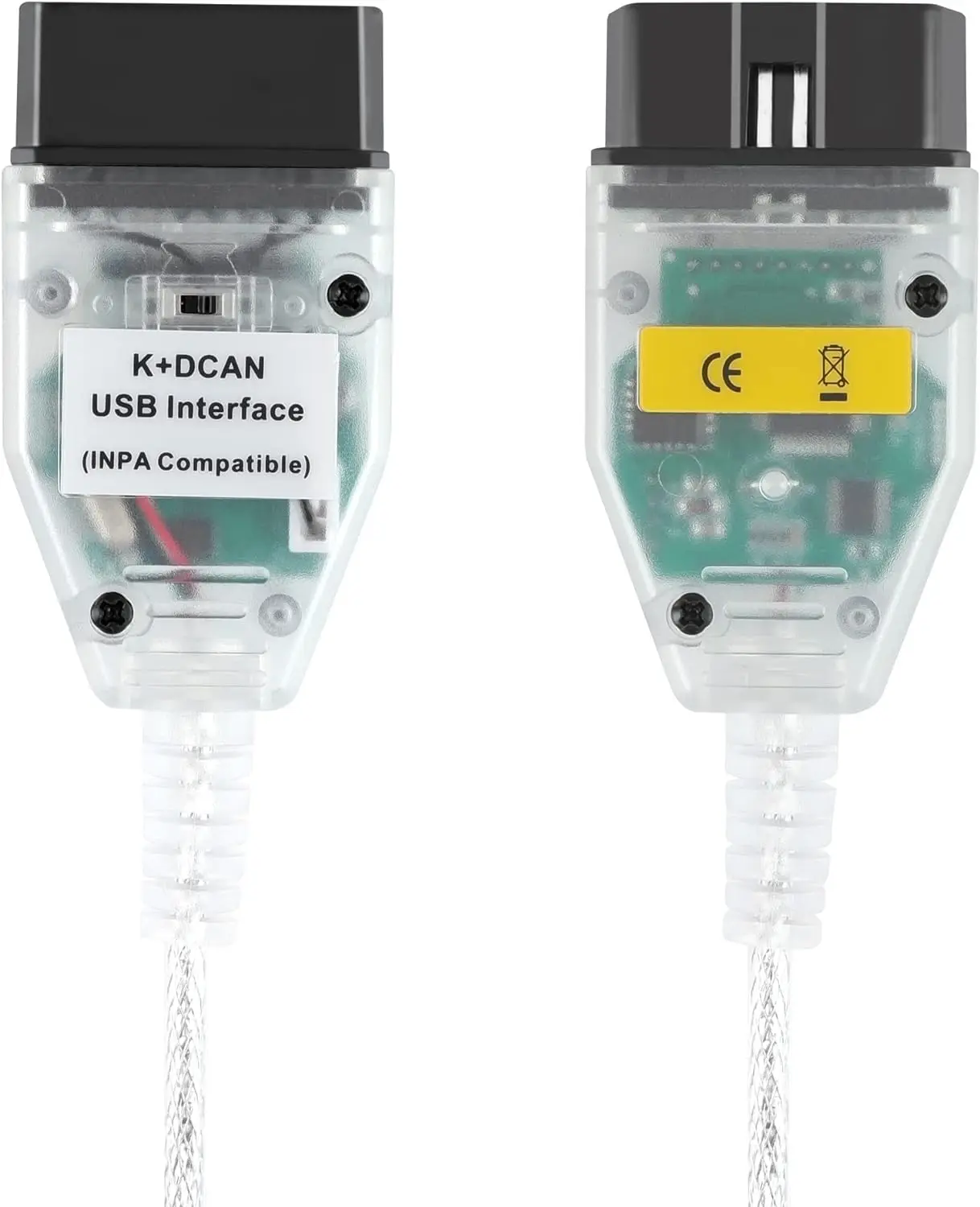
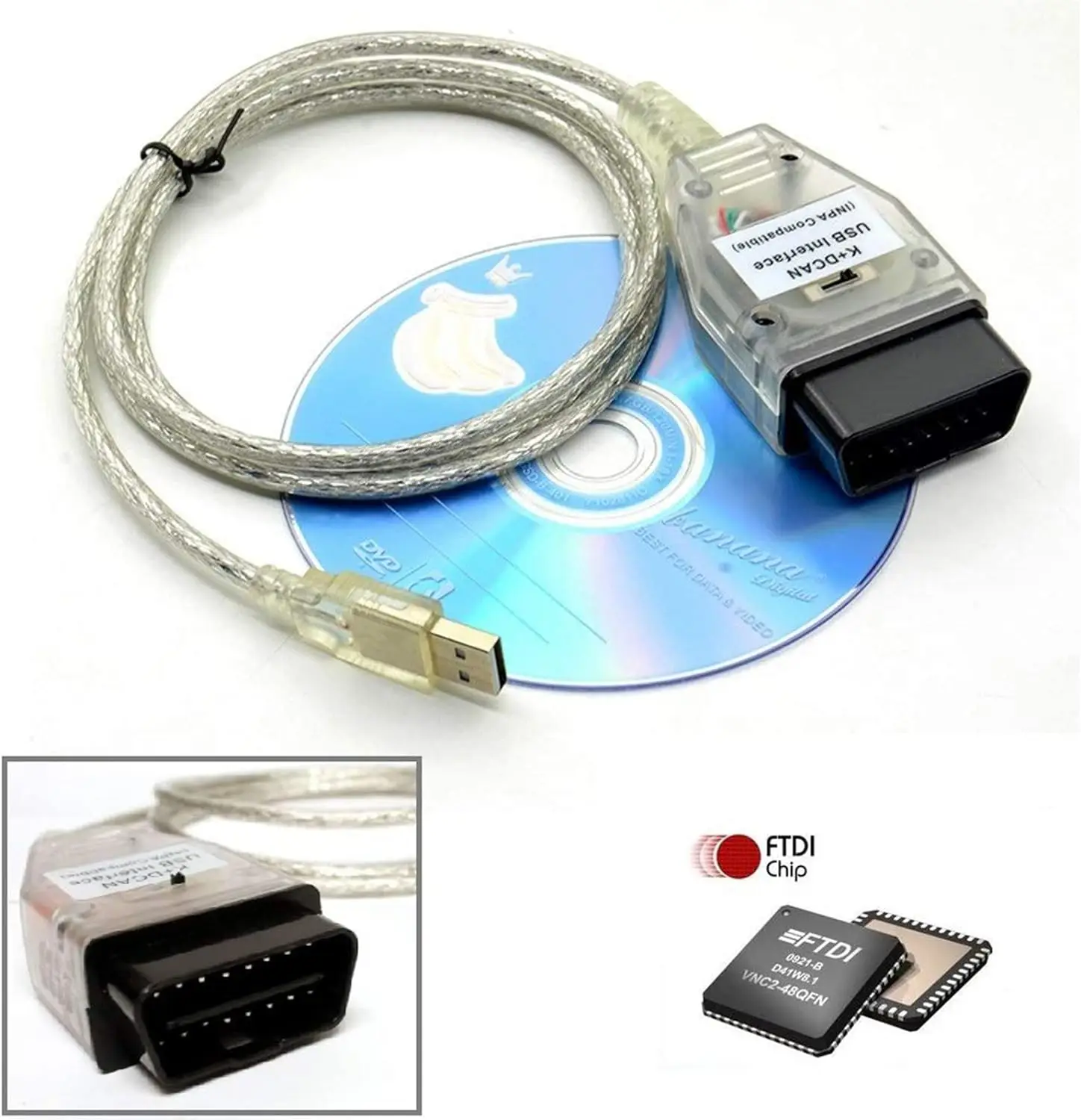
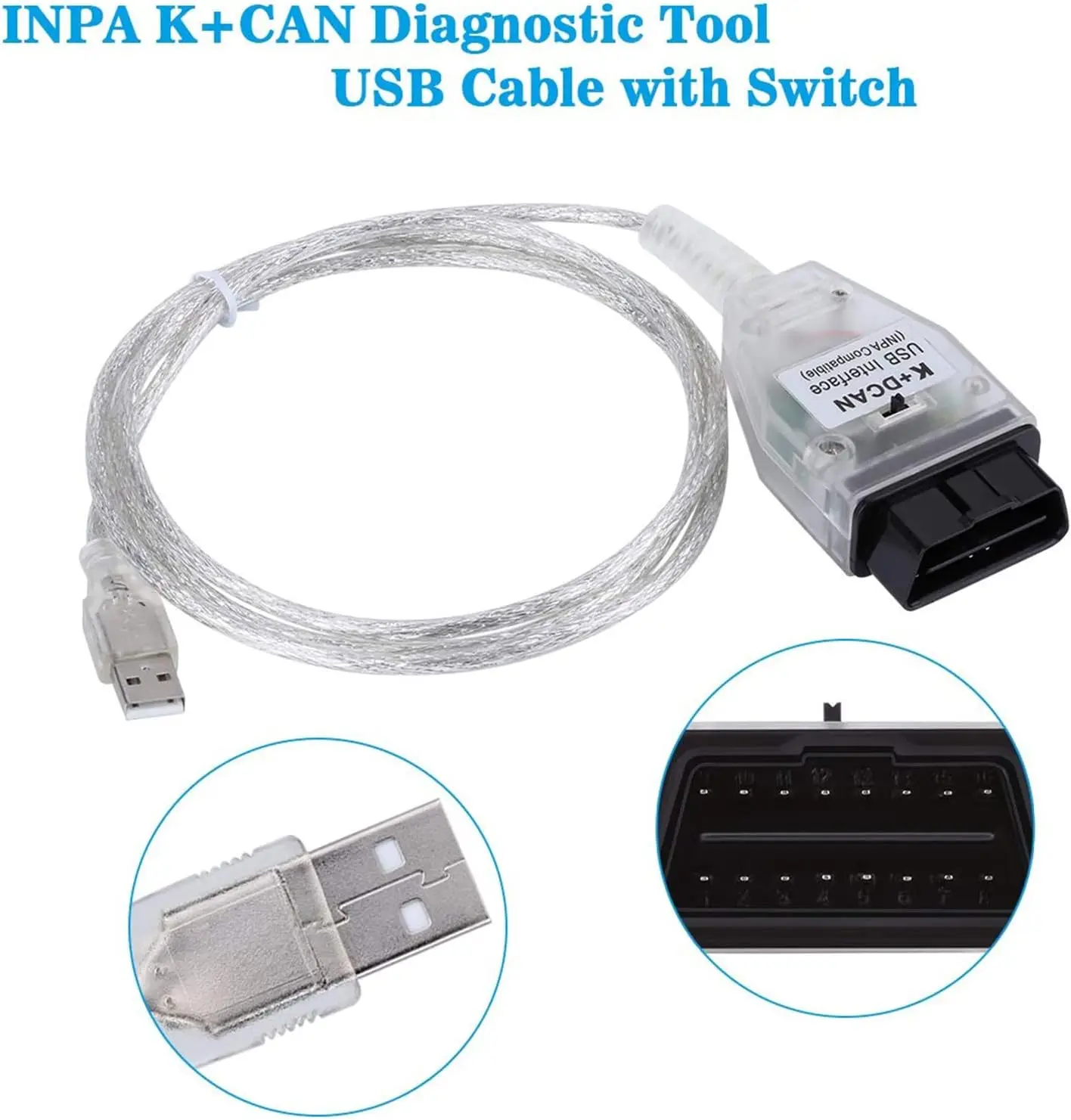
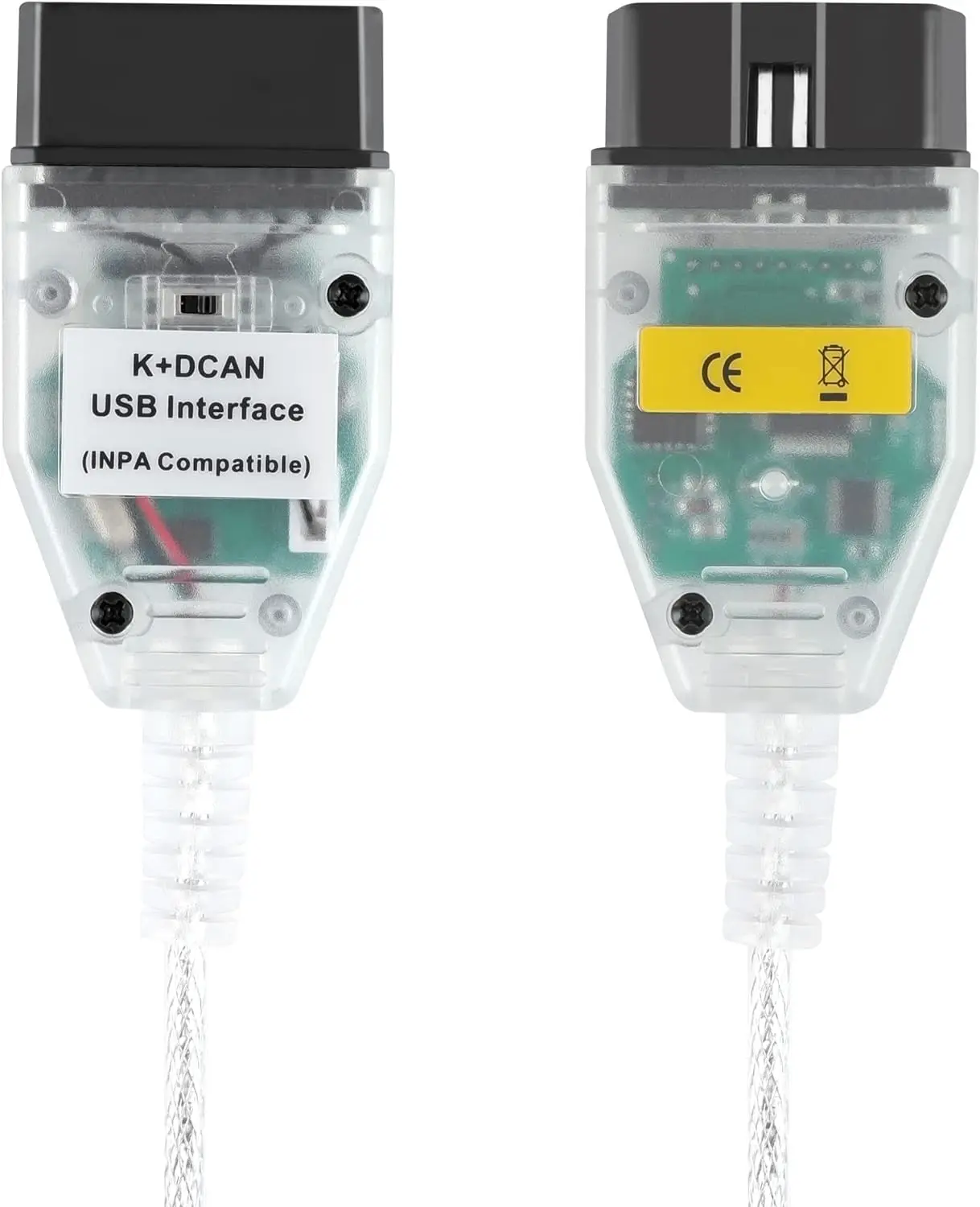
BMW INPA K+CAN K+DCAN OBD2 USB Diagnostic Cable with Switch
BMW INPA K+DCAN Cable is a USB diagnostic interface designed for supported BMW vehicles using K-Line and D-CAN communication systems.
When used with compatible BMW diagnostic software, the cable allows technicians and BMW owners to perform vehicle diagnostics, read and clear fault codes, monitor live data, reset supported service functions and access coding or programming operations.
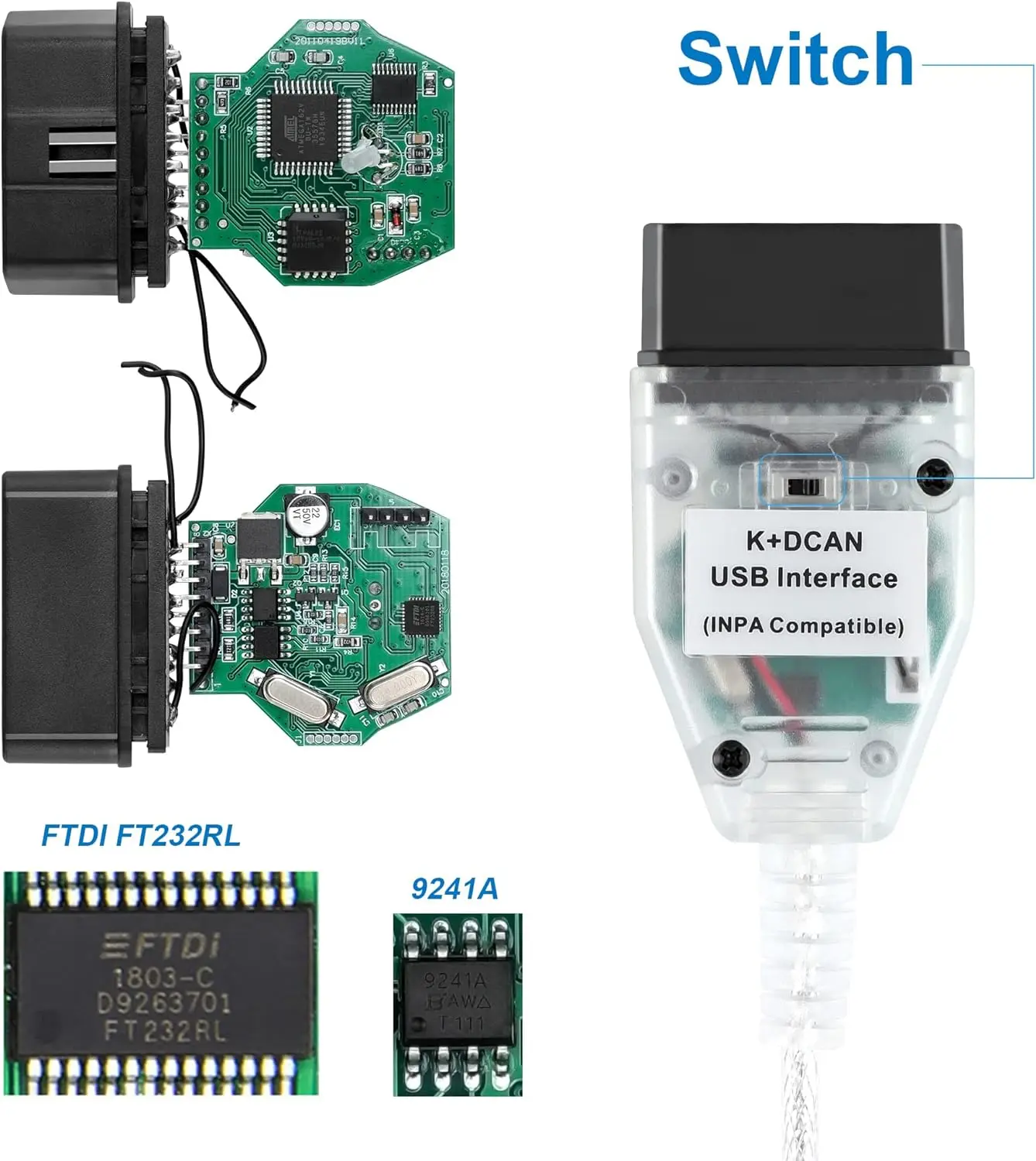
The integrated switch changes the connection between OBD2 pins 7 and 8, improving compatibility with different generations of BMW electronic systems.
Main Features
• Supports BMW K-Line and D-CAN communication
• Built-in pin 7 and pin 8 configuration switch
• USB connection for Windows computers
• Reads and clears supported diagnostic trouble codes
• Displays supported live vehicle data
• Accesses multiple BMW electronic control units
• Supports coding and configuration with compatible software
• Suitable for service resets and component testing
• Compact and portable cable design
• LED indicators for power and communication, where equipped
Compatible BMW Software
Depending on the vehicle and software configuration, the cable can be used with:
• BMW INPA
• ISTA-D / ISTA+
• NCS Expert
• WinKFP
• Tool32
• EDIABAS
• DIS
• Other compatible BMW K-Line or D-CAN software
Software, databases and licenses are not included unless specifically mentioned in the selected package.
Supported Functions
Available functions depend on the vehicle, control unit and software being used. Supported operations may include:
• Reading and clearing fault codes
• Viewing live sensor values
• Identifying electronic control units
• Reading vehicle information
• Service and maintenance resets
• Battery registration on supported vehicles
• Component activation and testing
• Control-unit coding with NCS Expert
• ECU programming with WinKFP
• Advanced service operations with Tool32
• Vehicle diagnostics using INPA or ISTA-D
Switch Function
The switch changes the configuration of OBD2 pins 7 and 8.
Pins 7 and 8 Connected
This position is generally used for older BMW vehicles that require the two K-Line communication paths to be joined.
Pins 7 and 8 Separated
This position is generally used for newer D-CAN BMW vehicles where pins 7 and 8 must remain separate.
The correct switch position depends on the exact vehicle model, production date and installed diagnostic system. If communication cannot be established, verify the required configuration before changing the switch position.
Vehicle Compatibility
The cable is commonly used with many supported BMW E-Series vehicles, including selected models from:
• BMW 1 Series
• BMW 3 Series
• BMW 5 Series
• BMW 6 Series
• BMW 7 Series
• BMW X1
• BMW X3
• BMW X5
• BMW X6
• BMW Z Series
• Supported MINI models
Compatibility depends on the model, production year, diagnostic protocol and software files installed on the computer.
Older BMW Vehicles
BMW vehicles equipped with the round 20-pin diagnostic connector under the hood require a separate BMW 20-pin-to-16-pin adapter.
The 20-pin adapter is not included unless clearly shown or specified in the selected package.
Newer BMW Vehicles
Most BMW F-Series and G-Series vehicles require an ENET cable, ICOM interface or another compatible diagnostic interface. This K+DCAN cable should not be considered a universal solution for all newer BMW vehicles.
Computer Requirements
• Compatible Windows computer
• Available USB port
• Correct USB cable driver
• Properly installed BMW diagnostic software
• Correct COM-port and latency settings
• Vehicle-specific data files where required
Installation Notes
- Install the correct USB driver.
- Connect the cable to the computer.
- Open Windows Device Manager.
- Identify the assigned COM port.
- Configure the diagnostic software to use the same port.
- Set the recommended communication latency where required.
- Select the correct pin 7/8 switch position.
- Connect the cable to the vehicle’s OBD2 port.
- Switch on the ignition and start the diagnostic application.
Important Notice
This cable is a communication interface and does not contain complete diagnostic software by itself. Compatible software, drivers and vehicle databases must be installed separately.
For ECU programming or coding:
• Use a stable battery support unit
• Confirm the correct vehicle and control unit
• Create backups whenever supported
• Do not disconnect the cable during an operation
• Do not switch off the ignition while data is being written
• Use software files that match the vehicle
Interrupted power or incorrect programming files may damage a control unit or prevent the vehicle from operating correctly.
Package Includes
• 1 × BMW INPA K+CAN K+DCAN OBD2 USB cable with switch
Software, laptop and BMW 20-pin adapter are not included unless specifically stated.

Reviews
There are no reviews yet.