
Vgate vLinker BM Plus Bluetooth OBD2 Scanner for BMW
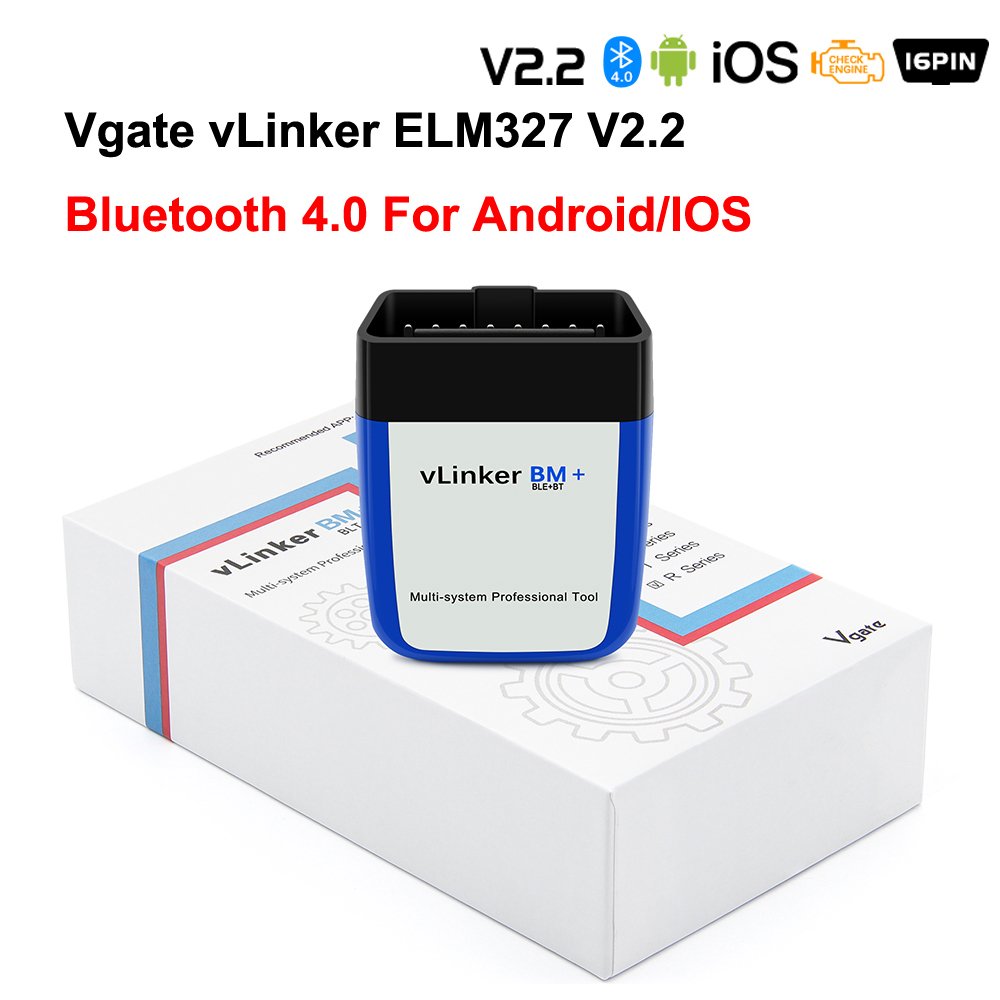
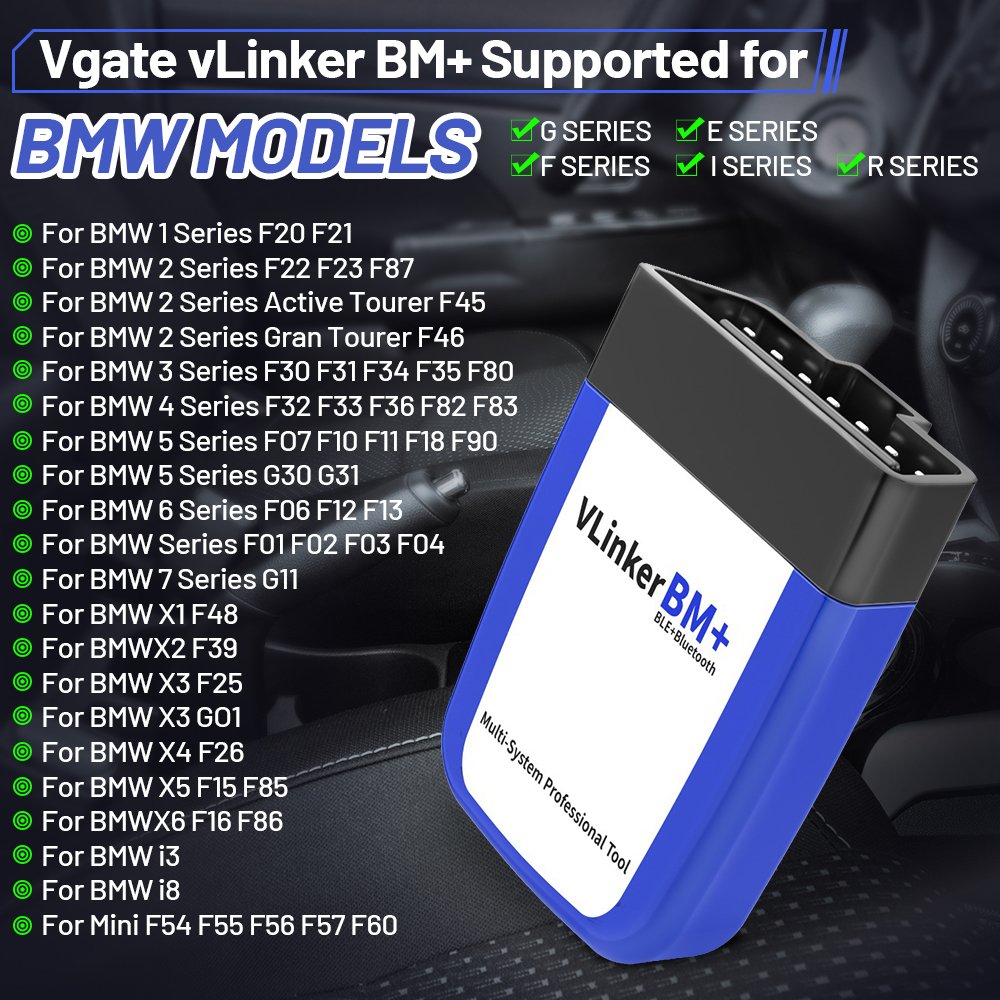
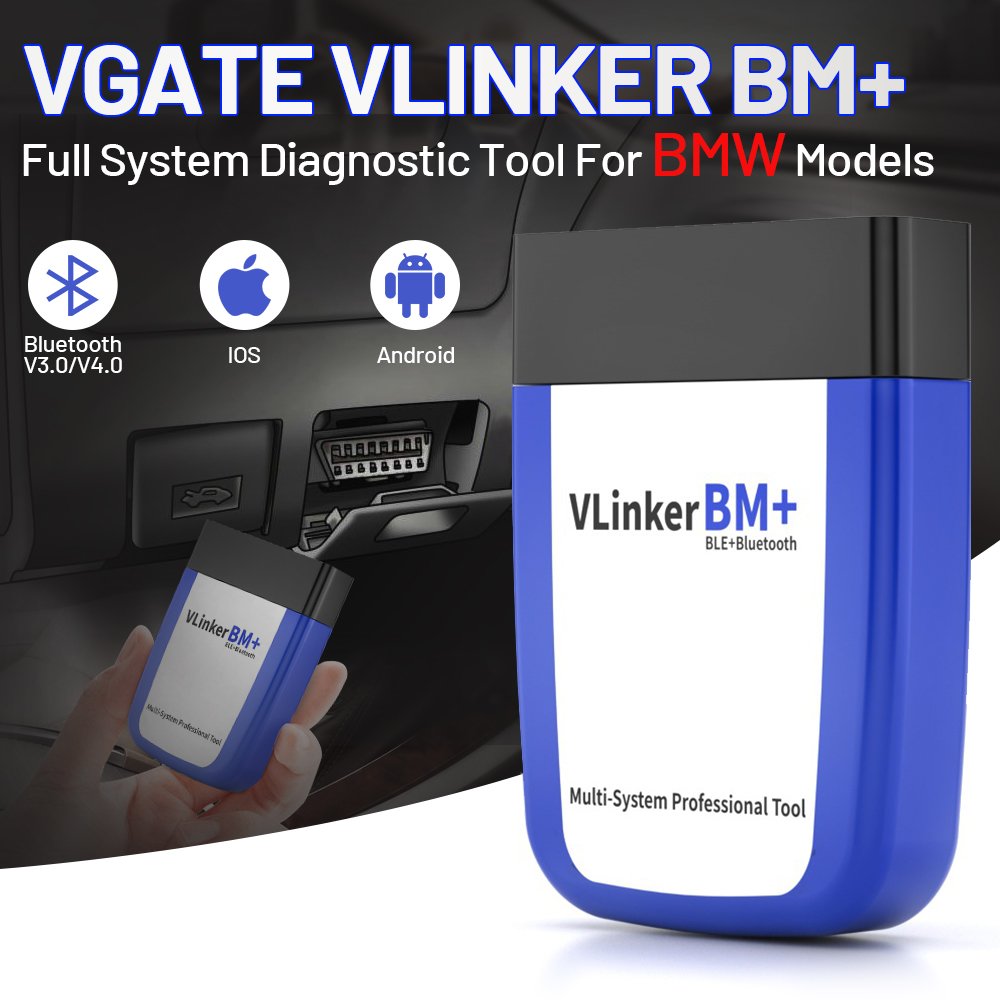
Vgate vLinker BM Plus is a compact wireless OBD2 adapter designed for BMW, MINI and supported Toyota Supra vehicles. It provides a stable Bluetooth connection between the vehicle and compatible diagnostic or coding applications on iOS and Android devices.
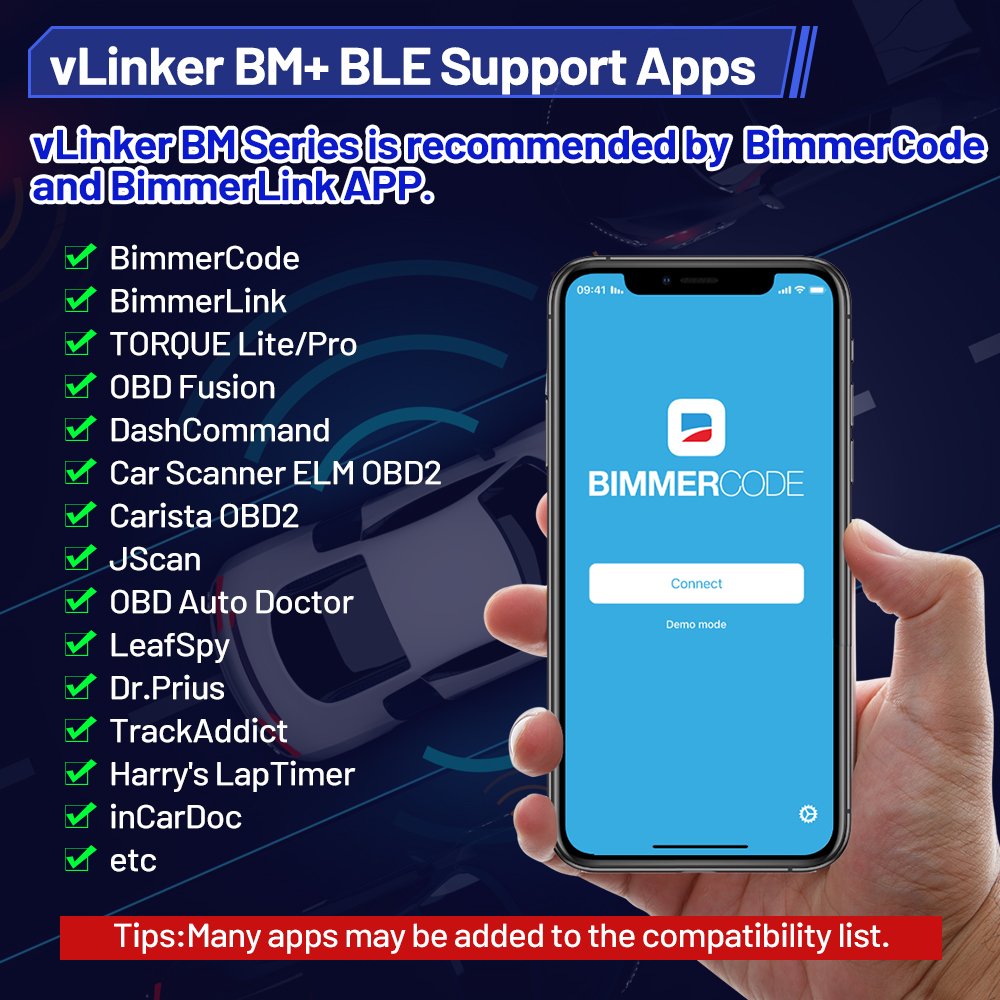
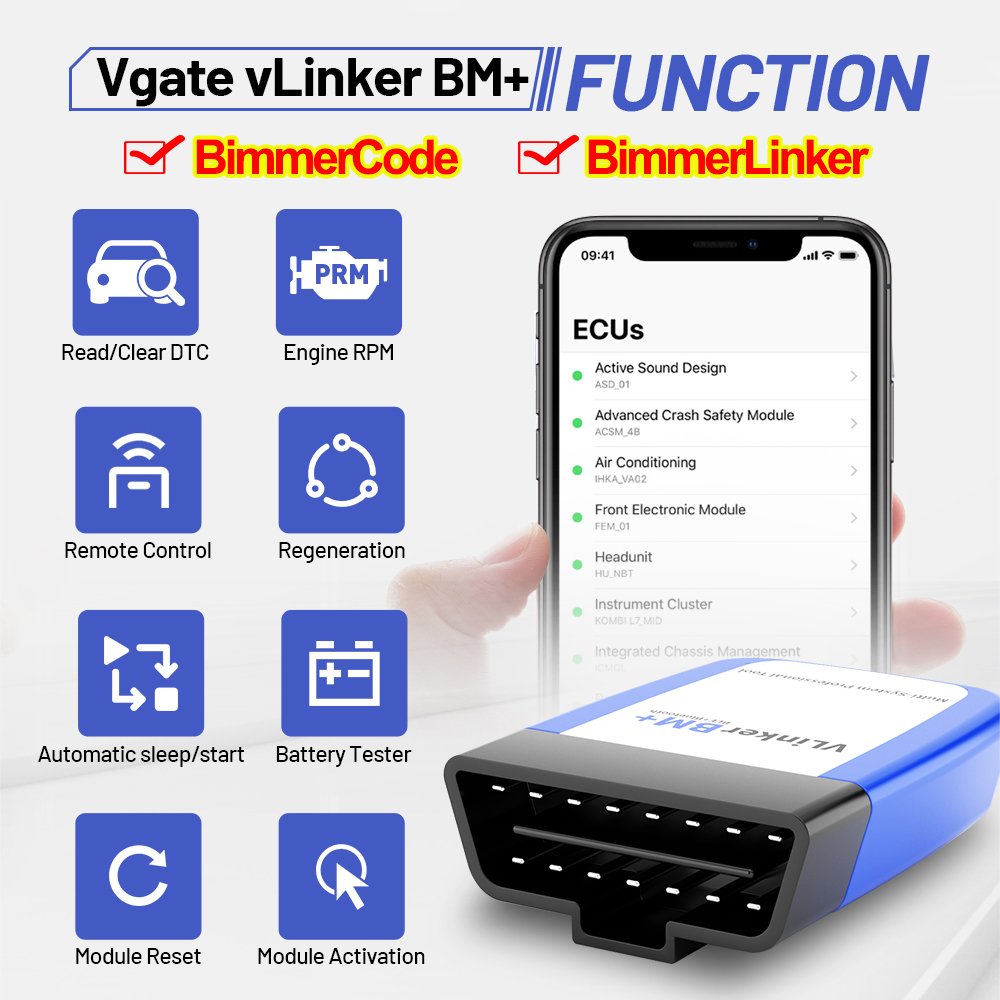
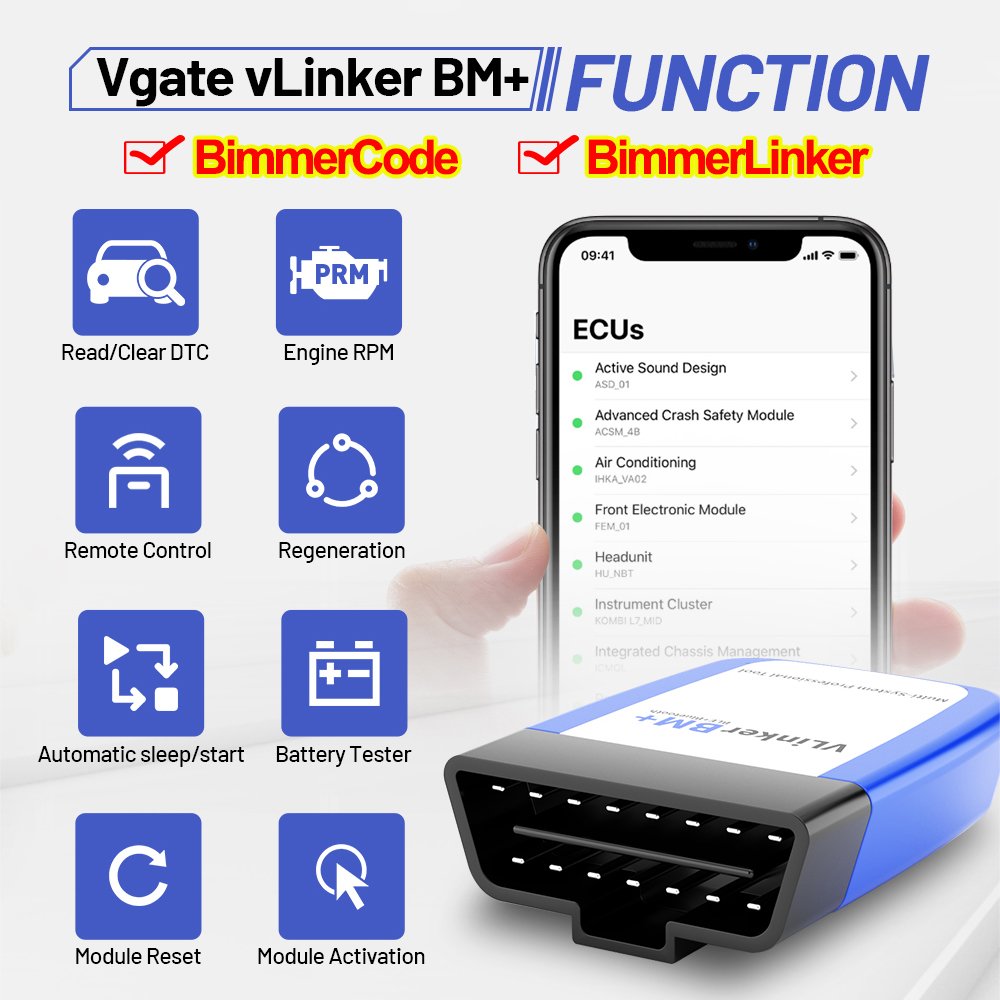
The adapter is especially suitable for BimmerCode and BimmerLink, allowing users to perform supported vehicle coding, system diagnostics, live-data monitoring and maintenance operations directly from a smartphone or tablet.
Compatibility and available functions depend on the vehicle model, production year, installed control units and application version.
Main Features
• Designed for BMW and MINI vehicles
• Supports selected Toyota Supra models
• Compatible with BimmerCode and BimmerLink
• Bluetooth connection for compatible iOS and Android devices
• Reads and clears supported diagnostic trouble codes
• Displays supported live vehicle data
• Allows coding and customization through BimmerCode
• Supports available BimmerLink service and diagnostic functions
• Compact design that plugs directly into the OBD2 port
• Stable communication suitable for coding operations
• Automatic sleep and wake-up operation
• Low power consumption
• Built-in circuit protection
• No separate battery or charging required
BimmerCode Functions
When used with the BimmerCode application, the adapter can customize supported electronic control units and activate available vehicle features.
Depending on the vehicle, possible coding options may include:
• Lighting behavior customization
• Automatic door locking settings
• Folding mirror options
• Digital speed display
• Warning and confirmation sound settings
• Start/stop memory settings
• iDrive display options
• Instrument-cluster customization
• Seat-belt warning configuration
• Comfort and convenience settings
• Additional model-specific options
The available coding functions depend on the vehicle equipment and installed control units. Some options may not be available on every model.
BimmerLink Functions
When used with the BimmerLink application, supported functions may include:
• Reading and clearing fault codes from supported control units
• Monitoring real-time sensor values
• Checking vehicle operating data
• Battery registration on supported BMW and MINI models
• Exhaust-flap control where supported
• Diesel particulate filter information and regeneration functions
• Service-related functions supported by the application
• Viewing additional diagnostic information
Functions vary according to the vehicle model, engine, equipment and BimmerLink version.
Supported Vehicles
Vgate vLinker BM Plus is intended for compatible:
• BMW vehicles
• MINI vehicles
• Selected Toyota Supra models
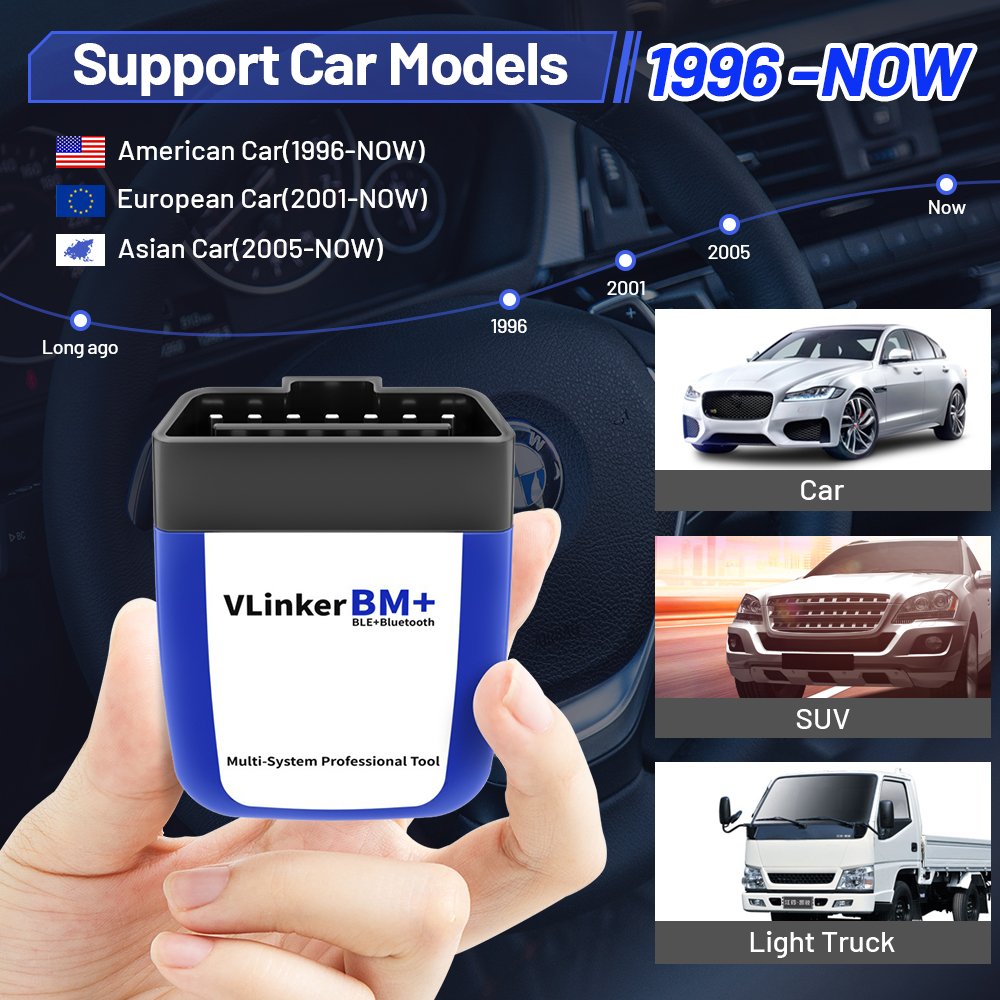
BimmerCode supports many BMW and MINI vehicles manufactured from approximately 2005 onward, but compatibility is not universal. Always check the exact vehicle and required adapter on the BimmerCode or BimmerLink compatibility list before purchasing.
Supported Mobile Devices
• Compatible iPhone and iPad devices
• Compatible Android smartphones and tablets
Bluetooth and operating-system requirements depend on the application and device version.
How to Use
- Install BimmerCode, BimmerLink or another compatible application.
- Insert the Vgate vLinker BM Plus into the vehicle’s OBD2 port.
- Switch on the vehicle ignition without starting the engine when coding.
- Enable Bluetooth on the smartphone or tablet.
- Open the application and select the correct adapter.
- Connect to the vehicle and follow the instructions displayed by the application.
Important Coding Instructions
Before starting a coding operation:
• Confirm that the vehicle and control unit are supported
• Make sure the vehicle battery is sufficiently charged
• Use a battery support unit when performing long operations
• Keep the smartphone or tablet adequately charged
• Do not switch off the ignition during coding
• Do not disconnect the adapter while data is being written
• Close other applications that may connect to the adapter
• Create and retain application backups whenever available
Interrupting communication or losing vehicle power during coding may cause errors in the selected control unit.
Important Notice
This product includes the Vgate vLinker BM Plus adapter only. BimmerCode, BimmerLink and other third-party applications are not included. Premium application licenses must be purchased separately from their respective stores.
The adapter does not automatically provide every advertised application function. Available features are determined by the selected application, vehicle model, production year, equipment and installed control units.
Package Includes
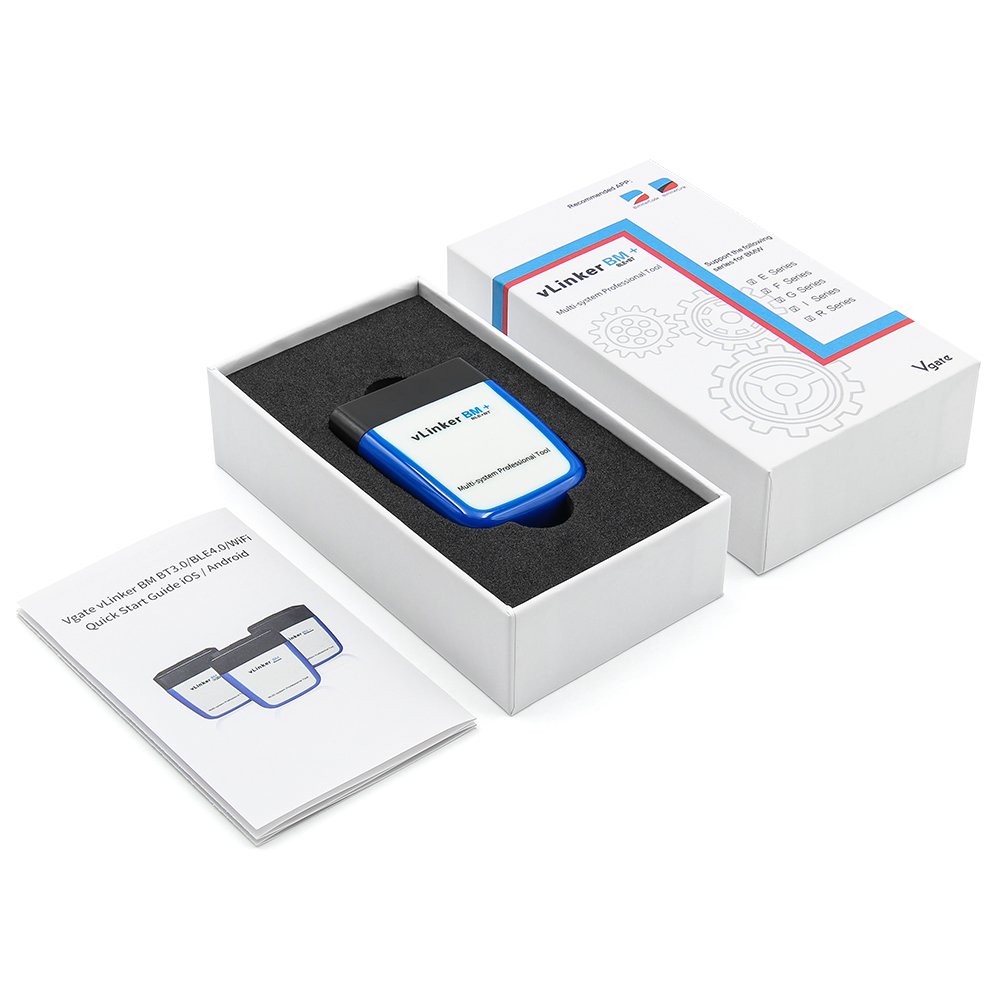
• 1 × Vgate vLinker BM Plus Bluetooth OBD2 adapter
• 1 × User information guide, where supplied


Reviews
There are no reviews yet.