
FLY FVDI 2014 Commander
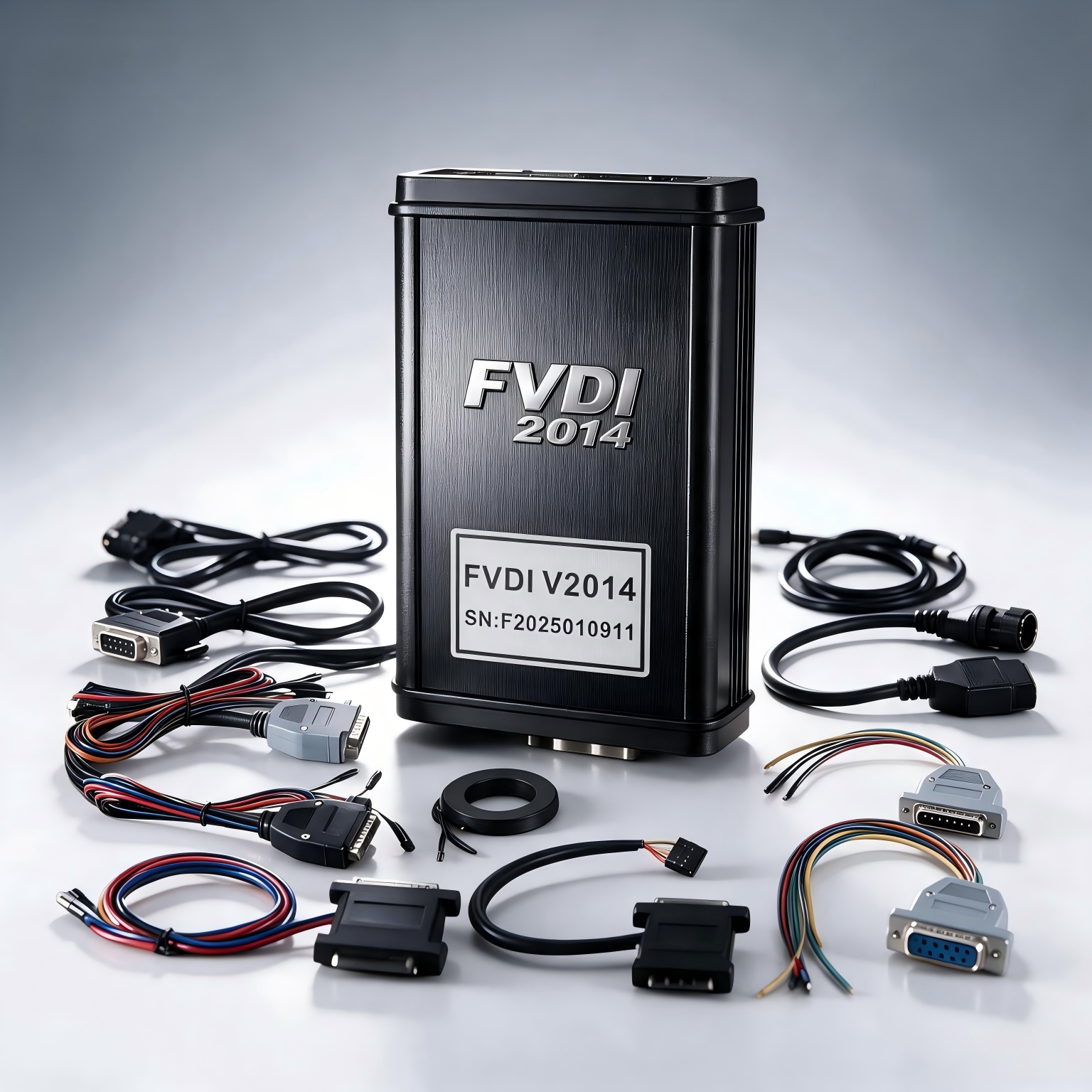
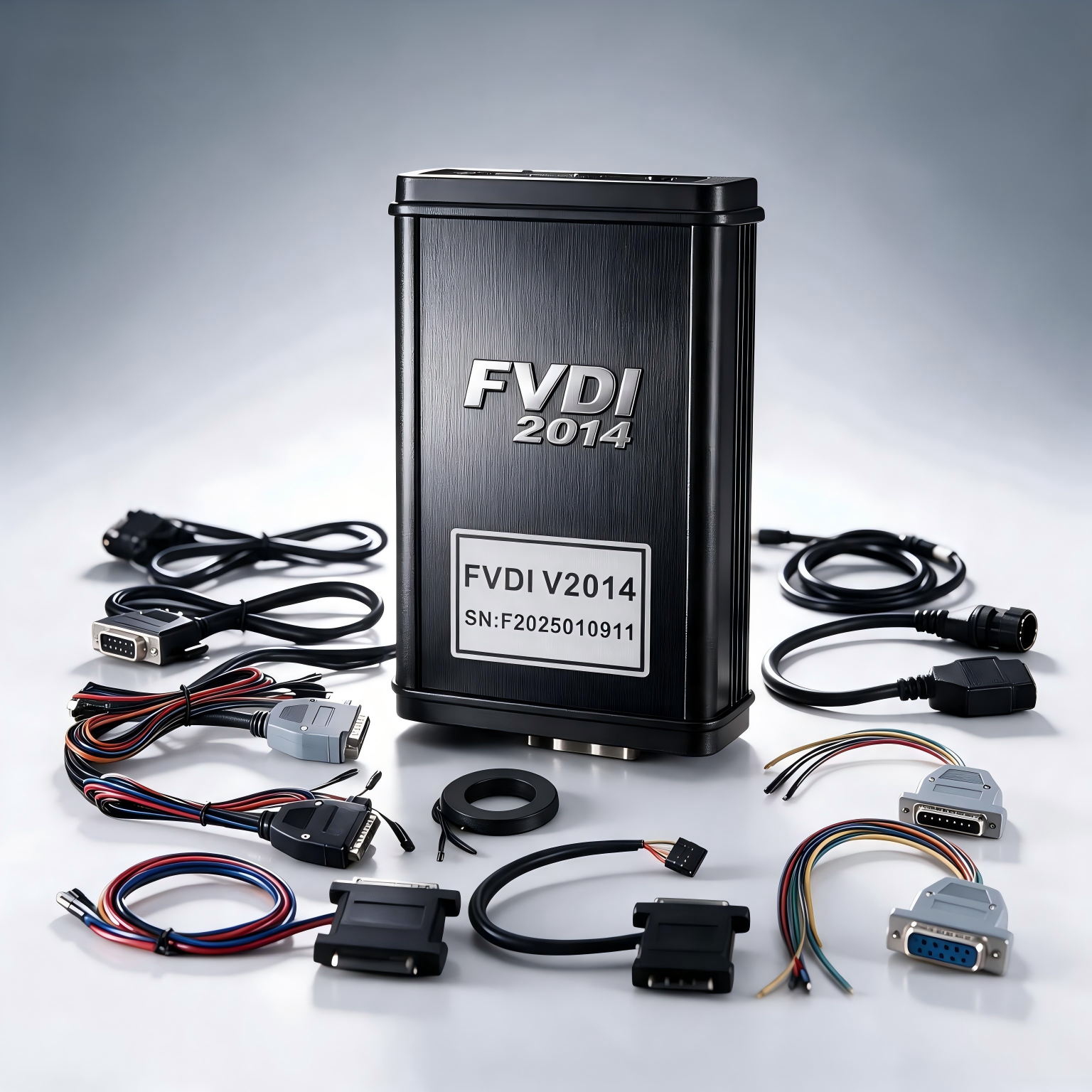
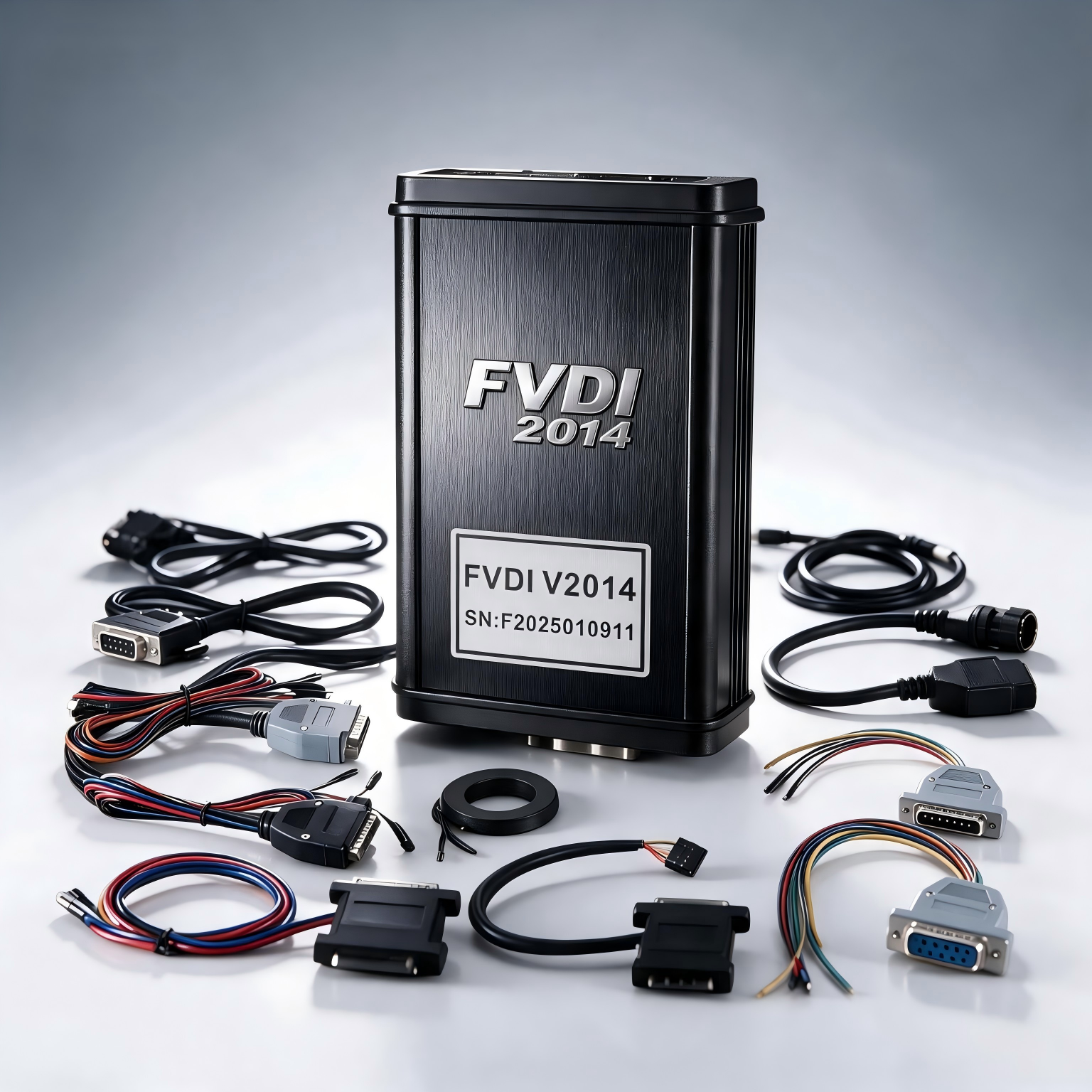
The FVDI 2014 Commander is a legacy multi-brand automotive diagnostic and programming interface designed for selected passenger cars, commercial vehicles, motorcycles, snowmobiles and personal watercraft.
It combines multiple software applications in one package and supports various diagnostic, immobilizer, key-programming, coding, EEPROM, ECU and service operations. Available functions depend on the selected vehicle, control unit and software version.
The supplied 2014 software package is designed for offline operation. Because this is an older-generation tool, customers should confirm vehicle and computer compatibility before purchasing.
Main Functions
Depending on the vehicle and control unit, supported operations may include:
- Vehicle-system diagnostics
- Reading and clearing supported fault codes
- Reading identification information
- Reading supported security PIN codes
- Key and immobilizer programming
- Preparation of supported dealer keys
- ECU and EEPROM reading or programming
- Supported coding and adaptation functions
- Short and long coding calculations
- Reading or programming supported flash memory
- Clearing supported crash-data faults
- Electronic steering-lock adaptation
- KESSY and ELV synchronization
- Supported instrument-cluster servicing
- Supported service and configuration operations
Important: Not every function is available for every vehicle. Coverage depends on the brand, model, production year, ECU type and installed software version.
Included Software Applications
The package is supplied with 18 legacy software applications:
- Volkswagen, Audi, SEAT and Škoda – Version 21.0
- Mercedes-Benz, Smart and Maybach – Version 6.4
- BMW – Version 10.3
- Porsche – Version 4.1
- Opel and Vauxhall – Version 6.2
- Peugeot and Citroën – Version 6.3
- Fiat, Alfa Romeo and Lancia – Version 5.4
- Renault – Version 5.4
- Toyota and Lexus – Version 6.0
- Hyundai and Kia – Version 2.1
- Nissan and Infiniti – Version 4.3
- Ford – Version 4.9
- Chrysler, Dodge and Jeep – Version 3.1
- Volvo – Version 4.3
- Mitsubishi – Version 2.1
- DAF – Version 1.0
- Motorcycles, snowmobiles and personal watercraft – Version 1.2
- TAG Key Tool – Version 6.0
Supported Vehicle Brands
The available software provides coverage for selected models from:
- Volkswagen
- Audi
- SEAT
- Škoda
- Mercedes-Benz
- Smart
- Maybach
- BMW
- Porsche
- Opel
- Vauxhall
- Peugeot
- Citroën
- Fiat
- Alfa Romeo
- Lancia
- Renault
- Toyota
- Lexus
- Hyundai
- Kia
- Nissan
- Infiniti
- Ford
- Chrysler
- Dodge
- Jeep
- Volvo
- Mitsubishi
- DAF
It also includes software intended for selected motorcycles, snowmobiles and personal watercraft.
Supported Languages
Language availability differs between individual applications.
Depending on the selected brand software, available languages may include:
- English
- German
- French
- Spanish
- Italian
- Russian
- Portuguese
- Romanian
- Bulgarian
- Czech
- Danish
- Dutch
- Finnish
- Greek
- Hungarian
- Japanese
- Korean
- Norwegian
- Polish
- Slovenian
- Swedish
- Thai
- Turkish
- Simplified Chinese
- Traditional Chinese
Some applications, including certain BMW, Renault, Toyota, Lexus, Nissan and key-tool versions, may be available only in English.
Computer Requirements
The legacy software was originally designed for the following Windows editions:
- Windows XP Professional SP2, 32-bit or 64-bit
- Windows XP Professional SP3, 32-bit or 64-bit
- Windows 7 Ultimate, 32-bit or 64-bit
- Some packages may operate on Windows 10 Professional 64-bit
For maximum compatibility, a dedicated Windows 7 computer is recommended. Operation on modern Windows releases is not guaranteed.
Important Installation Information
- Install and run the software using an administrator account.
- Use only trusted installation files supplied with the purchased unit.
- Scan all files before installation.
- Add only verified files to security exclusions when absolutely necessary.
- Do not permanently disable Windows security or firewall protection.
- Virtual machines such as VMware are not officially supported by this package.
- Avoid connecting the interface to the internet during legacy software operation unless required by trusted support instructions.
- Do not update the interface firmware using files intended for another hardware version.
Professional Use
This device is intended for experienced automotive technicians and locksmith professionals. Incorrect coding, programming or memory modification can prevent a vehicle or control unit from operating.
Always:
- Maintain stable vehicle voltage during programming.
- Create and safely store original backups before writing data.
- Confirm the correct ECU, memory type and procedure.
- Use key-programming functions only on vehicles you own or are authorized to service.
- Use instrument-cluster functions only for lawful repair, replacement or documented data restoration.
- Never disconnect the interface during an active programming operation.
Compatibility Notice
FVDI 2014 is a legacy product and should not be considered a replacement for current factory diagnostic platforms. It may not support newer vehicles, secure gateways, CAN FD, DoIP or modern online functions.
Vehicle coverage and successful operation cannot be determined by brand name alone. Please provide the vehicle brand, model, production year and required function before purchase so compatibility can be checked.
Package Contents
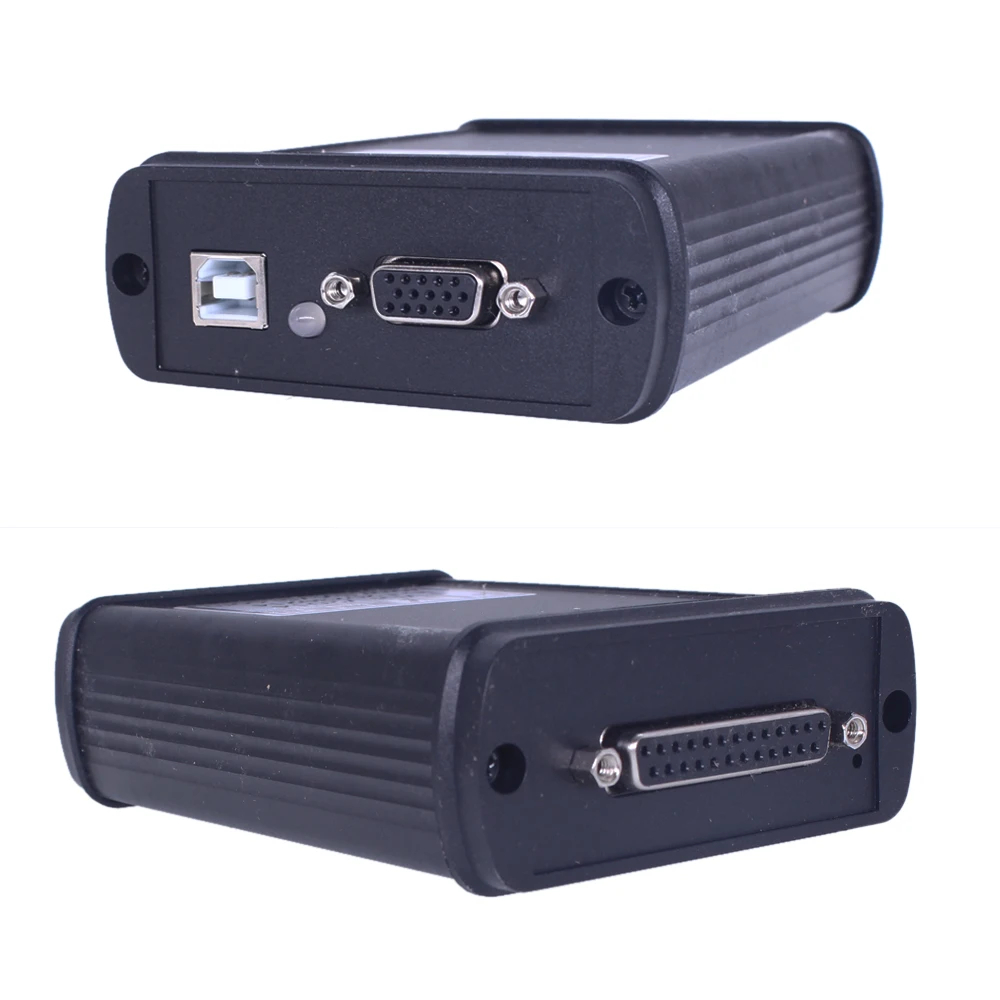
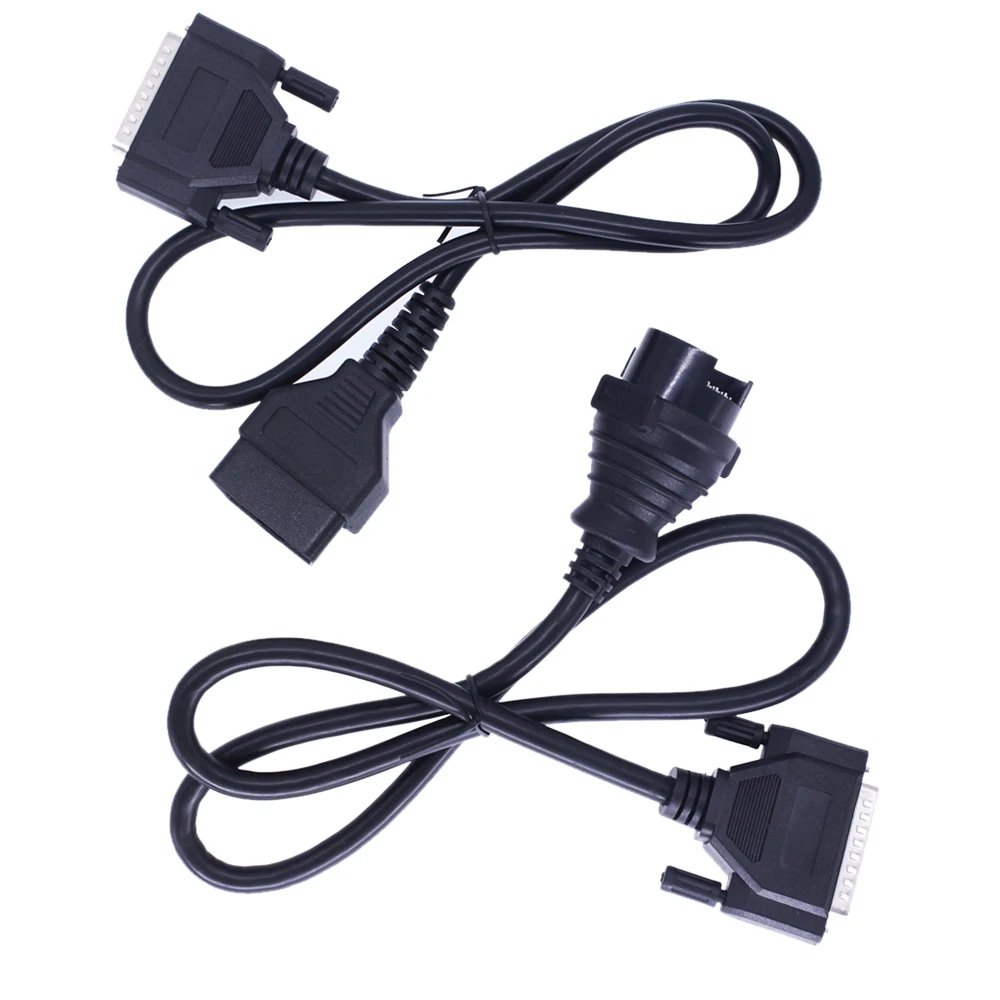
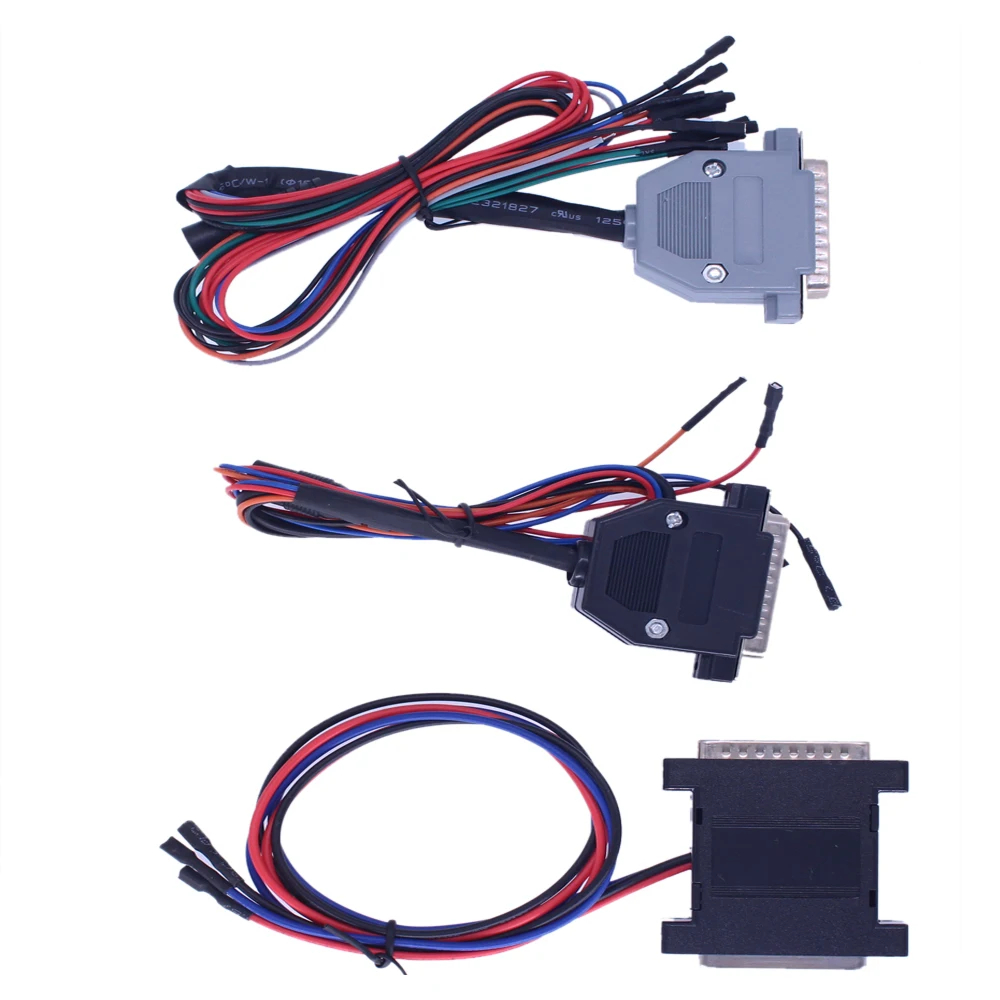
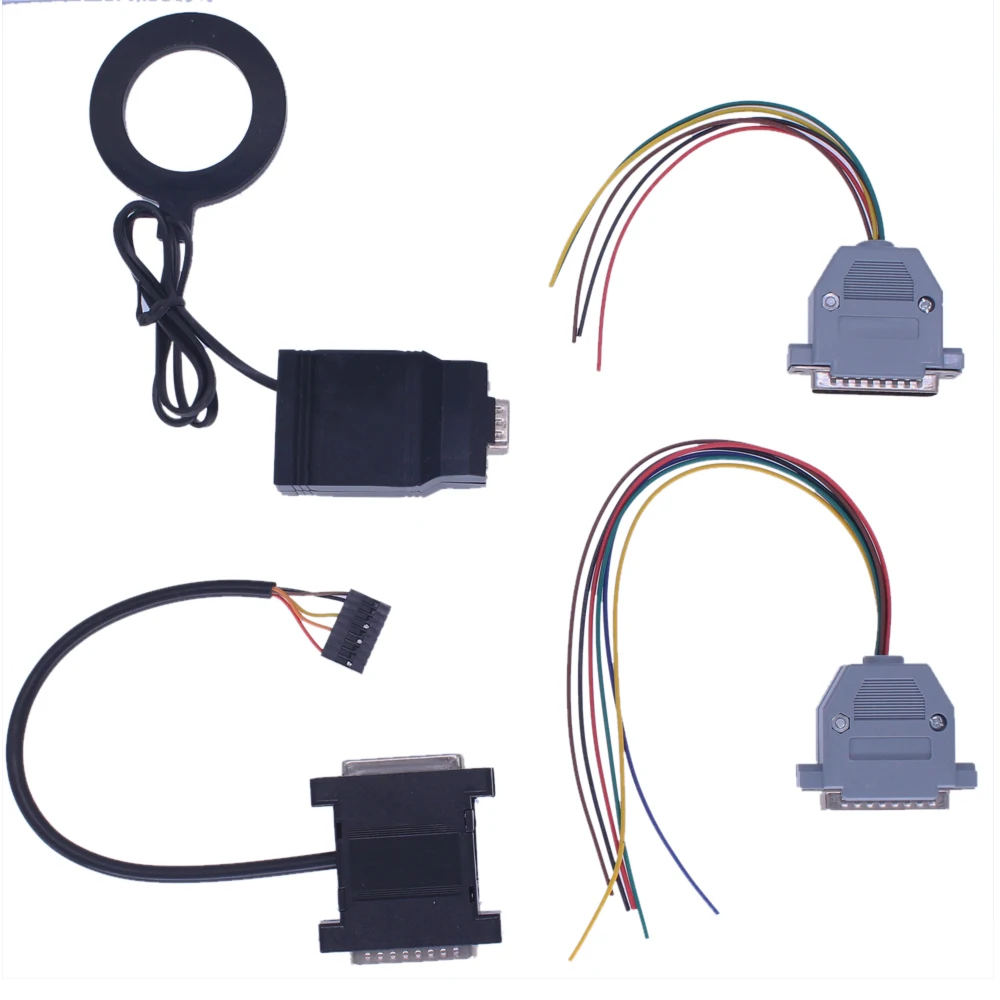
Package contents may vary according to the selected set and supplier. Confirm the included interface, cables, adapters and installation media before ordering.


Reviews
There are no reviews yet.