
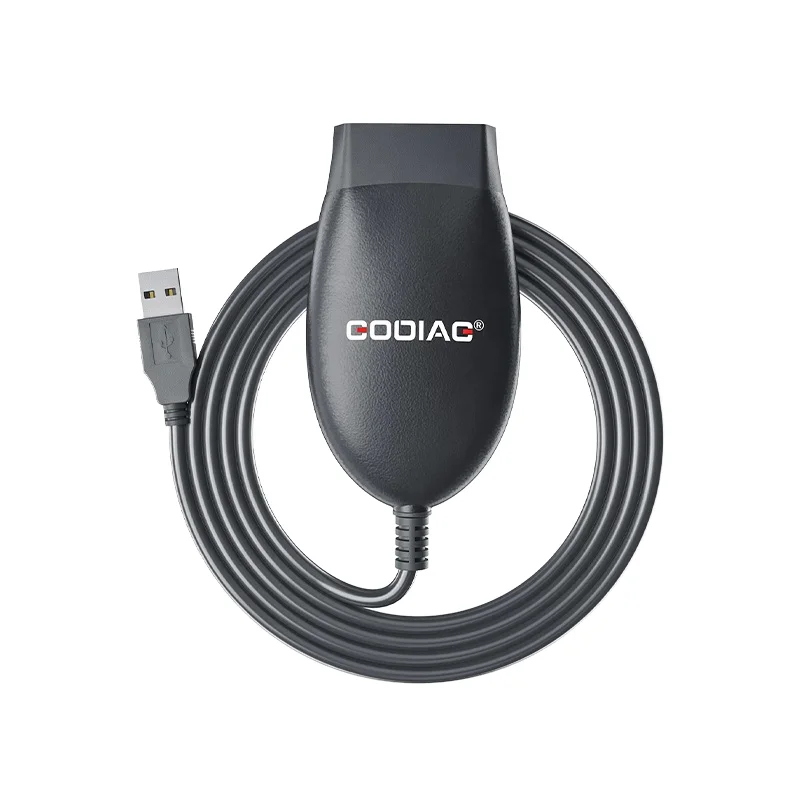
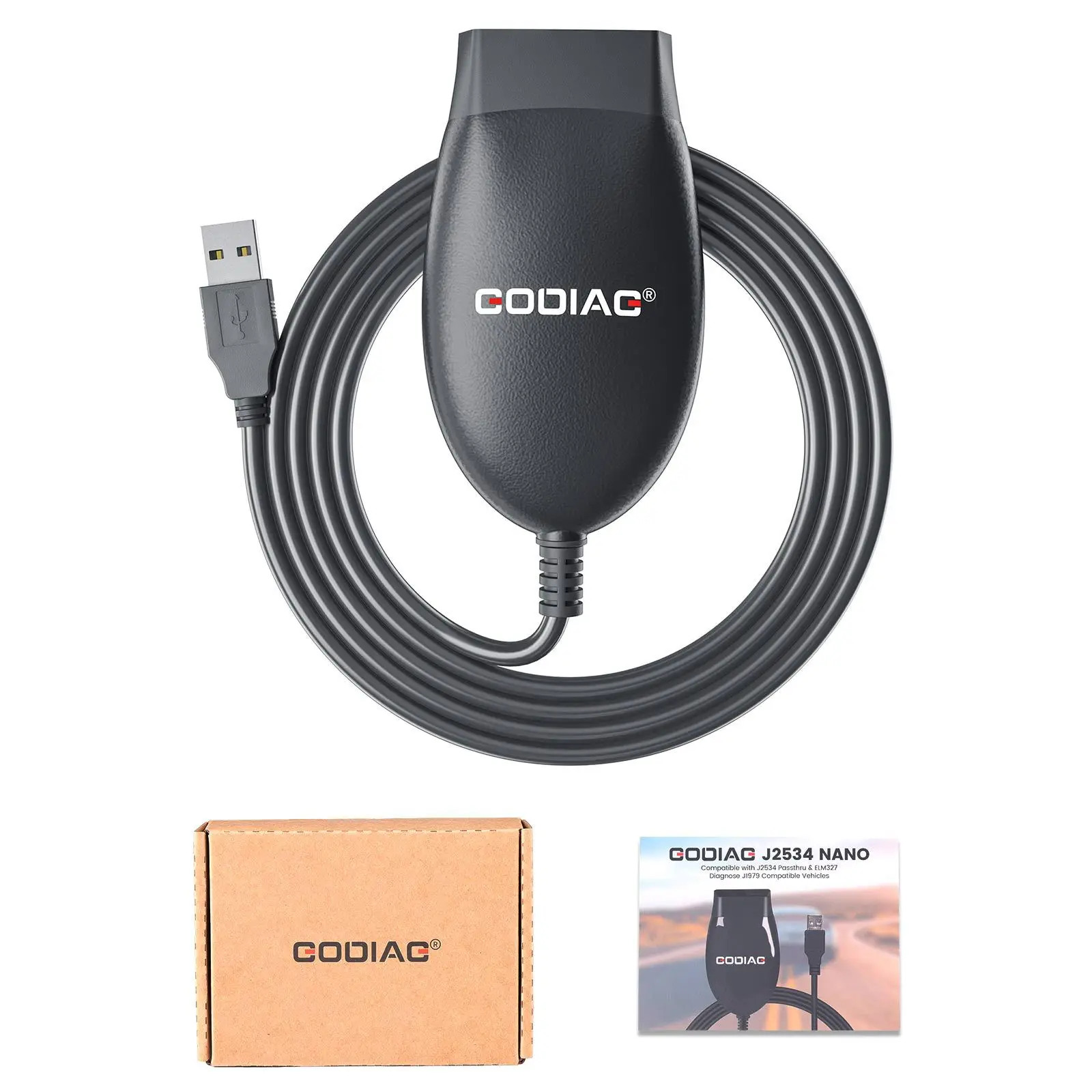
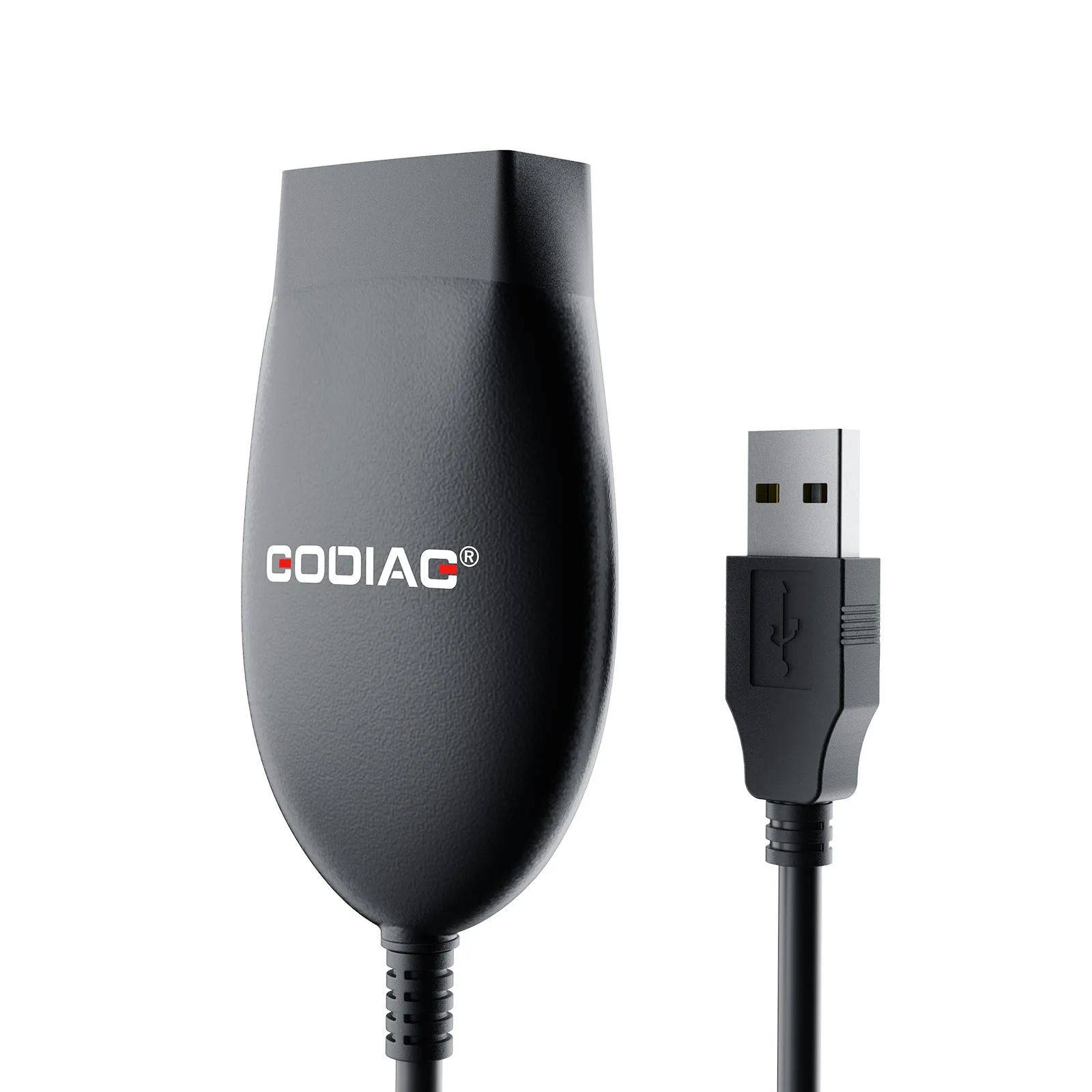
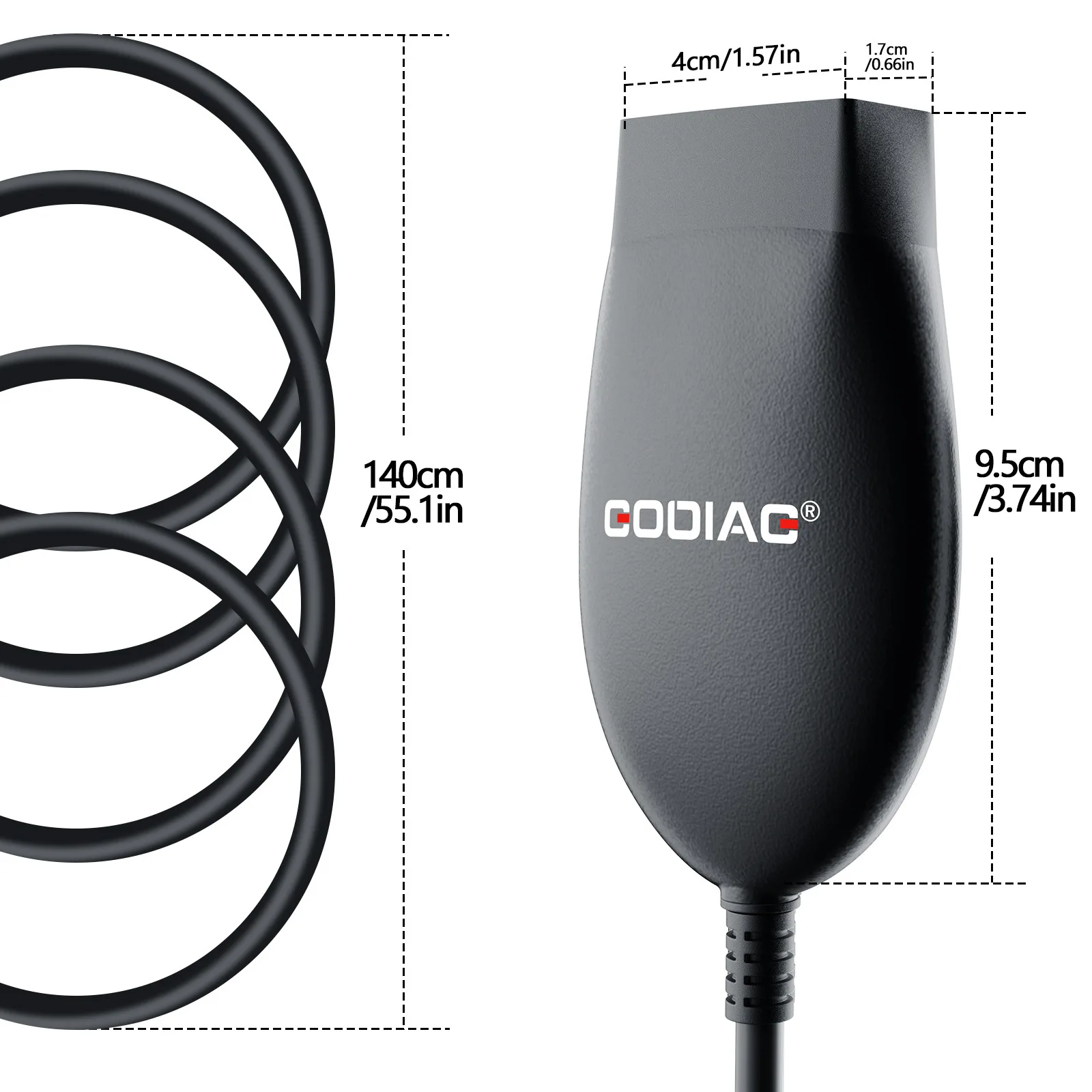
GODIAG GD101 J2534 Nano OBD2 Diagnostic Cable
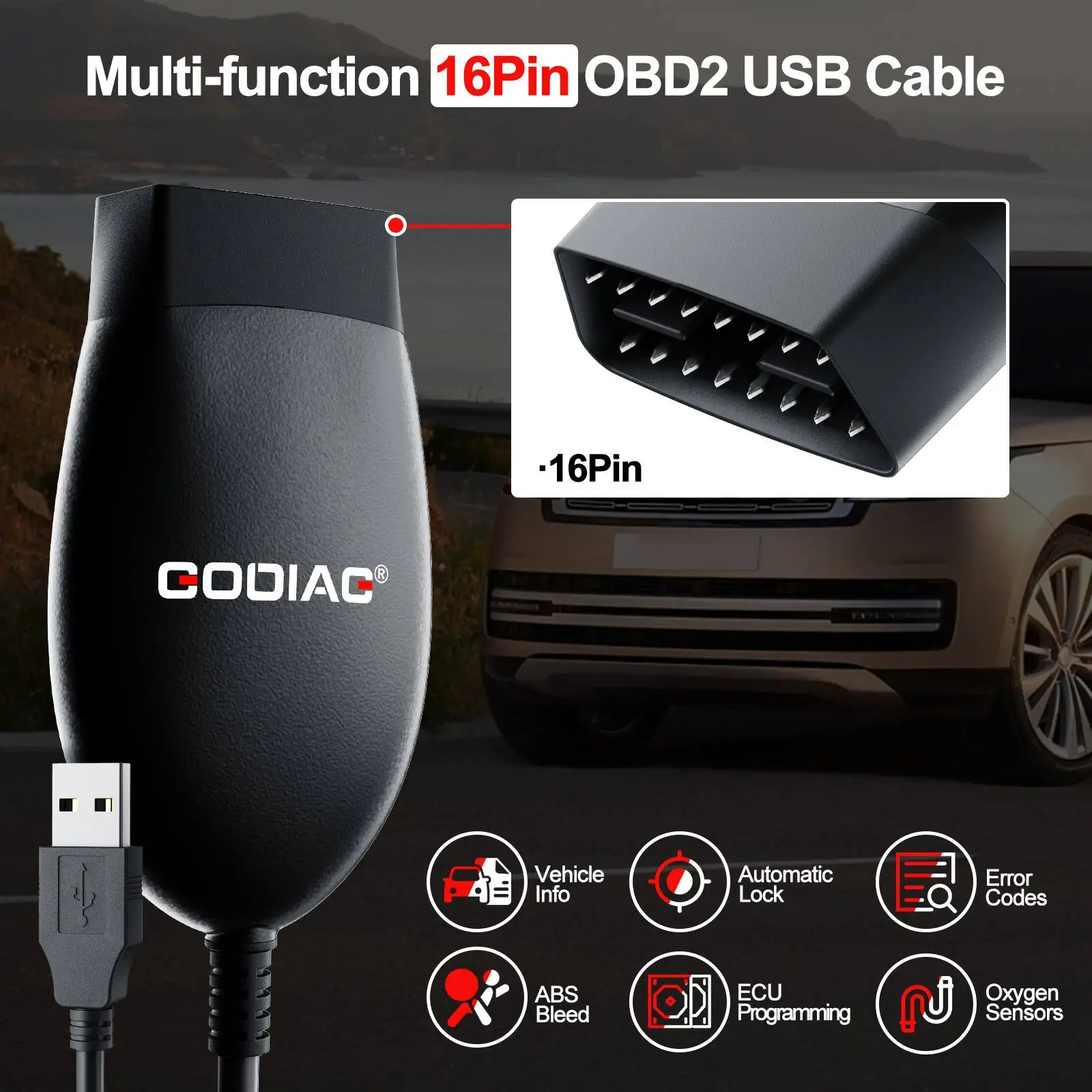
The GODIAG GD101 J2534 Cable is a compact USB diagnostic interface designed for compatible J2534 PassThru, ELM327 and SAE J1979 applications. It connects a vehicle’s OBD2 port to a Windows computer for generic diagnostics and supported manufacturer-specific service, configuration and programming procedures.
The integrated display provides convenient connection or operating information, while the wired USB connection offers stable communication without the wireless interference associated with Bluetooth or Wi-Fi adapters.
Main Features
- Supports J2534 PassThru applications
- Compatible with many ELM327-based programs
- Supports SAE J1979 generic OBD2 diagnostics
- Reads and clears generic engine fault codes
- Displays live engine and emission data
- Reads freeze-frame information
- Displays vehicle and ECU information when available
- Supports compatible oxygen-sensor and readiness-monitor data
- Automatic switching between supported operating modes
- Stable USB 2.0 connection
- Integrated LCD information display
- Compact OBD2 cable design
- Designed for compatible Windows computers
- Supports selected diagnostic, configuration and programming software
Three Operating Applications
J1979 OBD2 Diagnostics
With compatible software, the GD101 can perform standard emission-related OBD2 functions such as:
- Reading and clearing engine DTCs
- Viewing live sensor data
- Reading freeze-frame information
- Displaying vehicle information
- Checking emissions readiness monitors
- Viewing supported oxygen-sensor data
- Checking generic OBD2 system status
Available functions depend on the vehicle and the software being used.
ELM327 Software Compatibility
The interface supports many ELM327-based Windows applications. This allows it to be used for generic vehicle diagnostics and selected manufacturer-specific functions when supported by the software.
Possible compatible applications may include:
- FORScan
- ELMConfig
- ScanMaster
- Other compatible ELM327 applications
Software compatibility must be confirmed before purchase.
J2534 PassThru Mode
The J2534 mode allows the GD101 to communicate with selected manufacturer diagnostic and programming software. Depending on the vehicle, driver and software version, supported applications may include software for Ford, Honda, Toyota, Renault, Mitsubishi, Volkswagen Group, Jaguar and Land Rover vehicles.
J2534 compatibility does not guarantee that every function, protocol, vehicle or software version will be supported.
Supported Communication
The GD101 supports selected automotive communication protocols, including:
- ISO 11898-2 High-Speed CAN
- J1850 PWM
- J1850 VPW
- Standard J1979 OBD2 communication
- Selected protocols available through compatible J2534 software
High-Speed CAN communication uses OBD2 pins 6 and 14.
Stable Wired USB Connection
The USB connection provides consistent communication between the interface and computer. It avoids wireless pairing problems and helps reduce the risk of communication interruption during compatible diagnostic operations.
For programming procedures, always use a reliable USB port and keep the computer connected to a stable power source.
Compatible Computer Systems
The GD101 is intended for use with compatible versions of:
- Windows 8
- Windows 10
- Windows 11
- 32-bit and 64-bit systems, depending on driver availability
Install the correct GODIAG driver before opening the diagnostic software. Compatibility with Windows 7, Windows XP, virtual machines or ARM-based Windows computers is not guaranteed.
Basic Connection Procedure
- Install the appropriate GODIAG driver.
- Install and configure the required diagnostic software.
- Connect the GD101 to the vehicle’s OBD2 port.
- Connect the USB cable to the Windows computer.
- Turn the vehicle ignition to the ON position.
- Select the appropriate J2534 or ELM327 interface inside the software.
- Follow the software instructions to begin diagnosis.
Important Programming Safety
When performing ECU programming or software updates:
- Use a professional regulated vehicle power supply.
- Maintain stable vehicle voltage throughout the procedure.
- Connect the laptop to AC power.
- Disable sleep and automatic shutdown settings.
- Do not disconnect the USB or OBD2 cable.
- Confirm that the vehicle, ECU and software are supported.
- Follow the official manufacturer procedure.
Interrupted communication or unstable voltage can damage an ECU.
Important Notes
- Diagnostic and programming software is normally not included unless clearly stated by the seller.
- Software subscriptions, accounts and licenses may need to be purchased separately.
- Not every J2534 program supports third-party interfaces.
- Advanced functions depend on the vehicle, ECU, software version and installed driver.
- Generic J1979 diagnosis mainly covers emission-related engine functions.
- ABS, airbag, transmission and body-system access requires compatible manufacturer-specific software.
- The device does not independently perform diagnosis; a compatible Windows program is required.
- It does not support every vehicle or every ECU programming protocol.
- Confirm compatibility before ordering or beginning a programming procedure.

Reviews
There are no reviews yet.