
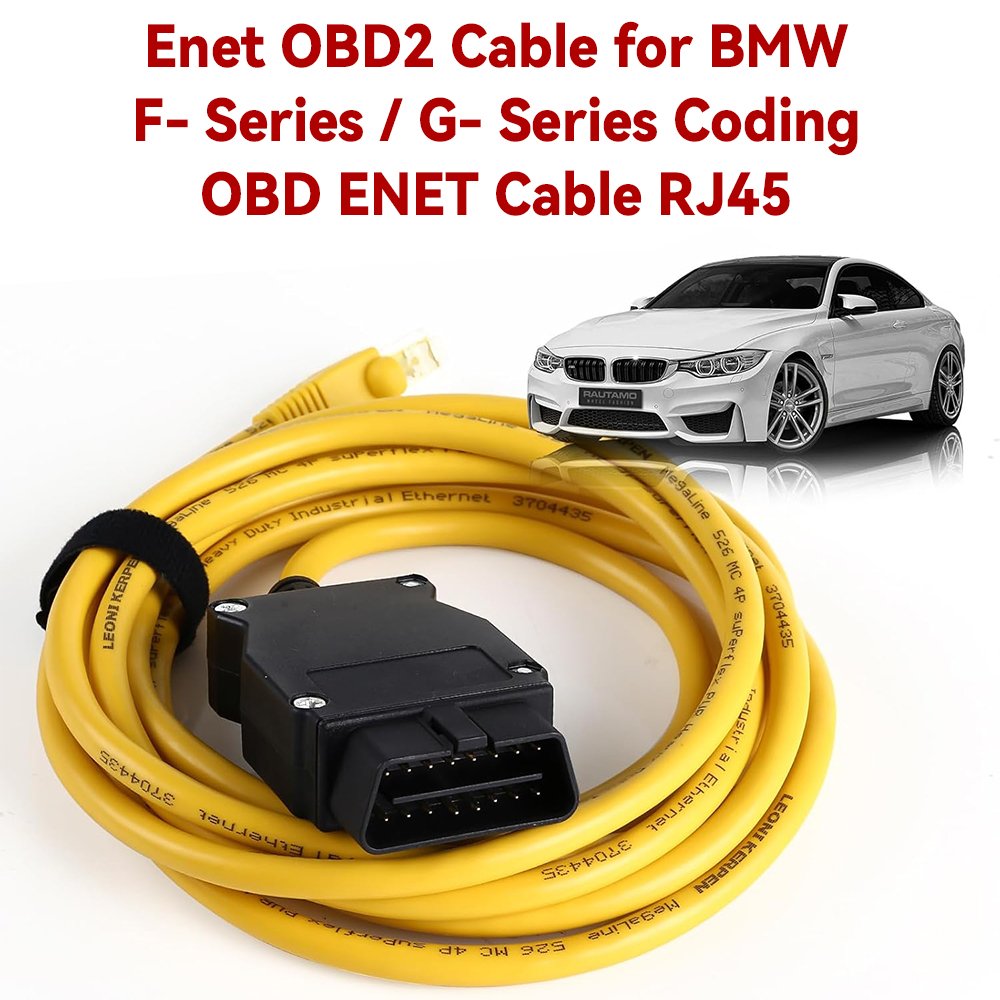
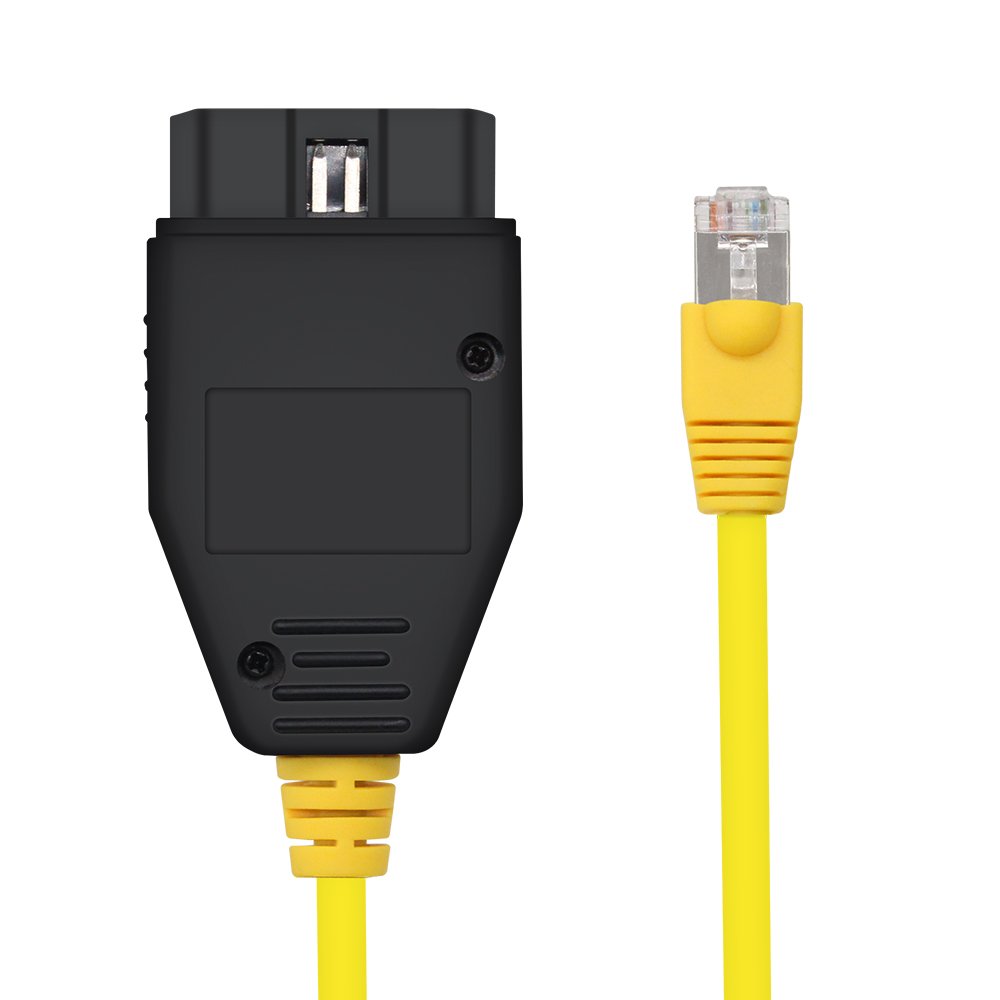
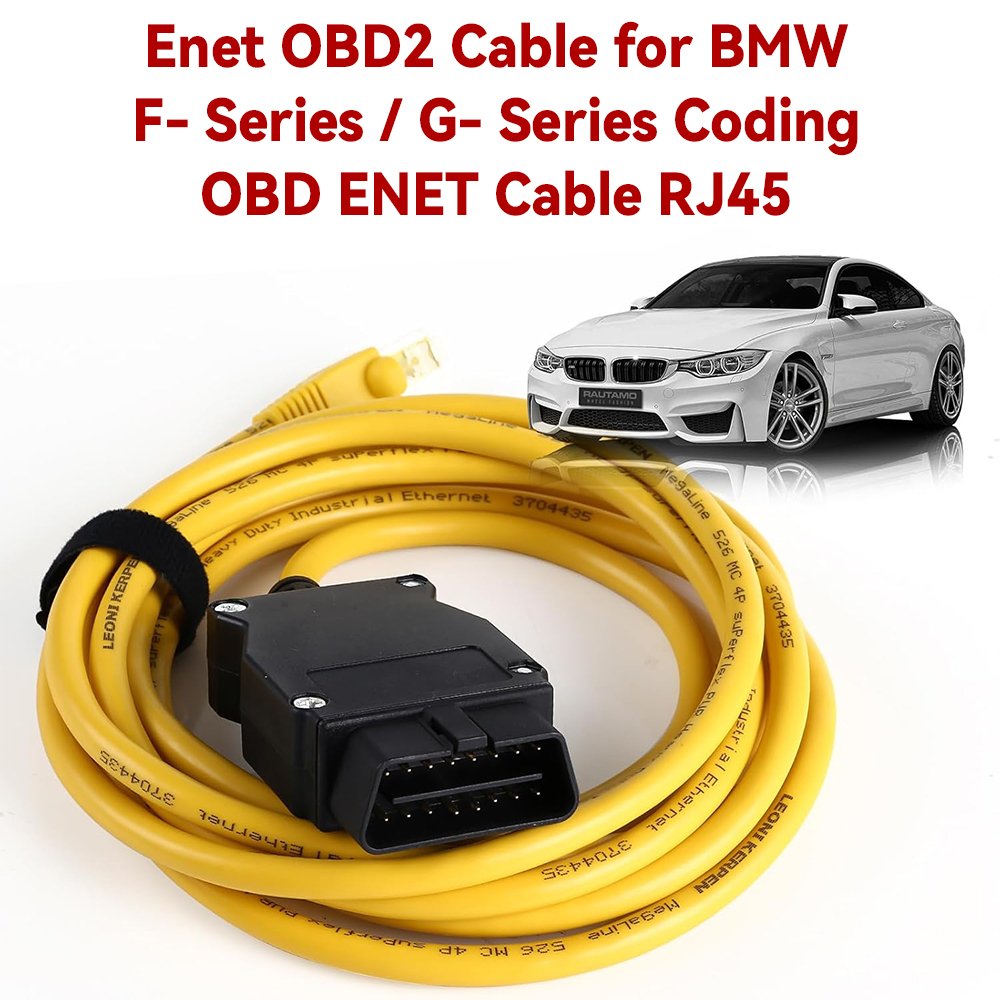
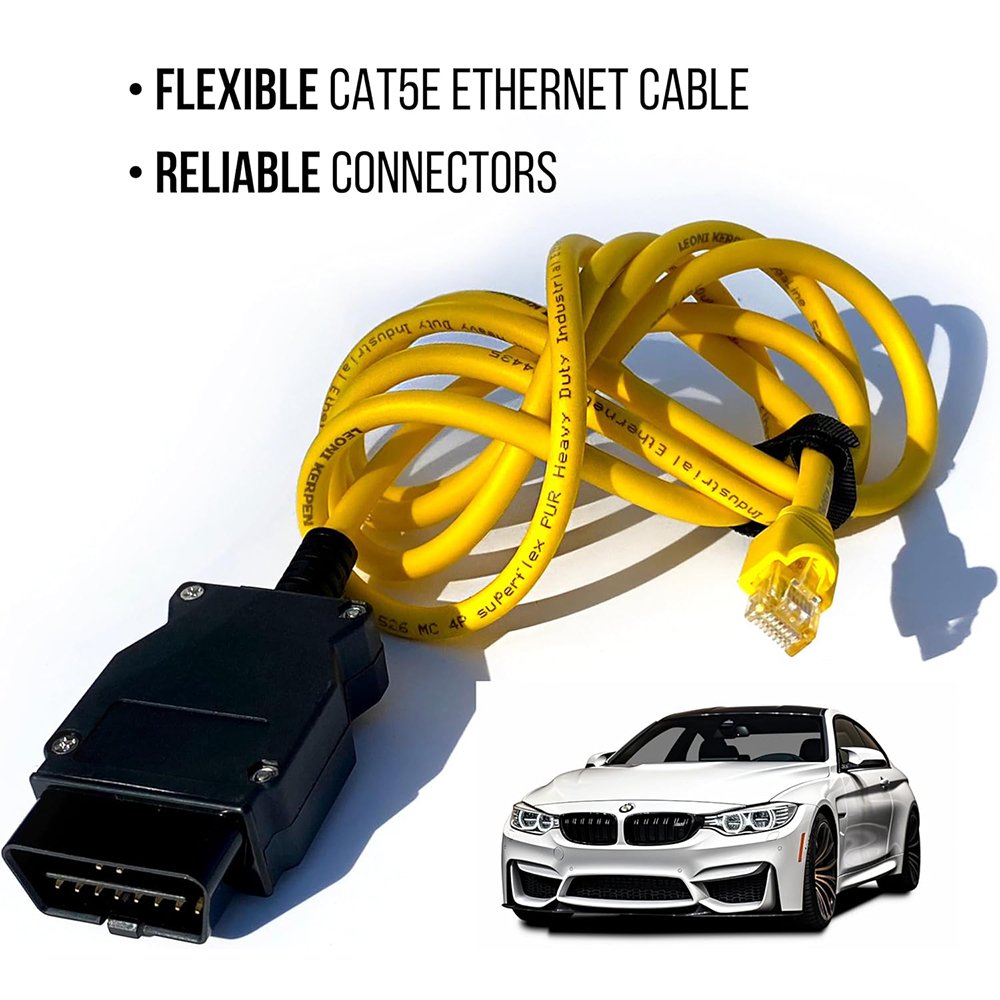
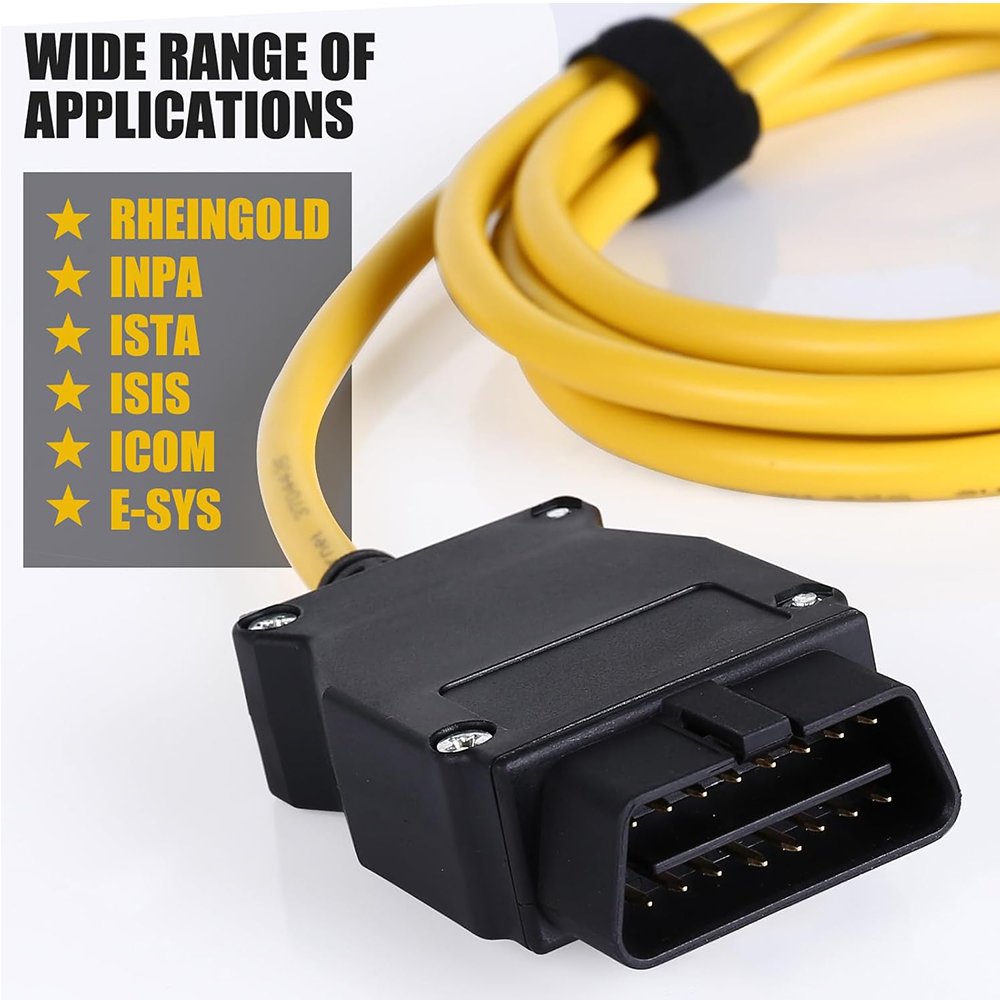
BMW ENET OBD2 Ethernet Diagnostic Cable
The BMW ENET Cable is an OBD2-to-Ethernet diagnostic interface designed for compatible BMW vehicles that support diagnostic communication over Ethernet.
It connects the vehicle’s OBD2 diagnostic port directly to the RJ45 Ethernet port of a Windows laptop, providing a fast and stable connection for diagnostics, coding and vehicle configuration with compatible BMW software.
Main Features
• OBD2 to RJ45 Ethernet connection
• Fast Ethernet diagnostic communication
• Designed primarily for BMW F-Series vehicles
• Supports selected BMW G-Series and I-Series vehicles
• Suitable for diagnostics, coding and module configuration
• No separate power supply required
• Receives power and communication directly through the vehicle
• Faster communication than traditional K+DCAN cables on supported vehicles
• Durable cable suitable for workshop and personal use
Compatible Software
Depending on the vehicle and software configuration, the cable may be used with:
• BMW ISTA-D / ISTA+
• BMW E-Sys
• EDIABAS
• Tool32 with a compatible ENET configuration
• BMW coding and flashing applications that support ENET
• Other compatible BMW Ethernet diagnostic software
Software, data files and activation are not included unless explicitly stated in the selected package.
Supported Functions
Available functions depend on the vehicle, installed software and user permissions. They may include:
• Vehicle identification
• Complete vehicle scanning
• Reading and clearing fault codes
• Viewing live data
• Checking control-module information
• Running supported diagnostic tests
• Vehicle coding
• Module configuration
• Activating or deactivating supported vehicle options
• Service and maintenance functions supported by the software
• Programming or flashing supported modules with appropriate software and professional knowledge
Vehicle Compatibility
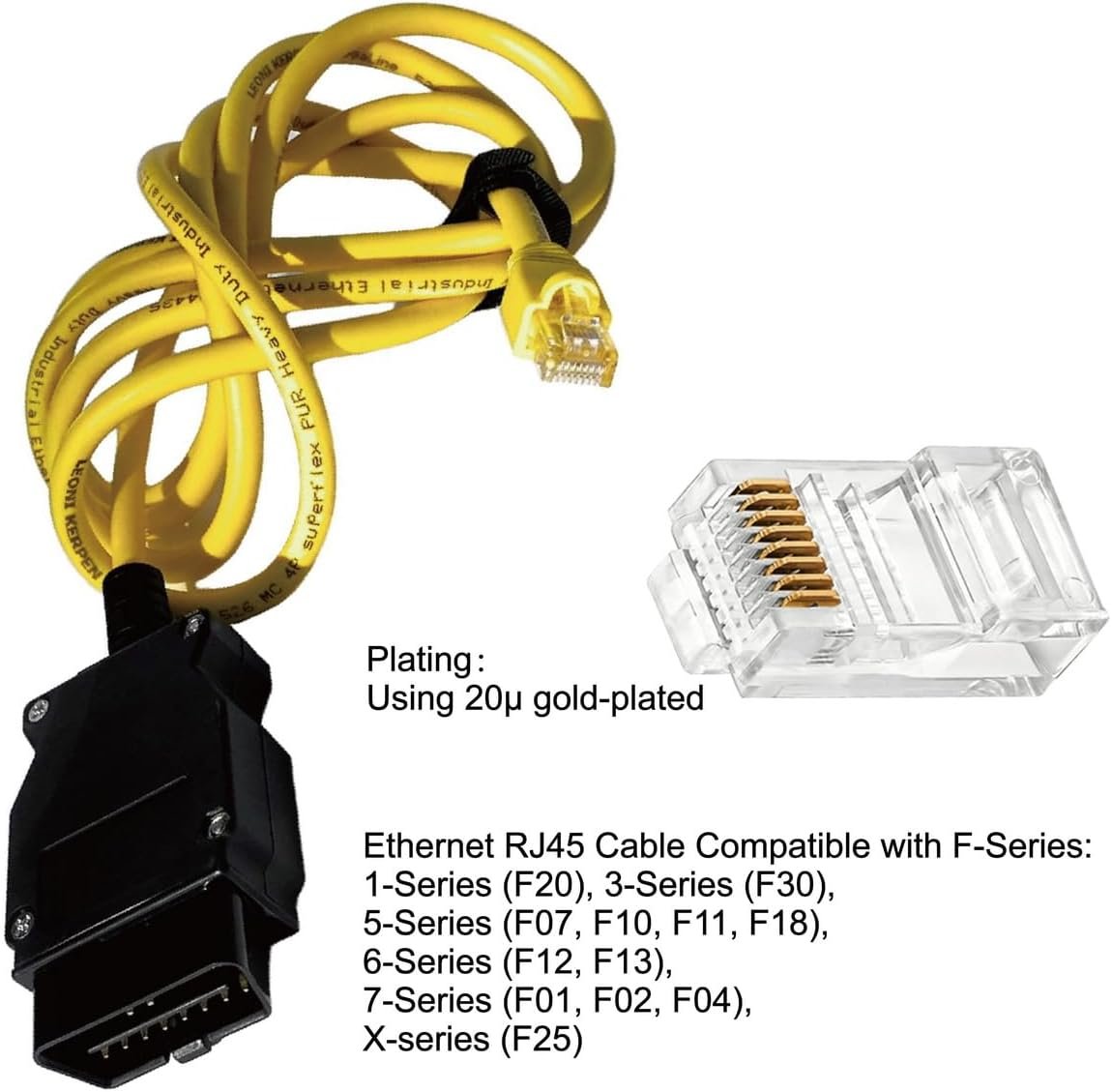
The BMW ENET Cable is primarily designed for BMW vehicles equipped with Ethernet-based diagnostic communication.
Commonly supported platforms include:
• BMW F-Series
• Selected BMW G-Series
• BMW I-Series
• Selected MINI F-Series
• Selected Rolls-Royce models based on compatible BMW platforms
Examples may include compatible versions of:
• BMW 1 Series F20 and F21
• BMW 2 Series F22, F23, F45 and F46
• BMW 3 Series F30, F31, F34 and F35
• BMW 4 Series F32, F33 and F36
• BMW 5 Series F10, F11 and F07
• BMW 6 Series F06, F12 and F13
• BMW 7 Series F01, F02 and selected G-Series models
• BMW X1 F48
• BMW X3 F25 and selected G-Series models
• BMW X4 F26 and selected G-Series models
• BMW X5 F15 and selected G-Series models
• BMW X6 F16 and selected G-Series models
• BMW i3 and i8
• Compatible MINI F-Series vehicles
Compatibility must be confirmed using the exact chassis, production year and diagnostic software. Not every model or control module supports communication through an ENET cable.
How to Connect
- Install and configure the required BMW diagnostic or coding software.
- Connect the RJ45 plug to the laptop’s Ethernet port.
- Connect the OBD2 plug to the vehicle’s diagnostic port.
- Switch the vehicle ignition on.
- Allow the computer to obtain the vehicle network address automatically.
- Open the selected BMW diagnostic or coding software.
- Select the ENET connection method and identify the vehicle.
A USB-to-Ethernet adapter may be required if the laptop does not have an RJ45 Ethernet port.
ENET Cable vs BMW ICOM
The ENET cable provides direct Ethernet communication with compatible BMW vehicles and is suitable for many diagnostic and coding operations.
However, it is not a complete replacement for BMW ICOM. An ICOM interface may be required for:
• Older BMW E-Series vehicles
• MOST optical-network communication
• Certain advanced programming operations
• Vehicles or modules that do not support ENET communication
• Professional workshop functions requiring an official BMW interface
Important Notes
• This cable does not contain an ICOM interface.
• It is not intended for most BMW E-Series vehicles.
• Older E-Series vehicles generally require a K+DCAN cable or BMW ICOM interface.
• Compatibility varies by chassis, production year, software version and control module.
• Incorrect coding or interrupted programming may damage a control module.
• Always back up the original coding before making changes.
• Use a regulated battery support unit during coding or programming.
• Disable WiFi temporarily if it interferes with the laptop’s Ethernet connection.
• Programming should only be performed by experienced users.
Package Includes
• 1 × BMW ENET OBD2-to-RJ45 Ethernet Diagnostic Cable

Reviews
There are no reviews yet.