
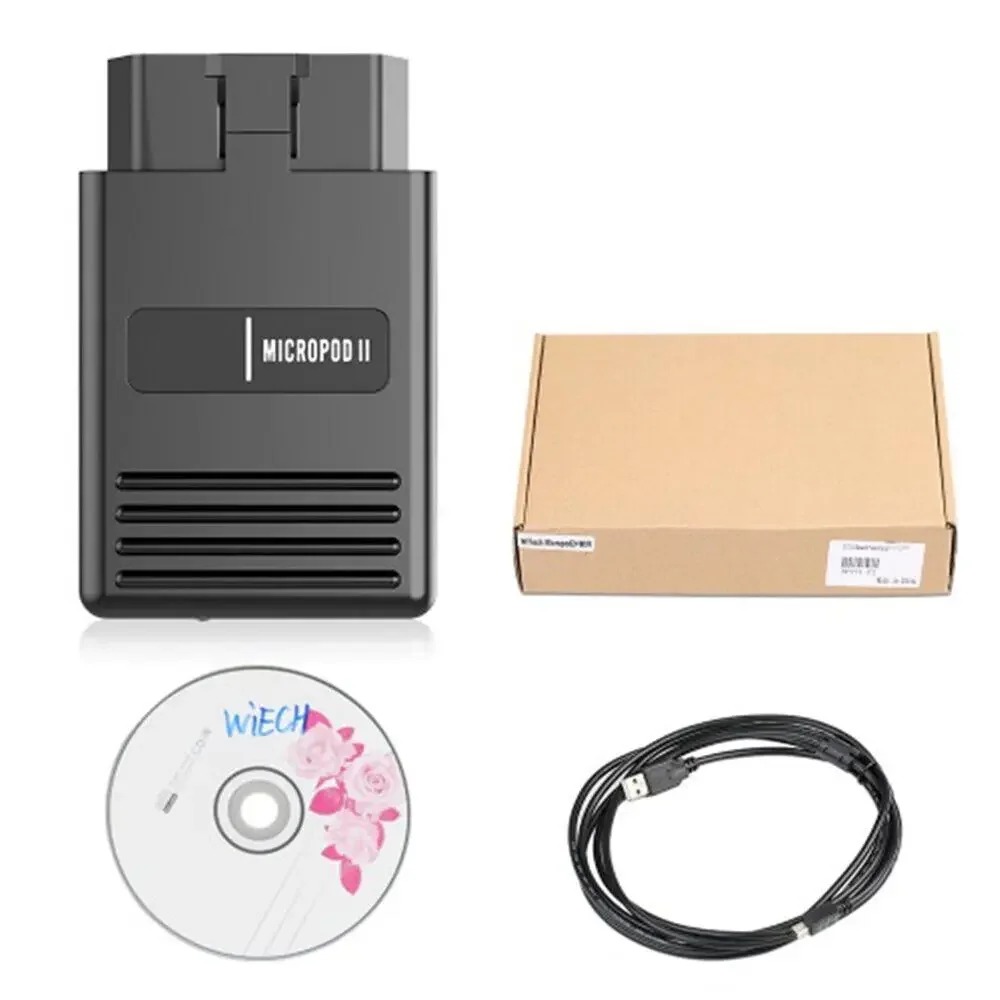
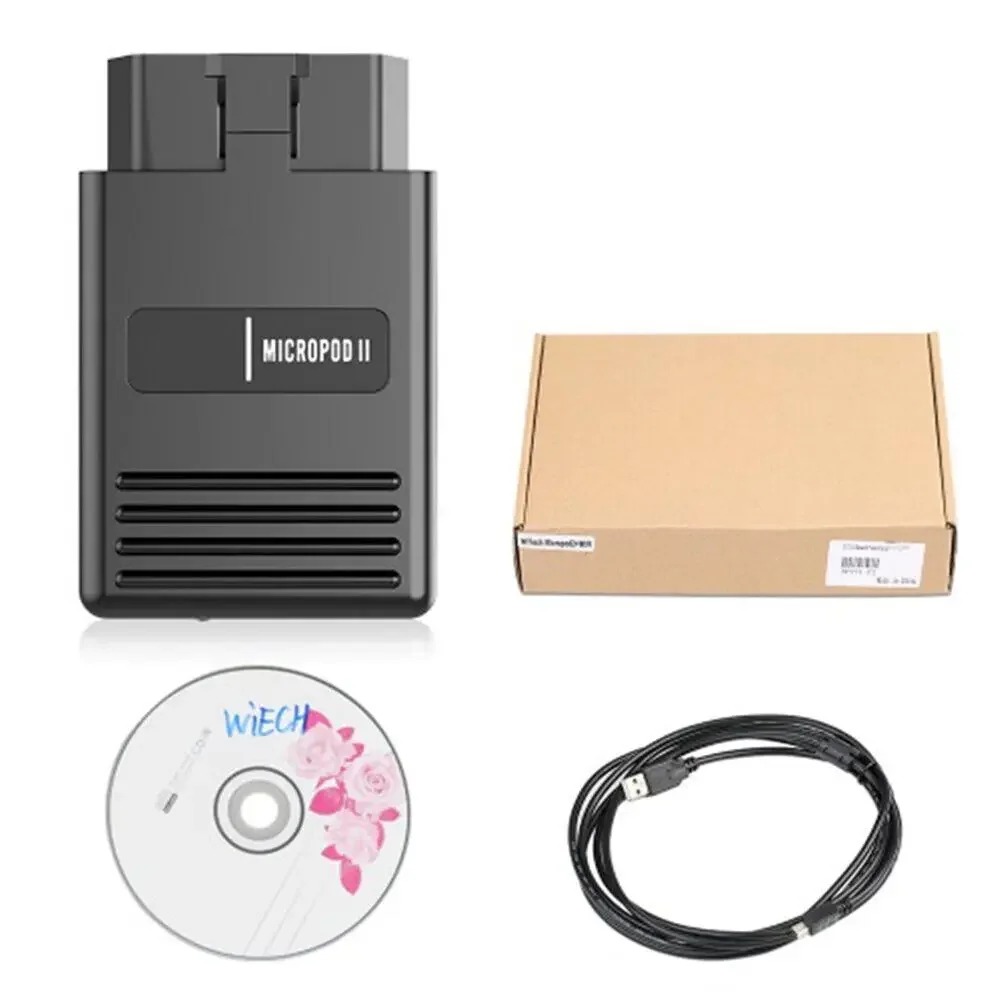
WiTech MicroPod2 USB Diagnostic and Programming Interface
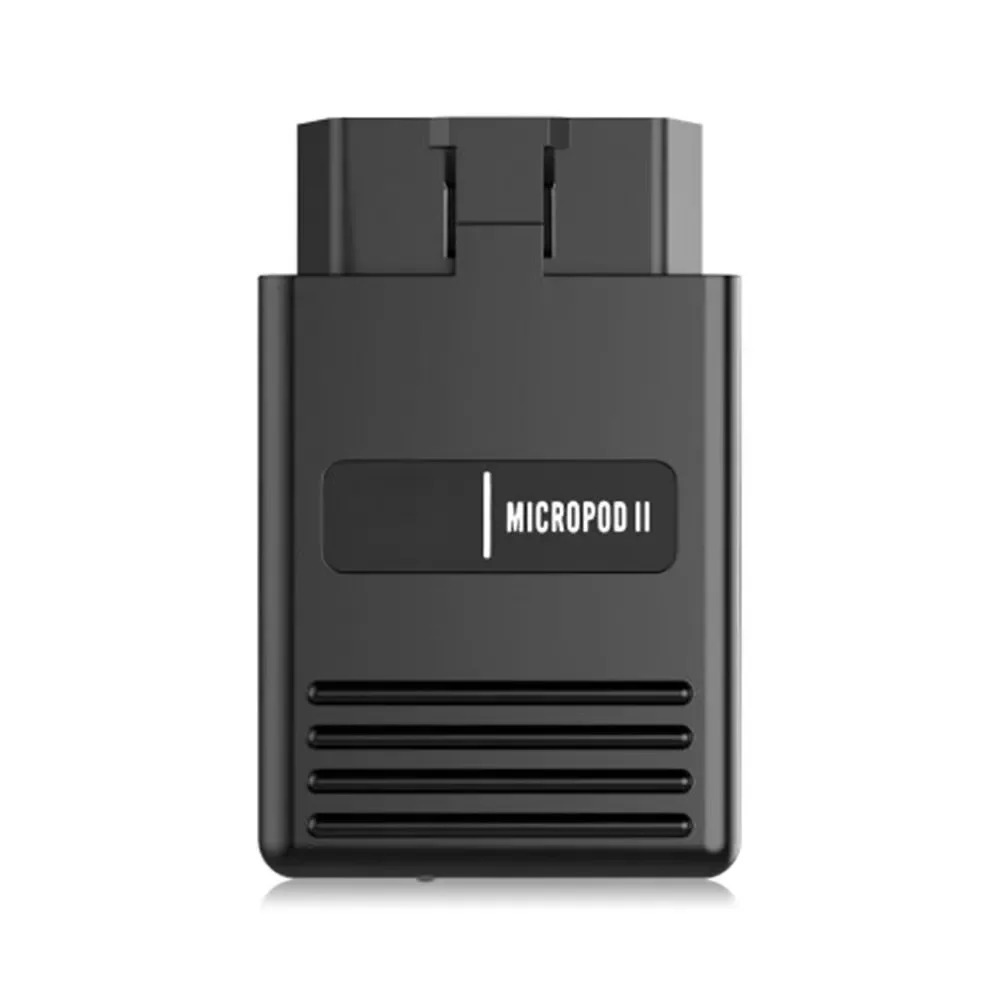
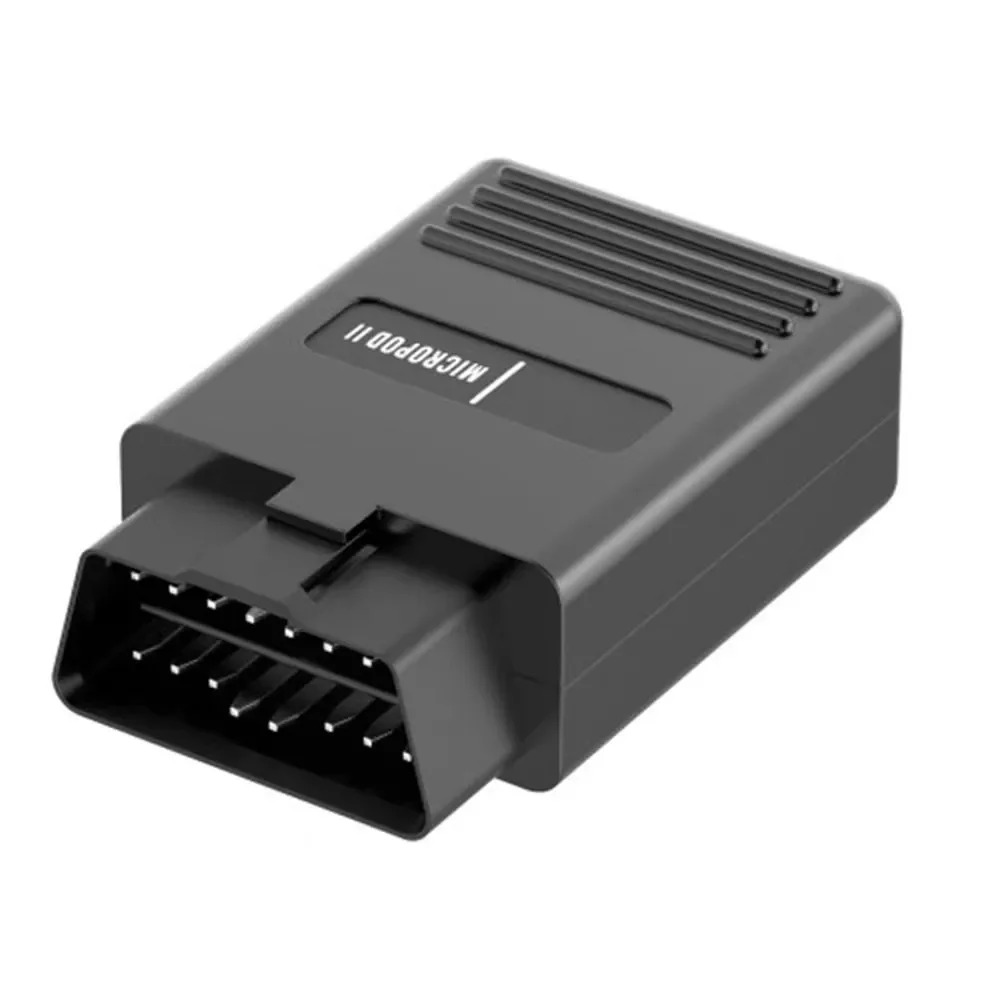
The WiTech MicroPod2 is an aftermarket-compatible USB vehicle communication interface designed for selected Chrysler, Dodge, Jeep, RAM and Fiat vehicles.
It connects directly to a compatible Windows computer through a USB cable, allowing technicians to perform supported diagnostic, configuration, relearning and programming operations using compatible wiTECH software.
This product is the USB-only version and does not support WiFi or wireless communication.
Main Features
- Stable USB connection
- Compatible with legacy wiTECH software
- Supports selected Chrysler Group vehicles
- Reads and clears supported diagnostic trouble codes
- Displays available live vehicle data
- Reads ECU and control-module information
- Performs supported actuator and system tests
- Supports selected module configuration procedures
- Supports selected adaptations and relearning functions
- Supports selected ECU programming procedures
- Compact dongle-style diagnostic interface
- Suitable for experienced automotive technicians
Supported Vehicle Brands
Depending on the installed software package, supported vehicles may include selected models from:
- Chrysler
- Dodge
- Jeep
- RAM
- Fiat
The supplied software package may provide limited coverage. Confirm the required vehicle brand, model, production year and function before purchase.
Diagnostic Functions
Available functions depend on the vehicle and installed control module and may include:
- Automatic vehicle identification
- Complete control-module scanning
- Reading diagnostic trouble codes
- Clearing supported fault codes
- Viewing live data
- Reading ECU information
- Actuator tests
- System tests
- Module configuration
- Adaptation procedures
- Component relearning
- Service functions
- Selected ECU and module programming
Not every function is available on every supported vehicle.
Software Information
- Software version: V17.04.27
- Connection type: USB only
- Operating system: Windows 7 32-bit
- Minimum recommended memory: 4 GB RAM
- English Windows installation recommended
- Computer-based operation
- Software updates are not supported
This is a legacy software package. Operation on Windows 10, Windows 11, 64-bit operating systems or virtual machines is not guaranteed.
Online Programming
Online programming and manufacturer information require a valid authorized account and the appropriate paid subscription.
The product does not include:
- TechAuthority subscription
- Manufacturer online account
- Online programming credentials
- Security-gateway authorization
Because this is an aftermarket-compatible interface, recognition by current official online systems cannot be guaranteed. Confirm compatibility with the required service before attempting online programming.
Always connect a regulated automotive programming power supply before flashing or programming a control module.
Vehicle Coverage
According to the supplied product information, this interface is intended primarily for selected CAN-equipped Chrysler Group vehicles up to approximately 2016.
Actual coverage depends on:
- Vehicle brand
- Vehicle model
- Production year
- Installed control modules
- Communication protocol
- Installed wiTECH software
- Required diagnostic or programming function
Compatibility Limitations
This version does not provide confirmed support for:
- WiFi connection
- Bluetooth connection
- CAN FD communication
- DoIP communication
- Current secure-gateway systems
- Current cloud-based Stellantis services
- Every vehicle manufactured after 2016
Newer vehicles may require a modern compatible VCI, CAN FD support, official subscriptions and authorized security access.
DRB III Emulator
The DRB III emulator is not included with this package.
DRB III functionality requires separate compatible software and may not work with every hardware or software configuration. Confirm compatibility before purchase.
Supported Languages
Depending on the installed software package, interface languages may include:
- English
- French
- Spanish
- German
- Italian
- Portuguese
- Russian
- Japanese
- Korean
- Chinese
The supplied Windows 7 32-bit system may be installed in English only.
Computer Requirements
- Windows 7 32-bit
- Minimum 4 GB RAM
- Available USB port
- Administrator-level Windows account
- Dedicated diagnostic laptop recommended
- Stable USB connection
Important Usage Instructions
- Connect the interface directly through USB.
- Do not update the supplied software or interface firmware.
- Use only software intended for this specific hardware version.
- Do not install firmware designed for another MicroPod interface.
- Confirm that the vehicle battery is fully charged.
- Use a regulated programming power supply during ECU flashing.
- Do not disconnect the USB cable during diagnosis or programming.
- Save a diagnostic report before clearing fault codes.
- Confirm vehicle compatibility before performing programming operations.
Package Contents
Depending on the selected option, the package may include:
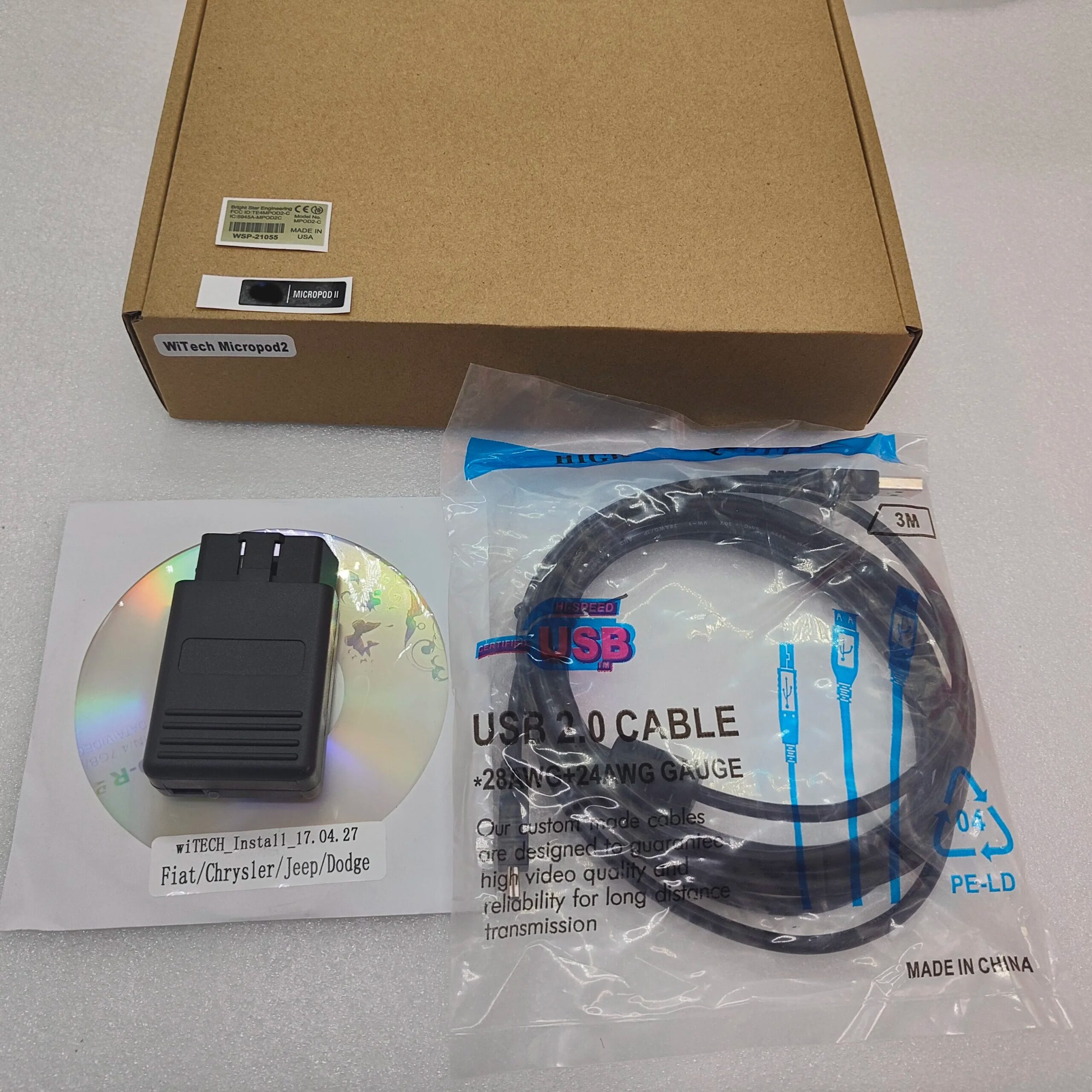
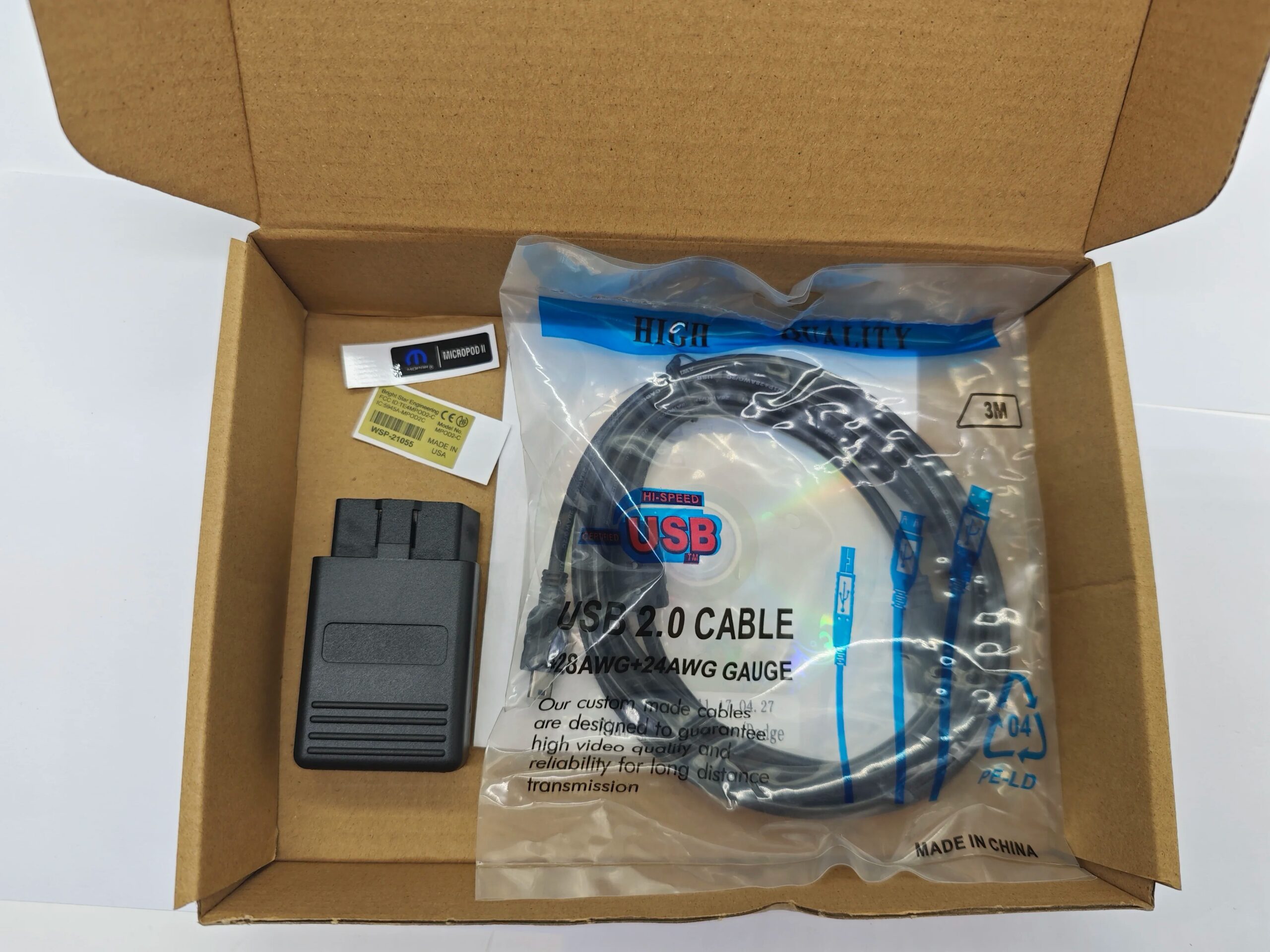
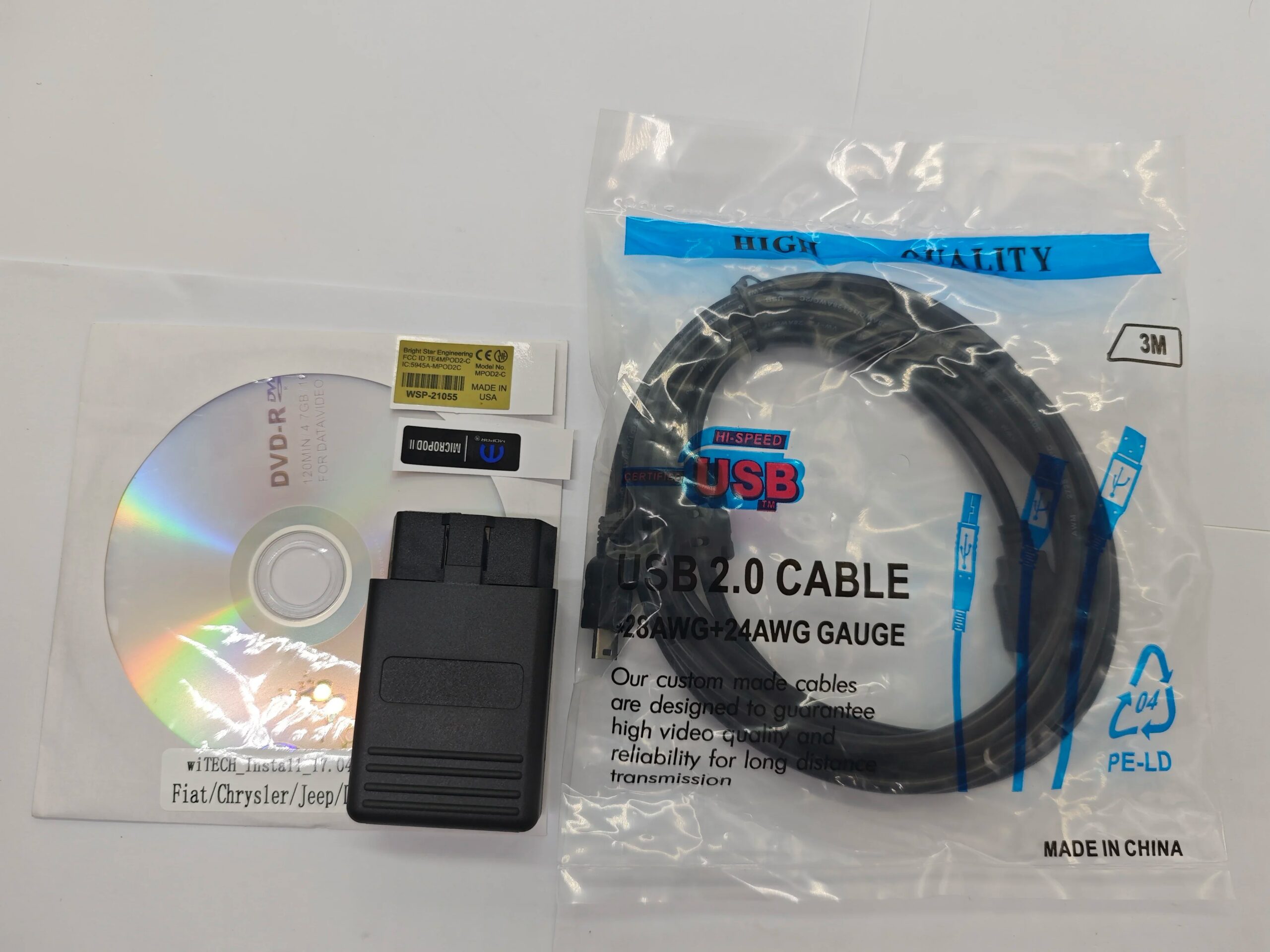
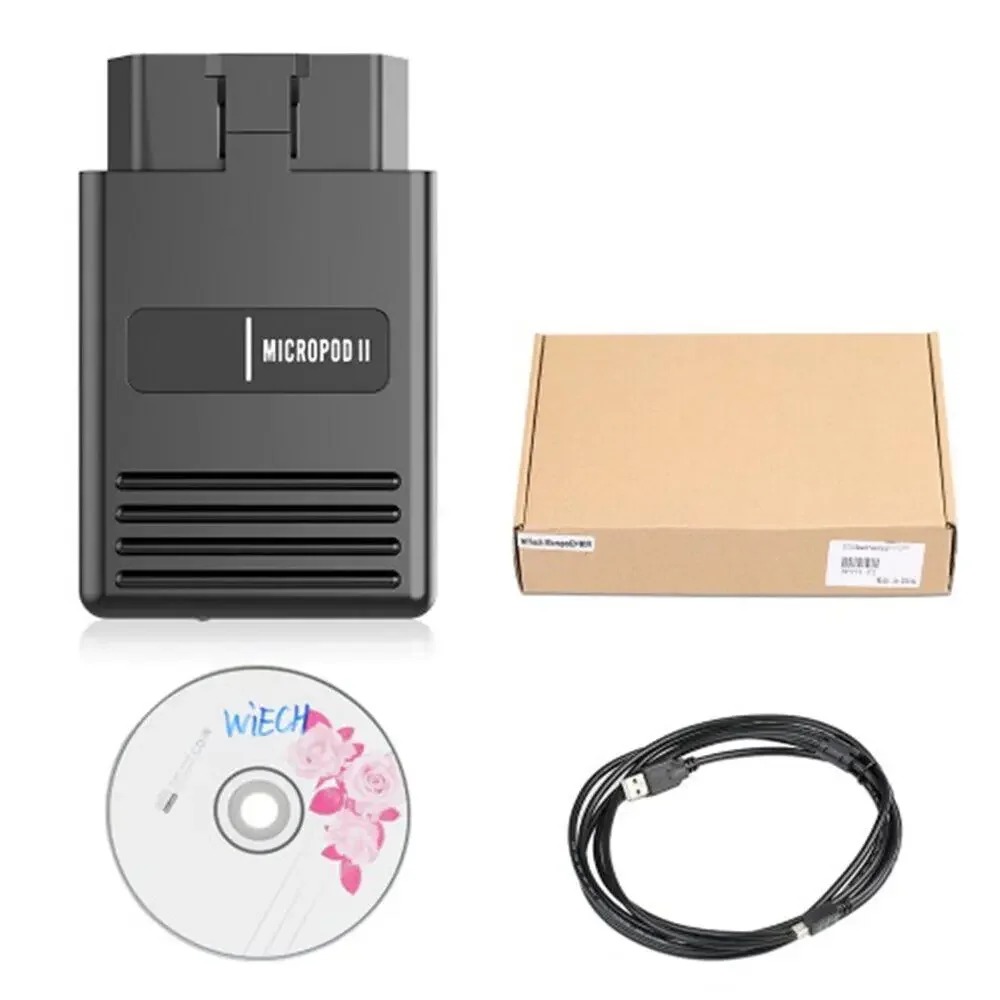
- 1 × WiTech MicroPod2-compatible USB interface
- 1 × USB connection cable
- 1 × Software CD with V17.04.27
- Optional prepared hard drive when selected
The DRB III emulator, online account and manufacturer subscription are not included.
Important Notice
This product is an aftermarket-compatible interface and is not an original Stellantis or Mopar factory device.
It is intended primarily for older supported CAN vehicles. Customers should provide the vehicle model, production year and required function before purchase so compatibility can be checked.

Reviews
There are no reviews yet.