
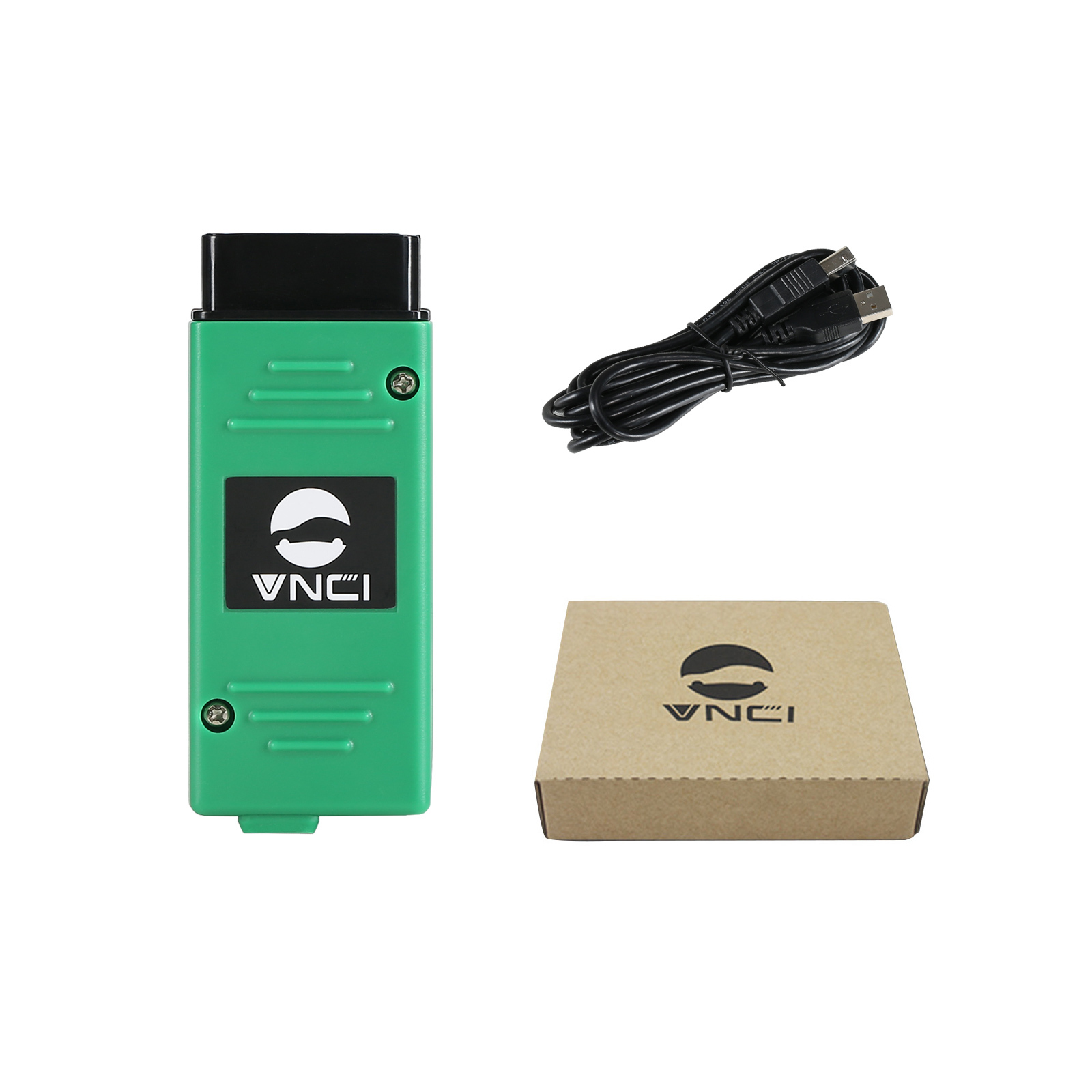
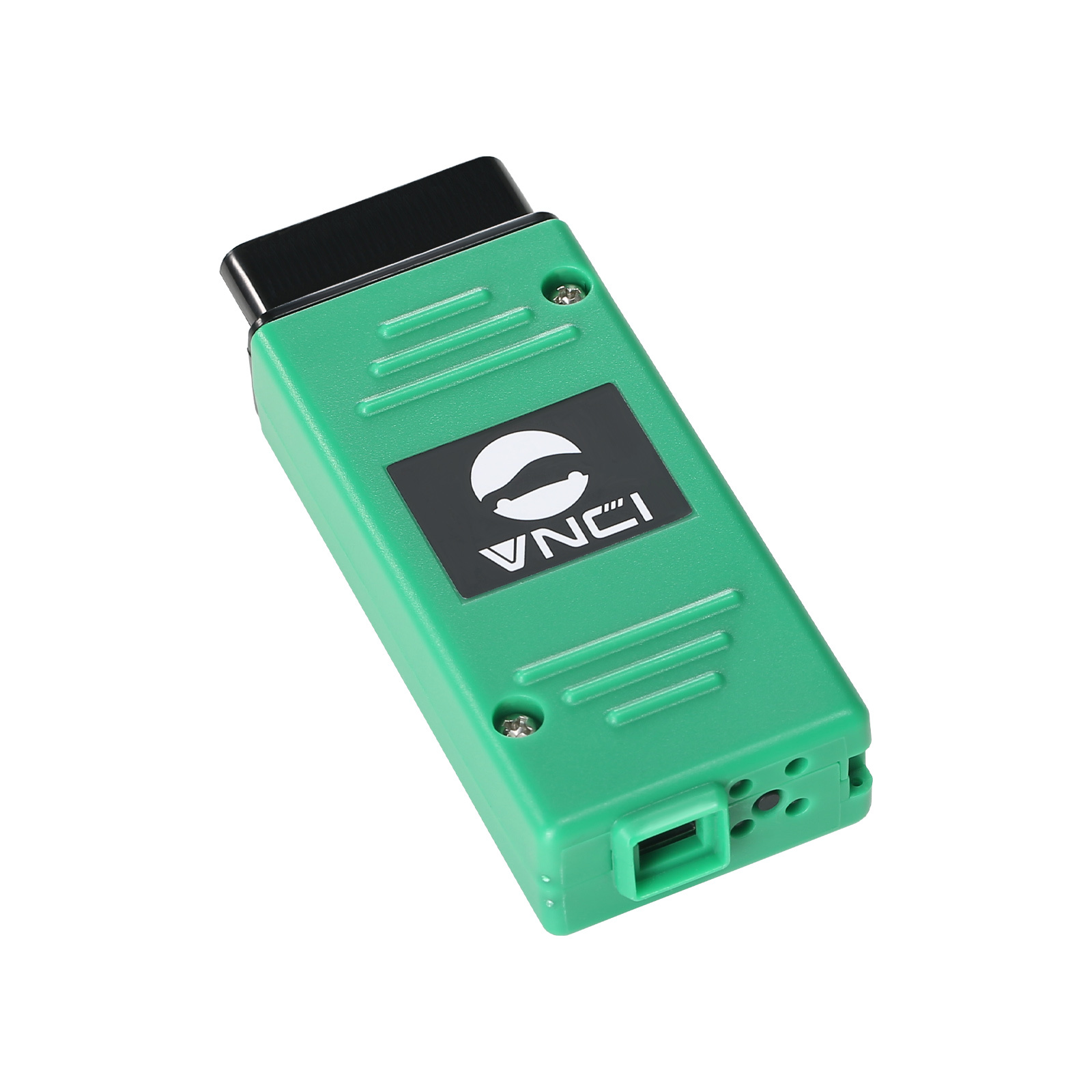

VNCI JLR DoIP Diagnostic Interface for Jaguar Land Rover
The VNCI JLR DoIP is a professional Vehicle Communication Interface developed for diagnosing and programming supported Jaguar and Land Rover vehicles.
It is designed to work with JLR diagnostic platforms, including SDD for many legacy vehicles, Pathfinder for newer vehicle architectures and TOPIx Cloud for current online diagnostic and programming procedures.
The interface supports high-speed DoIP communication as well as traditional CAN-based vehicle communication, allowing technicians to work with both older and newer generations of Jaguar and Land Rover vehicles using one VCI.
Main Features
• Designed for Jaguar and Land Rover vehicles
• Compatible with JLR SDD diagnostic software
• Compatible with JLR Pathfinder
• Supports TOPIx online diagnostic services
• DoIP high-speed diagnostic communication
• SAE J2534 Pass-Thru support
• PDU diagnostic communication support
• CAN and advertised CAN FD support
• USB connection for stable workshop operation
• Direct Wi-Fi Access Point connection
• Wireless LAN Station Mode
• Compatible with the original-style JLR VCI driver
• No separate third-party loader normally required
• Supports diagnostics, coding and programming according to software authorization
• Compact and portable VCI design
Supported JLR Software
JLR SDD
SDD is generally used for many Jaguar and Land Rover vehicles from approximately 2005 through the 2016 model year.
Depending on the vehicle and installed software, SDD can provide:
• Vehicle identification
• Full-system scanning
• Reading and clearing diagnostic trouble codes
• Live data and freeze-frame information
• Actuator and output tests
• Service and maintenance functions
• Module configuration
• Supported key and immobilizer procedures
• Supported module programming
JLR Pathfinder
Pathfinder is intended for newer JLR vehicle architectures, generally beginning around the 2017 model year.
Depending on the vehicle, software version and authorization, Pathfinder can support:
• Guided vehicle diagnostics
• Full-system fault scanning
• Live-data monitoring
• Component activation
• Module replacement procedures
• ECU software updates
• CCF configuration procedures
• Coding and adaptations
• Supported security and immobilizer functions
TOPIx Cloud
TOPIx provides current online JLR diagnostic, technical-information and programming services.
A valid user account, appropriate subscription and online authorization are required. The VNCI interface does not include or generate a TOPIx account.
Diagnostic Functions
Available functions depend on the connected vehicle and JLR software platform. Supported operations can include:
• Automatic vehicle identification
• Full-system diagnostics
• Read diagnostic trouble codes
• Clear diagnostic trouble codes
• View live data streams
• View freeze-frame data
• Perform active and actuator tests
• Run service and special functions
• Component matching and learning
• Generate diagnostic reports
• Module coding and configuration
• Car Configuration File reading and modification
• Supported ECU flashing and software updates
• Module replacement and initialization
• Supported immobilizer and key procedures
• Fault guidance and guided troubleshooting
Supported Communication Protocols
• Diagnostics over Internet Protocol — DoIP
• CAN communication
• Advertised CAN FD communication
• SAE J2534 Pass-Thru
• ISO 22900-2 / D-PDU communication
Protocol availability depends on the vehicle, installed driver and diagnostic software.
Three Connection Modes
USB Connection
USB provides the most stable communication method and is strongly recommended during module programming, ECU flashing or long coding sessions.
Wi-Fi Direct / Access Point Mode
The computer can connect directly to the VNCI interface without requiring a workshop router.
Wireless LAN / Station Mode
The interface can join an existing workshop wireless network, allowing the computer and VCI to communicate through the same LAN.
Vehicle Coverage
The VNCI JLR is intended for supported Jaguar and Land Rover vehicles from approximately 2005 to current model years.
Software selection depends on the vehicle architecture rather than only the production year:
• Legacy vehicles commonly use SDD
• Newer DoIP vehicles commonly use Pathfinder or TOPIx
• Some transitional model years may use a different platform depending on their electronic architecture
Always identify the vehicle by VIN and confirm the correct JLR diagnostic platform before beginning work.
Technical Requirements
• Windows-compatible computer
• Correct VNCI/JLR VCI driver
• JLR SDD, Pathfinder or TOPIx access
• Stable USB or network connection
• Internet connection for online functions
• Valid subscription or authorized account where required
• Professional battery-support unit for coding and programming
Package Contents
• 1 × VNCI JLR DoIP Diagnostic Interface
• 1 × USB Connection Cable
Important: JLR diagnostic software, software hard drive, online subscription and TOPIx account are not included unless explicitly stated in the selected package.
Important Programming Notice
During ECU programming or module flashing:
• Use a professional regulated battery-support unit
• Maintain the vehicle voltage according to the JLR service procedure
• Prefer a direct USB connection
• Disable computer sleep and automatic restart
• Do not disconnect the VCI
• Do not turn off the ignition unless instructed
• Do not close the diagnostic software
• Maintain a reliable internet connection for online programming
Loss of power or communication during flashing can corrupt the control module and may prevent the vehicle from starting.
Professional Use Notice
This product is intended for trained automotive technicians. Coding, CCF modification, immobilizer work and ECU programming can affect essential vehicle functions.
The interface alone does not provide software licenses, security access, paid calculations, programming files or online JLR authorization. Available functions depend on the vehicle, software version, subscription and user permissions.

Reviews
There are no reviews yet.