
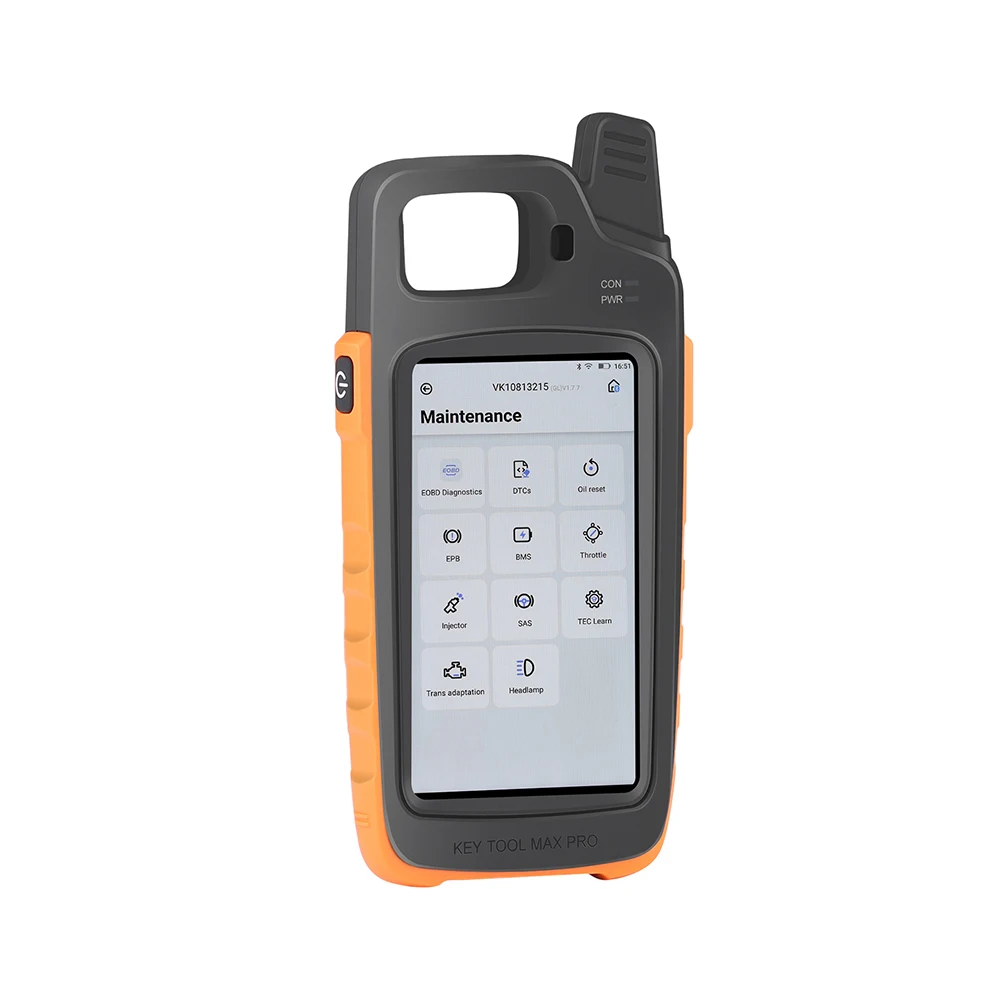
Xhorse VVDI Key Tool Max Pro Car Key Programmer
The Xhorse Key Tool Max Pro is a multifunctional automotive key and immobilizer programming device designed for professional locksmiths, automotive electricians and repair workshops.
It combines key generation, transponder processing, remote testing, selected OBD immobilizer programming and basic vehicle-service functions in one portable touchscreen device.
Unlike the standard Key Tool Max, the Max Pro includes a built-in OBD communication module and CAN FD support. This allows selected key-learning and immobilizer procedures to be performed without purchasing a separate Xhorse Mini OBD Tool.
Main Features
• Generates supported Xhorse wired and wireless remotes
• Generates supported Xhorse universal smart keys
• Reads and identifies compatible transponder chips
• Supports cloning of selected transponders
• Reads and edits supported chip information
• Detects remote-control frequencies
• Tests remote-control signals
• Detects ignition-coil signals
• Measures key and remote battery voltage
• Built-in OBD communication module
• Built-in CAN FD communication support
• Performs selected OBD key-learning procedures
• Supports selected all-keys-lost operations
• Provides guided operating instructions
• Works with compatible Xhorse key-cutting machines
• Wi-Fi and Bluetooth connectivity
• Online software and vehicle-coverage updates
• English-language software interface
Xhorse Remote Generation
Key Tool Max Pro can generate supported Xhorse universal remotes and smart keys using the Xhorse database.
Supported products may include:
• Xhorse wired remotes
• Xhorse wireless remotes
• Xhorse super remotes
• Xhorse universal smart keys
• Xhorse super chips
• Selected Xhorse garage remotes
The exact remote or smart-key model, frequency, button layout and transponder type must match the intended vehicle.
Transponder Functions
Depending on the chip type and software coverage, the device can perform functions such as:
• Transponder identification
• Chip reading
• Transponder generation
• Selected chip cloning
• Chip-data editing
• Chip unlocking where supported
• Transponder simulation
• Password calculation for selected chip types
• Xhorse Super Chip generation
Not every chip can be cloned or rewritten. The available options are displayed after the transponder has been detected.
Remote-Control Functions
The device includes several tools for testing and preparing automotive remotes:
• Frequency detection
• Remote-signal testing
• Remote-data identification
• Remote generation
• Smart-key generation
• Button-function testing
• Remote battery-voltage testing
• Selected remote-renewal operations with compatible cables or adapters
Supported frequency ranges and functions depend on the selected remote and regional version.
Built-In OBD and CAN FD
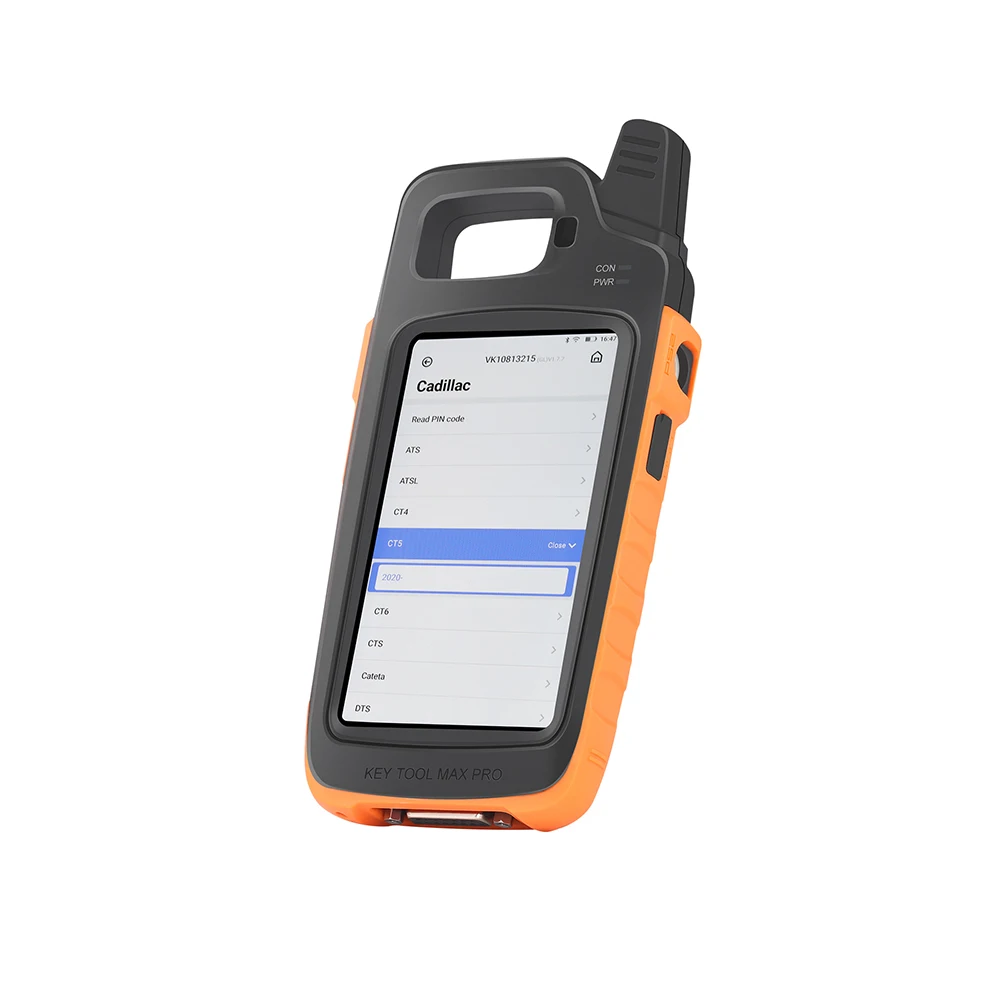
Key Tool Max Pro includes an integrated OBD module for connecting directly to supported vehicles.
The built-in CAN FD communication capability improves compatibility with selected newer vehicles that use CAN FD networks.
Depending on coverage, OBD functions may include:
• Add a new key
• Key learning
• Remote learning
• Smart-key learning
• Erase lost keys
• All-keys-lost procedures
• Read supported immobilizer information
• Read security codes on selected vehicles
• Reset or match supported immobilizer components
• Selected vehicle-service and maintenance operations
OBD and CAN FD support does not mean that every vehicle or immobilizer system is covered.
Basic Diagnostic and Service Functions
Depending on the selected vehicle, the device may provide limited diagnostic or service functions such as:
• Reading and clearing supported fault codes
• Viewing selected vehicle information
• Maintenance-light reset
• Throttle adaptation
• Selected TPMS initialization functions
• Basic control-unit identification
The device should not be advertised as a complete all-system diagnostic scanner. Its primary purpose is automotive key and immobilizer work.
Key-Cutting Machine Control
Key Tool Max Pro can connect to supported Xhorse key-cutting machines through Bluetooth, allowing technicians to search key data and control compatible cutting operations from the device.
Compatible Xhorse machines may include selected:
• Dolphin key-cutting machines
• Condor key-cutting machines
• Other supported Xhorse automatic cutting machines
The key-cutting machine is sold separately.
Hardware Features
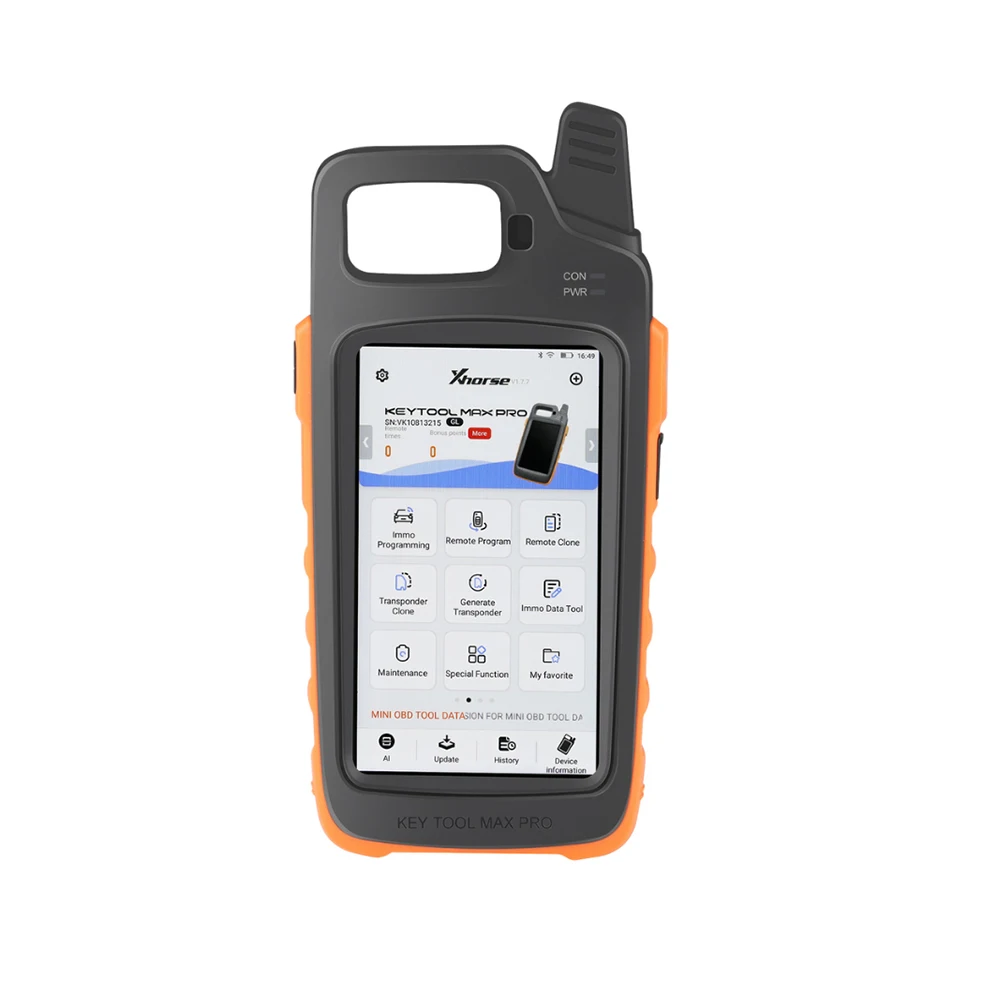
• High-resolution color touchscreen
• 1280 × 720 display resolution
• Display brightness above 400 nits
• Rechargeable 3375mAh battery
• Approximately six hours of operation, depending on use
• Extended standby time
• Wi-Fi connectivity
• Bluetooth and BLE communication
• Built-in OBD interface
• Built-in CAN FD module
• USB charging and data connection
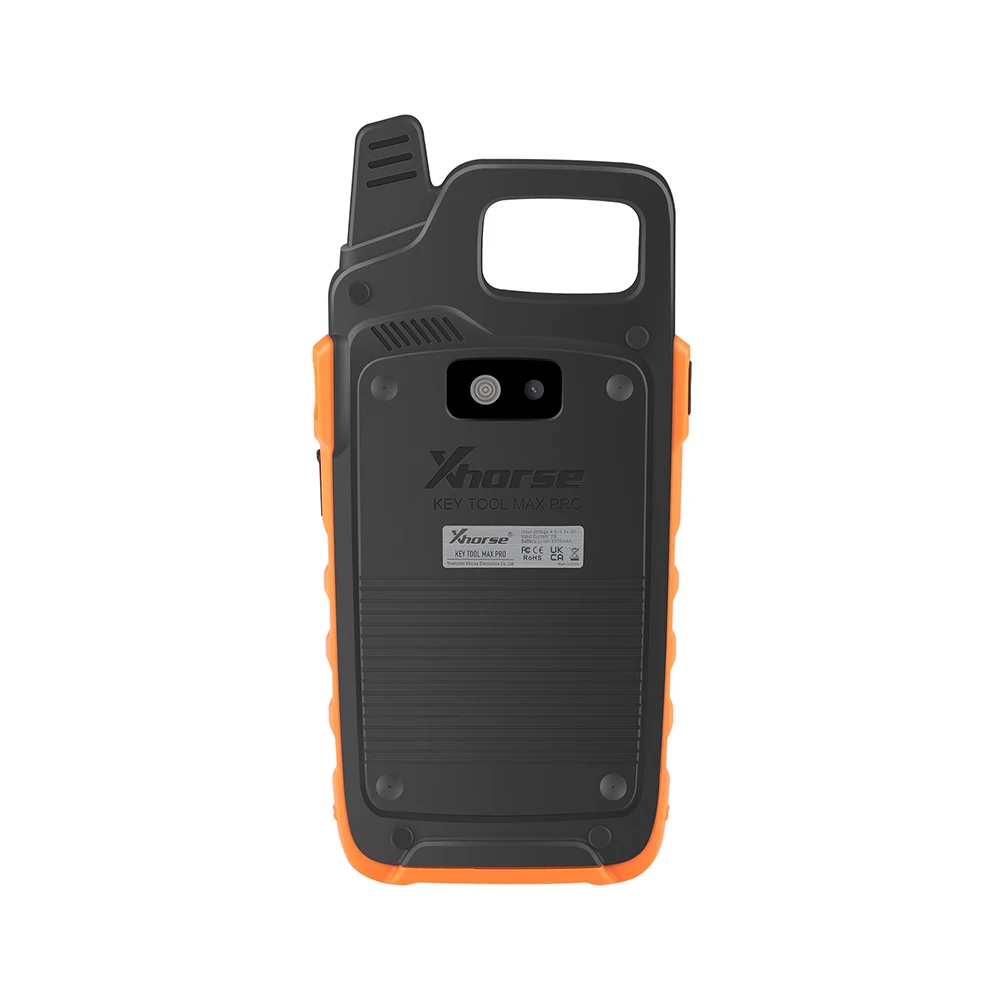
• Integrated transponder detection area
• Integrated high-frequency remote detection area
• Portable workshop-ready design
Important Compatibility Information
Available functions depend on:
• Vehicle manufacturer and model
• Production year and market region
• Immobilizer generation
• Transponder and remote type
• Device software version
• Required Xhorse authorization
• Available tokens or bonus points
• Internet and server availability
• Additional cables or adapters
Some advanced operations may require paid authorization, tokens, Xhorse bonus points, additional adapters or another Xhorse device.
Always verify the exact vehicle and required function in the current Xhorse coverage database before promising compatibility.
Important Use Instructions
Before performing key learning or immobilizer programming:
• Verify vehicle ownership and customer authorization
• Confirm the correct vehicle, year and immobilizer type
• Use a stable battery-support unit
• Keep all working keys available when instructed
• Select the correct key frequency and button configuration
• Follow the displayed procedure exactly
• Do not disconnect the OBD cable during programming
• Do not switch off the ignition unless instructed
• Maintain an internet connection for server-based functions
An interrupted procedure, unstable voltage or incompatible key may prevent the vehicle from starting.
Legal Notice
Xhorse Key Tool Max Pro must only be used on vehicles owned by the operator or with documented permission from the lawful vehicle owner. Key and immobilizer programming must comply with all applicable local laws.
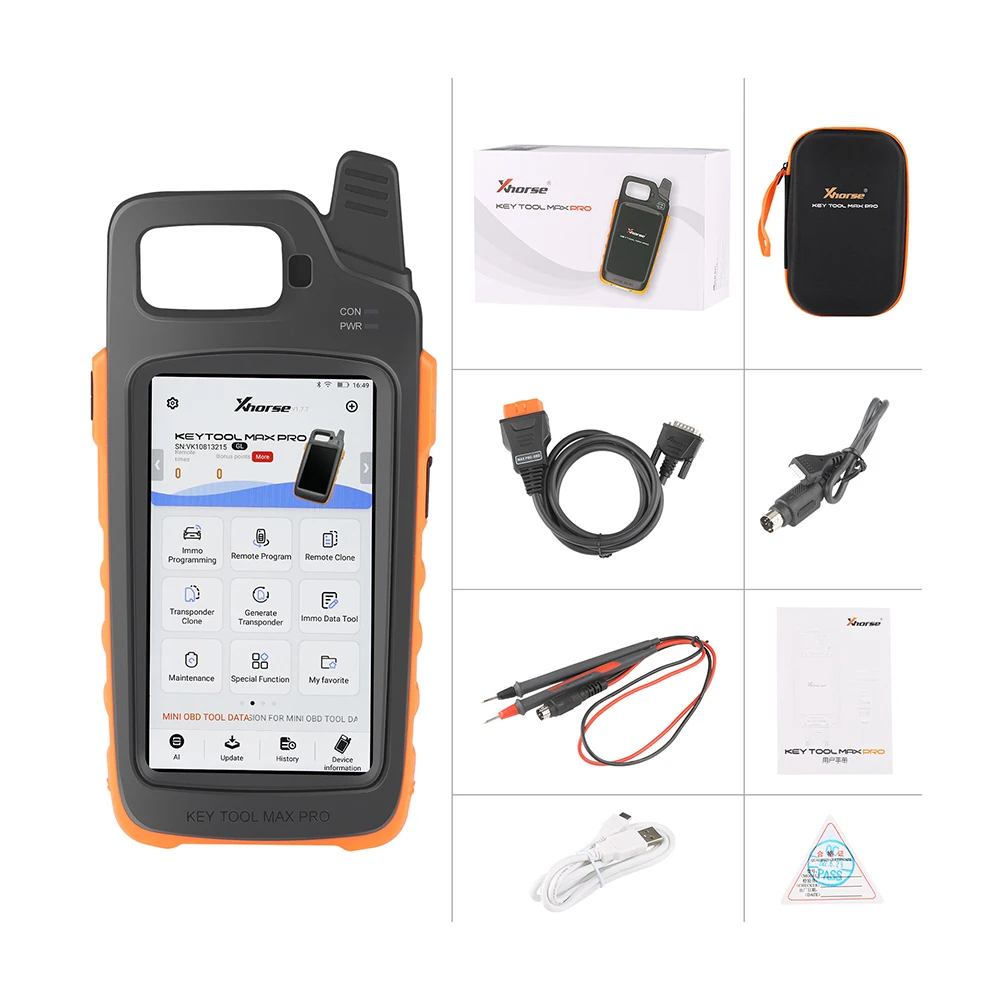
Package Includes
• 1 × Xhorse VVDI Key Tool Max Pro
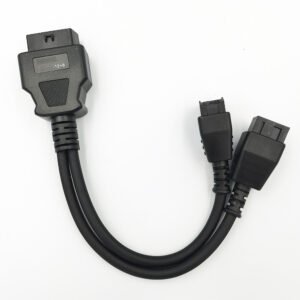
• 1 × OBD2 diagnostic cable
• 1 × USB charging and data cable
• 1 × Power adapter
• 1 × Remote-renewal or testing cable set, where supplied
• 1 × User information guide
• 1 × Protective carrying case, where supplied
Package contents may differ according to the supplier and selected version. Check the product images before ordering.

Reviews
There are no reviews yet.