
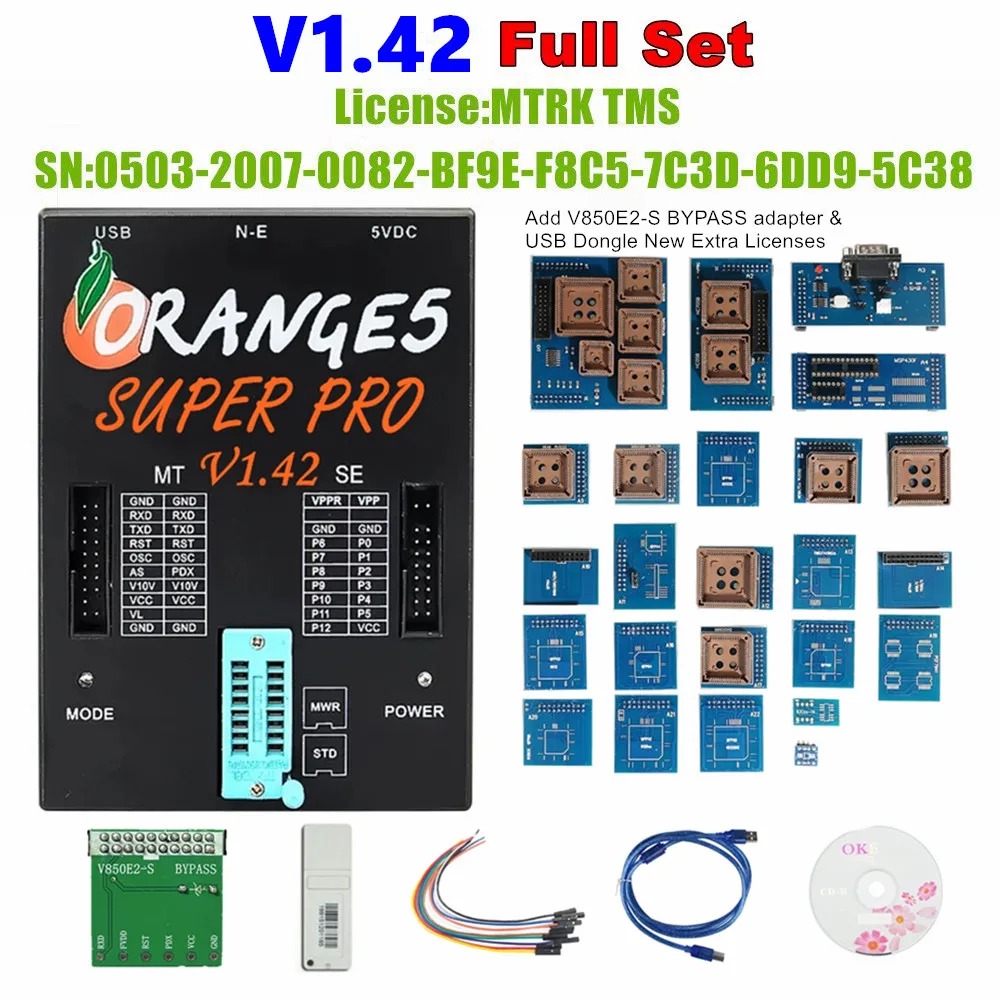
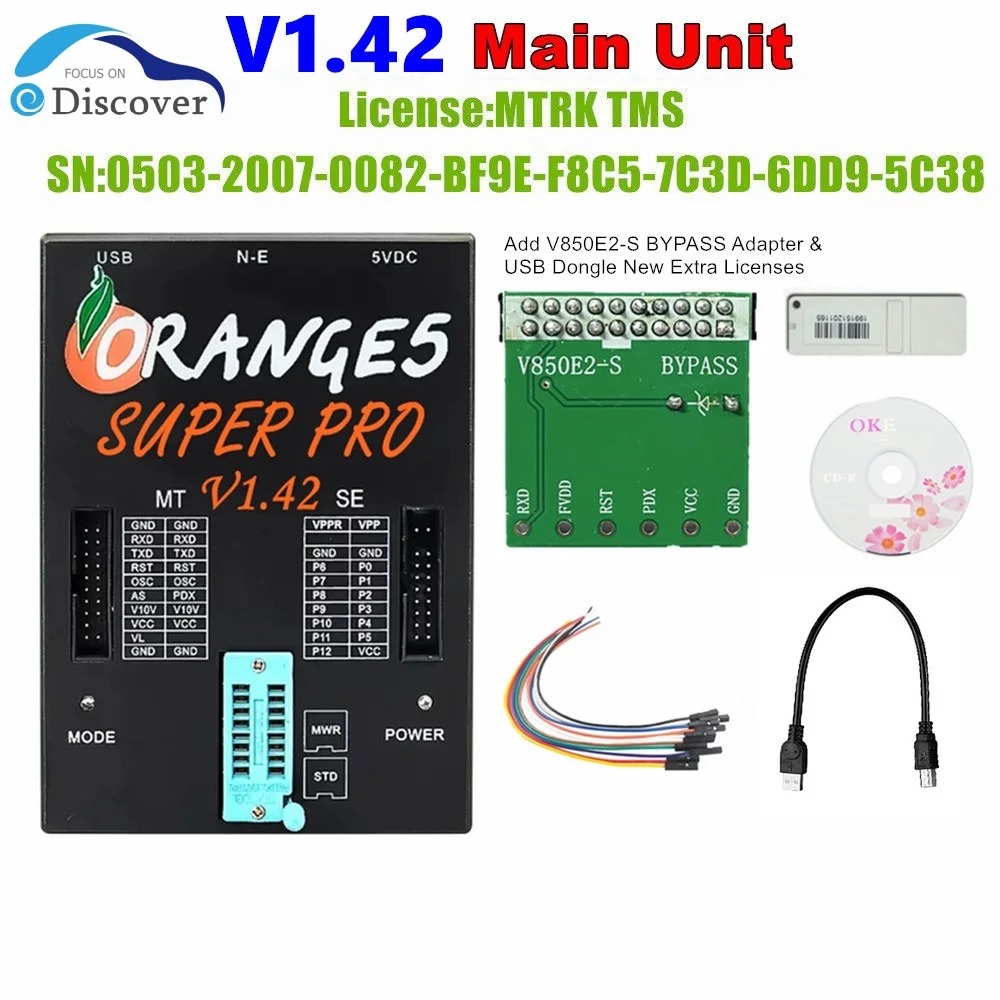
Orange5 V1.42 Programmer Clone Full Set
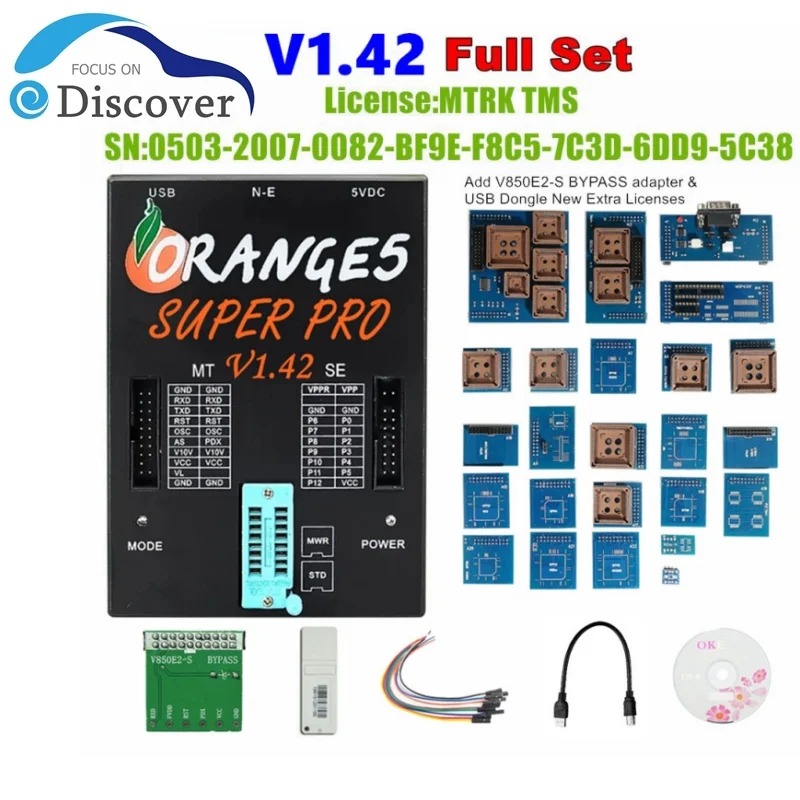
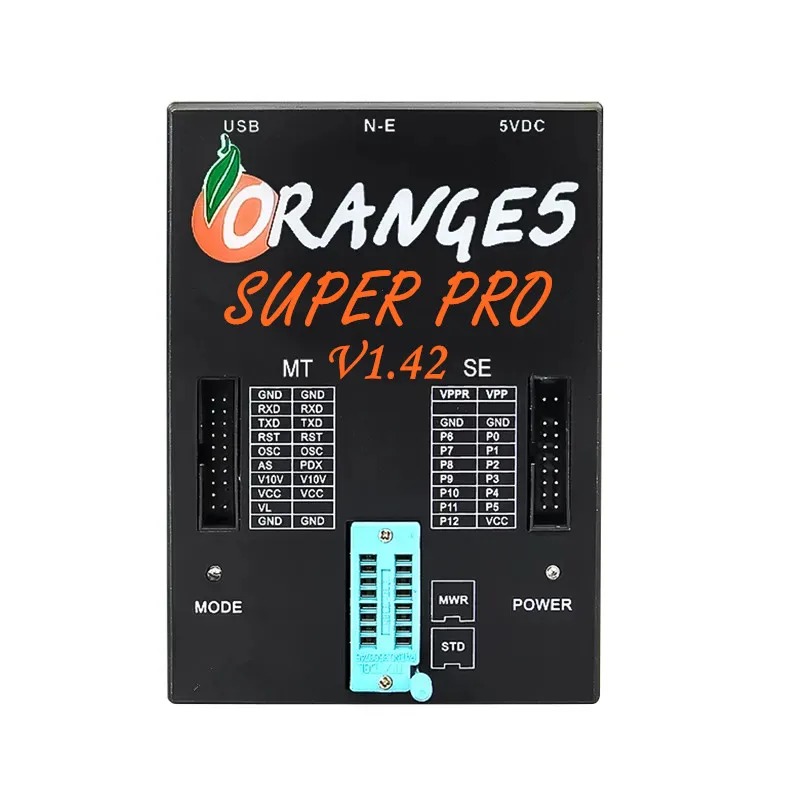
The Orange5 V1.42 Programmer Clone Full Set is a general-purpose bench programming tool designed to read and write supported EEPROMs, flash memories and automotive microcontrollers. It is supplied with a comprehensive adapter set for selected ECU, immobilizer, dashboard, airbag and other automotive electronic modules.
This product is the V1.42 clone version and operates with the supplied offline software and drivers. It is intended for experienced automotive electronic technicians who understand circuit-board connections, MCU identification, EEPROM programming and safe data backup procedures.
Main Features
- V1.42 clone software configuration
- Full adapter package
- Reads and writes supported EEPROM memory
- Supports selected automotive microcontrollers
- Reads and writes supported flash-memory devices
- Suitable for selected ECU data operations
- Supports selected immobilizer modules
- Supports selected instrument-cluster modules
- Supports selected airbag control modules
- Supports selected body and transmission modules
- Includes multiple bench and in-circuit adapters
- Universal ZIF socket for supported EEPROM devices
- Adjustable device and programming voltages
- USB connection to a Windows computer
- Designed for professional automotive-electronics work
- Supports selected Toyota, Suzuki and Hyundai modules
EEPROM Programming
The Orange5 V1.42 can read, write and verify many supported serial-memory devices through the universal socket, SOIC clips or compatible adapters.
Supported memory families may include selected:
- 24-series EEPROMs
- 25-series SPI flash devices
- 93-series MicroWire EEPROMs
- 95-series EEPROMs
- Other supported serial-memory components
Exact support depends on the chip reference, package type, supplied adapter and installed device list.
Automotive Microcontroller Programming
The programmer supports selected automotive microcontrollers used in ECU, immobilizer, dashboard and airbag modules.
Depending on the supplied software and adapter package, supported manufacturers may include selected devices from:
- Motorola
- Freescale
- Renesas
- NEC
- STMicroelectronics
- Texas Instruments
- Microchip
- Other supported MCU manufacturers
Always identify the full MCU reference, mask number and package type before connecting the programmer.
Supported Programming Interfaces
The Orange5 hardware supports multiple programming and communication interfaces, including:
- I2C
- SPI
- MicroWire
- JTAG
- UART
- BDM
- ISO7816
- K-Line with a compatible adapter
- CAN with a compatible adapter
Interface support does not automatically confirm support for every ECU or microcontroller using that interface.
Automotive Applications
With the correct adapter, wiring diagram and supported device selection, the Orange5 may be used for authorized data work involving selected:
- Engine control units
- Immobilizer modules
- Instrument clusters
- Airbag control modules
- Body control modules
- Transmission control modules
- Electronic steering-lock modules
- Car-radio memory
- Automotive EEPROM circuits
- Automotive microcontroller circuits
Available functions depend on the exact electronic module, memory type, MCU mask, adapter and software device list.
Toyota, Suzuki and Hyundai Support
This V1.42 package includes additional device lists advertised for selected Toyota, Suzuki and Hyundai automotive modules.
Supported work may involve selected:
- EEPROM memories
- Immobilizer modules
- Instrument clusters
- Airbag control modules
- Body modules
- ECU and TCU microcontrollers
This does not mean that every Toyota, Suzuki or Hyundai vehicle and module is supported.
Before beginning work, confirm:
- Vehicle make and model
- Vehicle production year
- Module manufacturer
- Module part number
- MCU or EEPROM reference
- MCU mask number
- Required adapter
- Required wiring diagram
- Supported read-and-write method
Hardware Features
Depending on the clone hardware revision, the programmer may provide:
- Universal ZIF socket
- Two expansion connections
- Contact checking for supported adapters
- Overcurrent protection
- Overvoltage protection
- Adjustable device supply voltage
- Adjustable programming voltage
- Bidirectional programmable pin drivers
- Waveform-generation functions
- USB communication with the computer
Hardware protection cannot prevent damage caused by incorrect wiring, excessive voltage, wrong device selection or reversed adapter installation.
Adjustable Programming Voltage
The Orange5 hardware design provides adjustable voltages for working with different supported memories and microcontrollers.
Available controls may include:
- Device supply voltage from approximately 2.0V to 5.0V
- Programming voltage from approximately 2.0V to 21.0V
- Additional voltage output for selected microcontrollers
- Adjustable bidirectional pin-driver voltage
- Configurable waveform generation
Never select a voltage without checking the chip datasheet or the correct Orange5 wiring instructions.
Full Adapter Set
This package contains a wide selection of adapters for different EEPROM and MCU packages.
The adapter set may include:
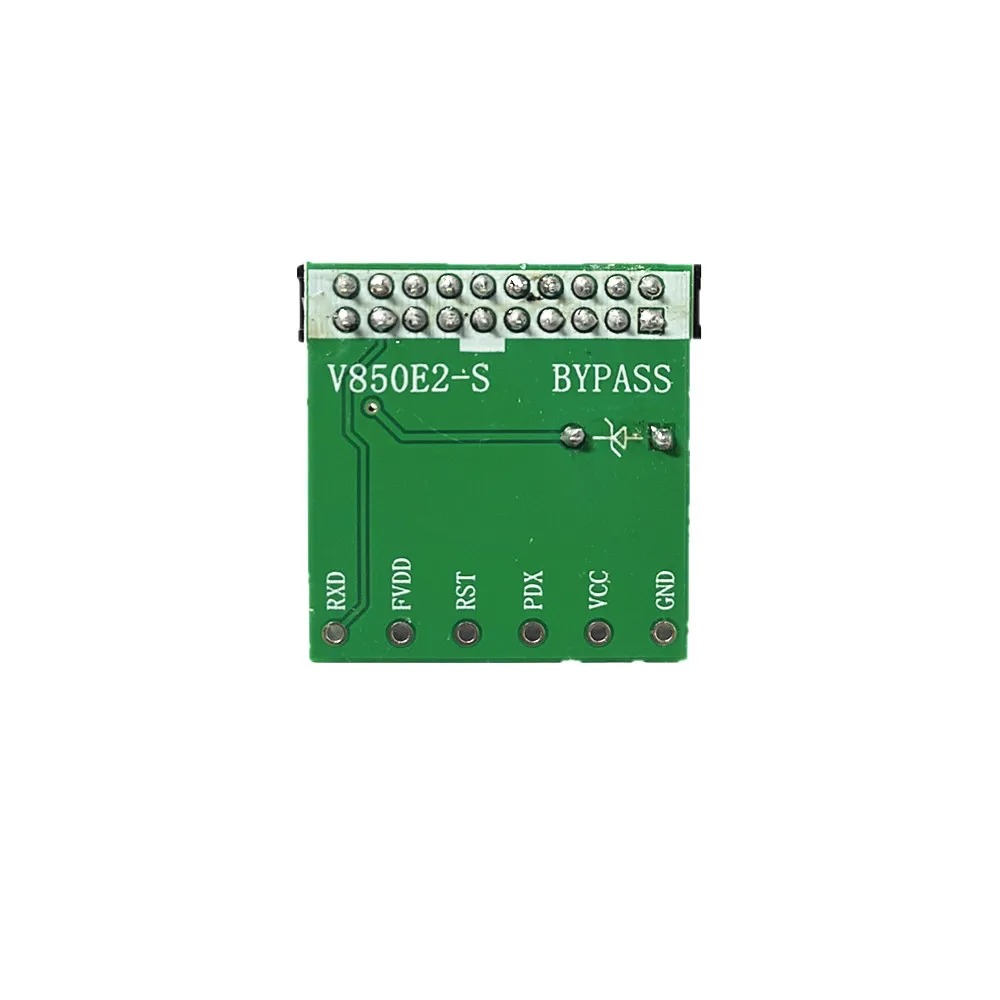
- Universal ZIF adapter board
- EEPROM adapters
- SOIC adapters
- SPI flash adapters
- Motorola MCU adapters
- Freescale MCU adapters
- Renesas MCU adapters
- NEC MCU adapters
- TMS adapters
- In-circuit programming leads
- BDM connection adapters
- JTAG connection adapters
- UART connection leads
- SOIC programming clips
- MCU-specific adapter boards
Adapter quantity, color, PCB revision and appearance can differ between production batches.
Windows System Requirements
The Orange5 V1.42 clone version is recommended for use with:
- Windows 7 32-bit
- Windows 7 64-bit
- Available USB port
- Supplied offline Orange5 software
- Supplied USB driver
Windows 7 is recommended for the most reliable operation of this clone version.
Compatibility with Windows 8, Windows 10 and Windows 11 is not guaranteed. A dedicated offline laptop is recommended to avoid driver conflicts and unintended software updates.
Basic Programming Procedure
- Identify the exact EEPROM or microcontroller.
- Record the full chip reference and mask number.
- Open the supplied Orange5 V1.42 software.
- Select the exact supported device.
- Choose the correct adapter or wiring diagram.
- Confirm the required supply and programming voltages.
- Connect the chip or module while power is disconnected.
- Read the device at least two or three times.
- Compare the readings to confirm stable data.
- Save multiple copies of the original file.
- Make only the required authorized modification.
- Write the corrected file to the chip or MCU.
- Perform verification after writing.
- Save the final verified file separately.
- Reinstall and test the module safely.
Data Backup Recommendations
Before erasing or writing any device:
- Perform several consecutive readings
- Compare file size and checksum when possible
- Store the original file in multiple locations
- Label files with the module and chip information
- Never overwrite the original backup
- Save the modified file under a different name
- Verify data immediately after writing
Losing the original data may prevent the electronic module or vehicle from operating correctly.
Package Contents
This is the Orange5 V1.42 Clone Full Set package. Depending on the available production batch, the package may include:
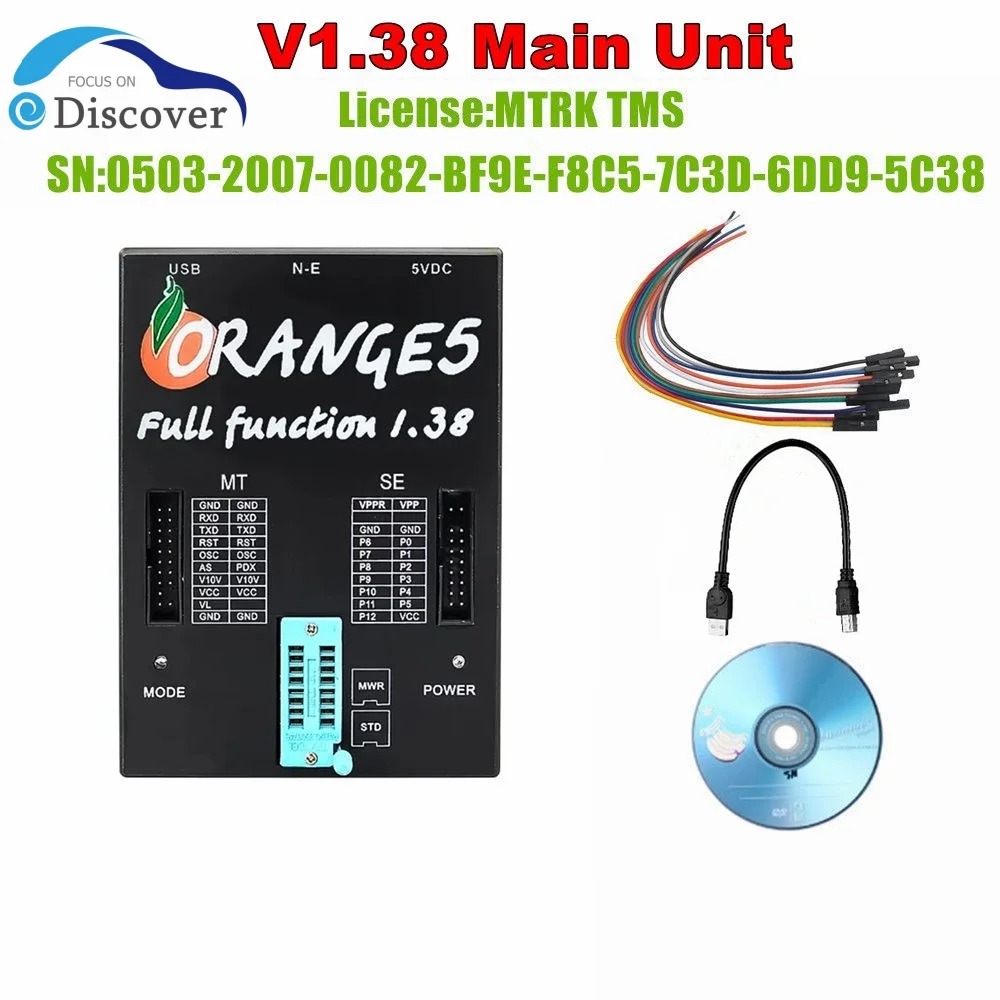
- Orange5 V1.42 programmer main unit
- USB connection cable
- External power cable
- Universal ZIF adapter board
- EEPROM adapter set
- MCU adapter set
- SOIC programming clips
- In-circuit programming leads
- BDM, JTAG and UART accessories
- Software and driver files
- Adapter wiring diagrams
- Supported-device list
- Storage box or retail packaging
Please check the product images or contact us to confirm the exact adapters supplied with the available package.
Important Clone Version Notice
- This product is an Orange5 V1.42 clone version.
- It is not manufactured or officially supported by Scorpio-LK.
- Do not describe it as an original Orange5 programmer.
- Full Set refers to the supplied adapter package.
- Full Set does not guarantee support for every ECU or MCU.
- Software authorization differs from the original Orange5 system.
- Use only the software and drivers supplied with the device.
- Do not connect the device to official Scorpio-LK update services.
- Do not install official firmware on the clone hardware.
- Online updates may permanently disable or damage the programmer.
- Windows 7 is recommended for stable operation.
- Windows 10 and Windows 11 compatibility is not guaranteed.
- The supplied software should preferably be used on an offline computer.
Important Compatibility Notes
- Toyota, Suzuki and Hyundai coverage is module-specific.
- The programmer does not support every vehicle from these manufacturers.
- Compatibility must be checked using the ECU, MCU or EEPROM reference.
- A software version number alone does not confirm device support.
- Some operations may require adapters not included in the package.
- Some chips must be removed from the circuit board.
- Other supported devices may be read through in-circuit connections.
- This device is not an OBD2 diagnostic scanner.
- It does not read or clear vehicle fault codes.
- Most operations require module removal or direct circuit-board access.
Professional Use and Safety
- Use the programmer only on modules you own or are legally authorized to service.
- Disconnect all external module power before attaching adapters.
- Confirm all pin connections before supplying power.
- Never reverse the power supply or programming adapter.
- Avoid applying external power and programmer power simultaneously unless instructed.
- Use ESD protection when handling exposed circuit boards.
- Incorrect voltage or wiring may permanently damage the chip, module or programmer.
- Always retain verified original backups before writing modified data.

Reviews
There are no reviews yet.