

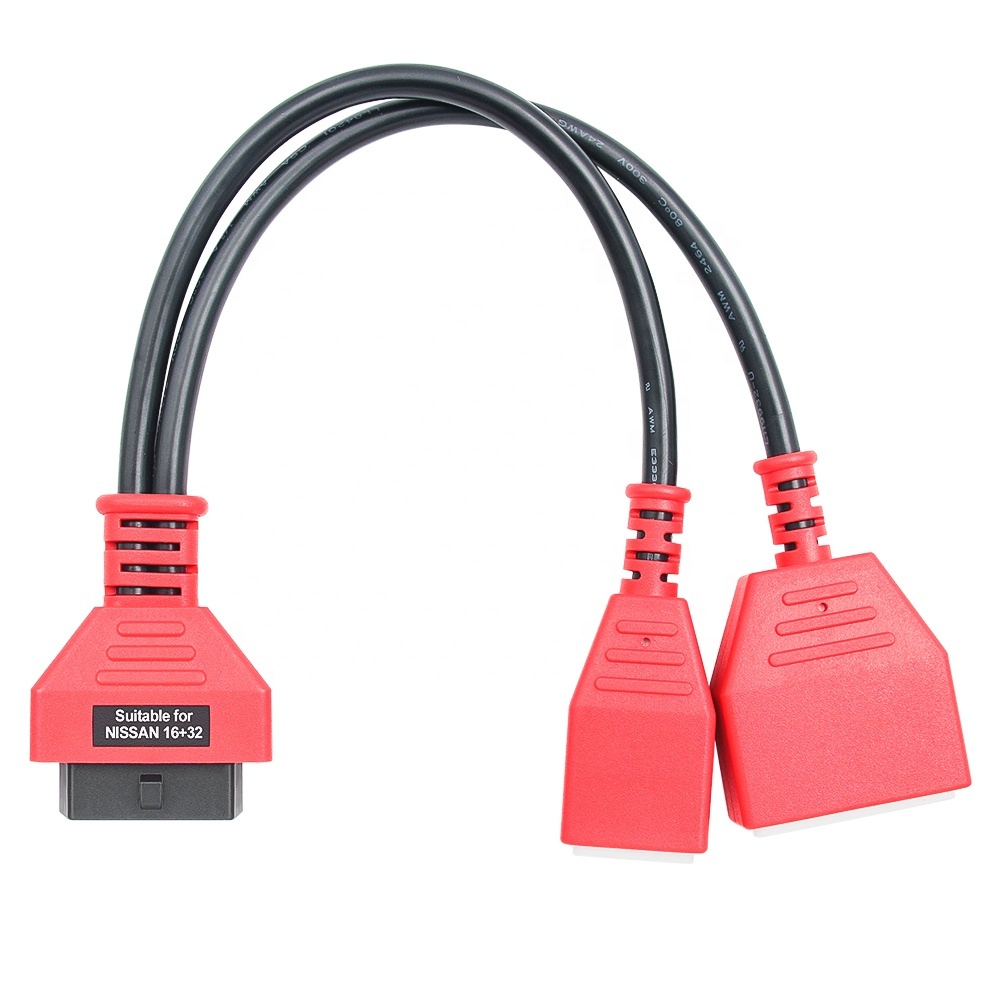


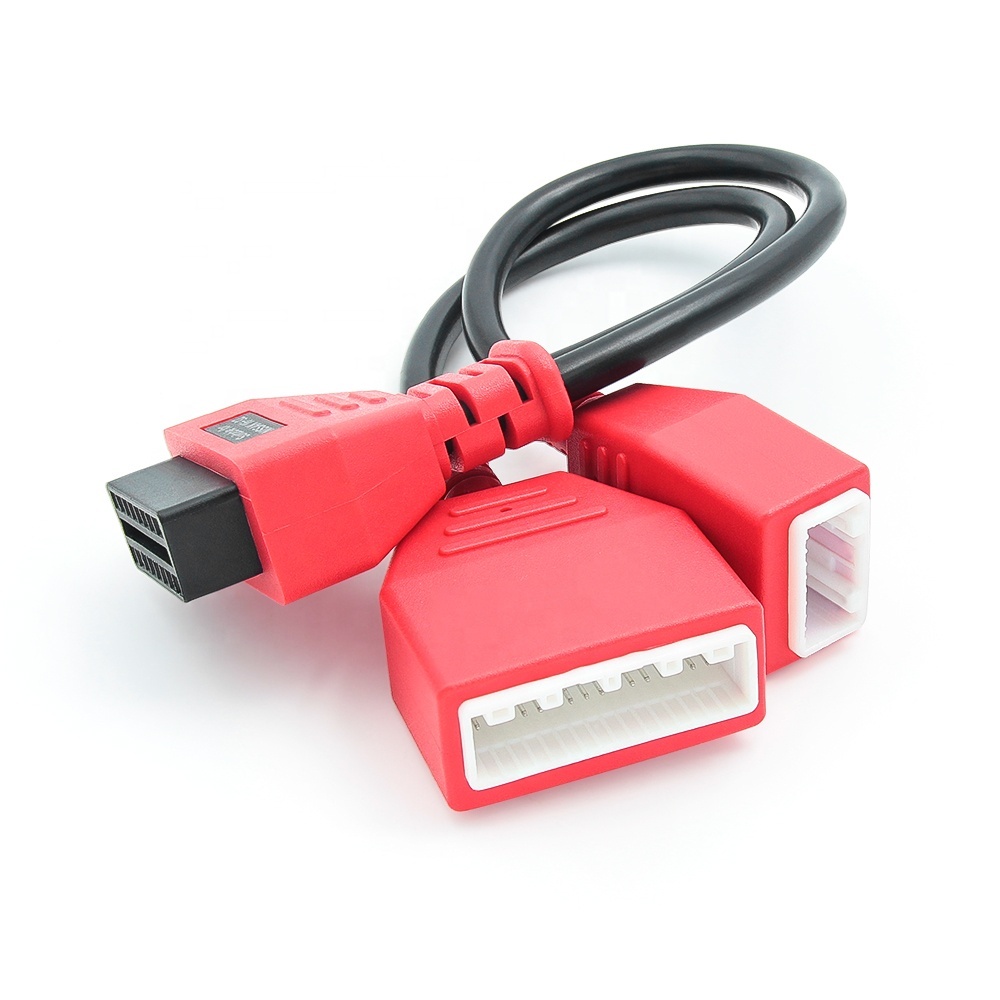
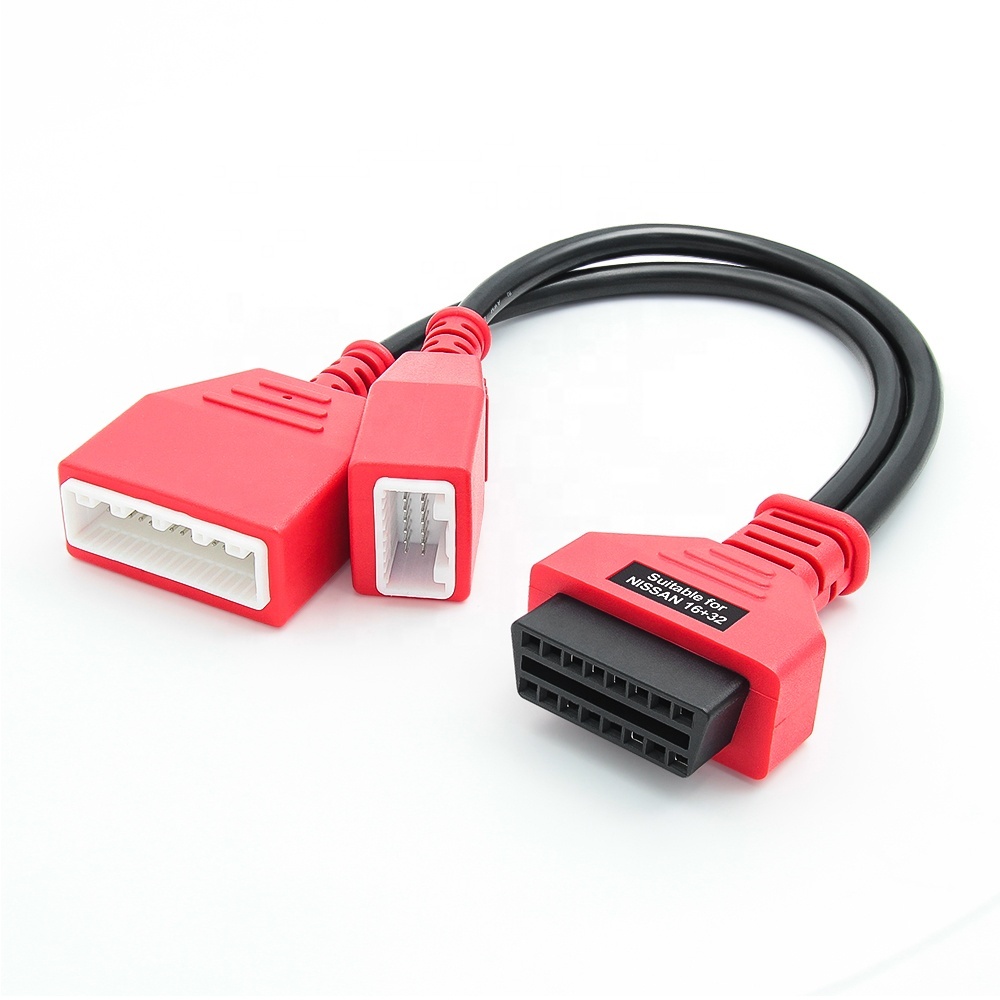
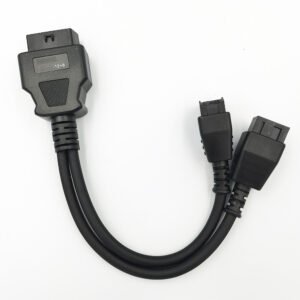
Nissan 16+32 OBD2 Gateway Adapter Cable
The Nissan 16+32 Gateway Adapter is a specialized bypass cable designed for supported Nissan vehicles equipped with a 16-pin and 32-pin secure gateway connection.
The adapter provides direct communication between a compatible automotive key programmer or diagnostic scanner and the vehicle’s control modules. It can be used for supported key programming, immobilizer and ECU programming procedures that may be blocked when communicating only through the standard OBD2 port.
Main Features
• 16-pin and 32-pin gateway connection
• Standard female OBD2 connection for compatible tools
• Direct communication with supported vehicle modules
• Designed for selected Nissan Sentra and Sylphy vehicles
• Supports available key-adding procedures
• Supports available all-keys-lost procedures
• Enables selected immobilizer functions
• Supports selected ECU programming operations
• Durable molded connectors
• Flexible and workshop-ready cable
• No soldering or cutting of the original vehicle wiring
Supported Functions
Depending on the connected programming device and its software coverage, available functions may include:
• Adding a proximity smart key
• All keys lost programming
• Immobilizer system diagnosis
• IMMO status scanning
• Key learning procedures
• Supported IMMO component replacement
• Accessing modules located behind the secure gateway
• Selected ECU programming
• Supported coding and service procedures
Vehicle Compatibility
Designed primarily for compatible:
• Nissan Sentra with B18 platform
• Nissan Sylphy with B18 platform
• Selected newer Nissan vehicles equipped with the matching 16+32 gateway connectors
Exact compatibility depends on the vehicle model, production year, installed gateway module and the connected programming tool.
How It Works
1. Locate the vehicle’s secure gateway module.
2. Disconnect the original 16-pin and 32-pin gateway connectors.
3. Connect both connectors to the matching sockets on the adapter.
4. Connect the compatible diagnostic or key-programming device to the adapter’s female OBD2 port.
5. Open the correct vehicle software and select the required operation.
6. Follow the instructions displayed by the programming device.
7. After completing the operation, disconnect the adapter and restore the original gateway connectors.
Package Contents
• 1 × Nissan 16+32 OBD2 Gateway Adapter Cable
Important Notes
• This product is an adapter cable only and is not a standalone key programmer.
• A compatible diagnostic or key-programming device is required.
• Tool compatibility must be confirmed before purchase.
• Supported functions depend on the programmer, software version and vehicle.
• Not every Nissan model uses the same gateway connector.
• Always inspect the vehicle connectors before ordering.
• All-keys-lost and security procedures should be performed only on legally owned or authorized vehicles.
• Maintain stable vehicle battery voltage during programming.
• Reconnect the vehicle’s original gateway connectors after completing the operation.
• Professional automotive locksmith or diagnostic knowledge is recommended.
Explore More Key Programming Tools and Adapters



Reviews
There are no reviews yet.