
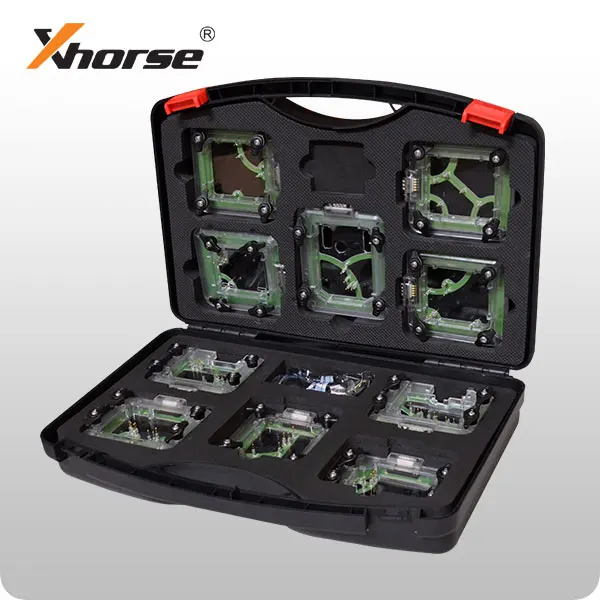
Xhorse VVDI Prog EIS/EZS Adapter for Mercedes-Benz
The Xhorse VVDI Prog EIS Adapter is a professional connection accessory designed for working with supported Mercedes-Benz EIS/EZS electronic ignition switch modules.
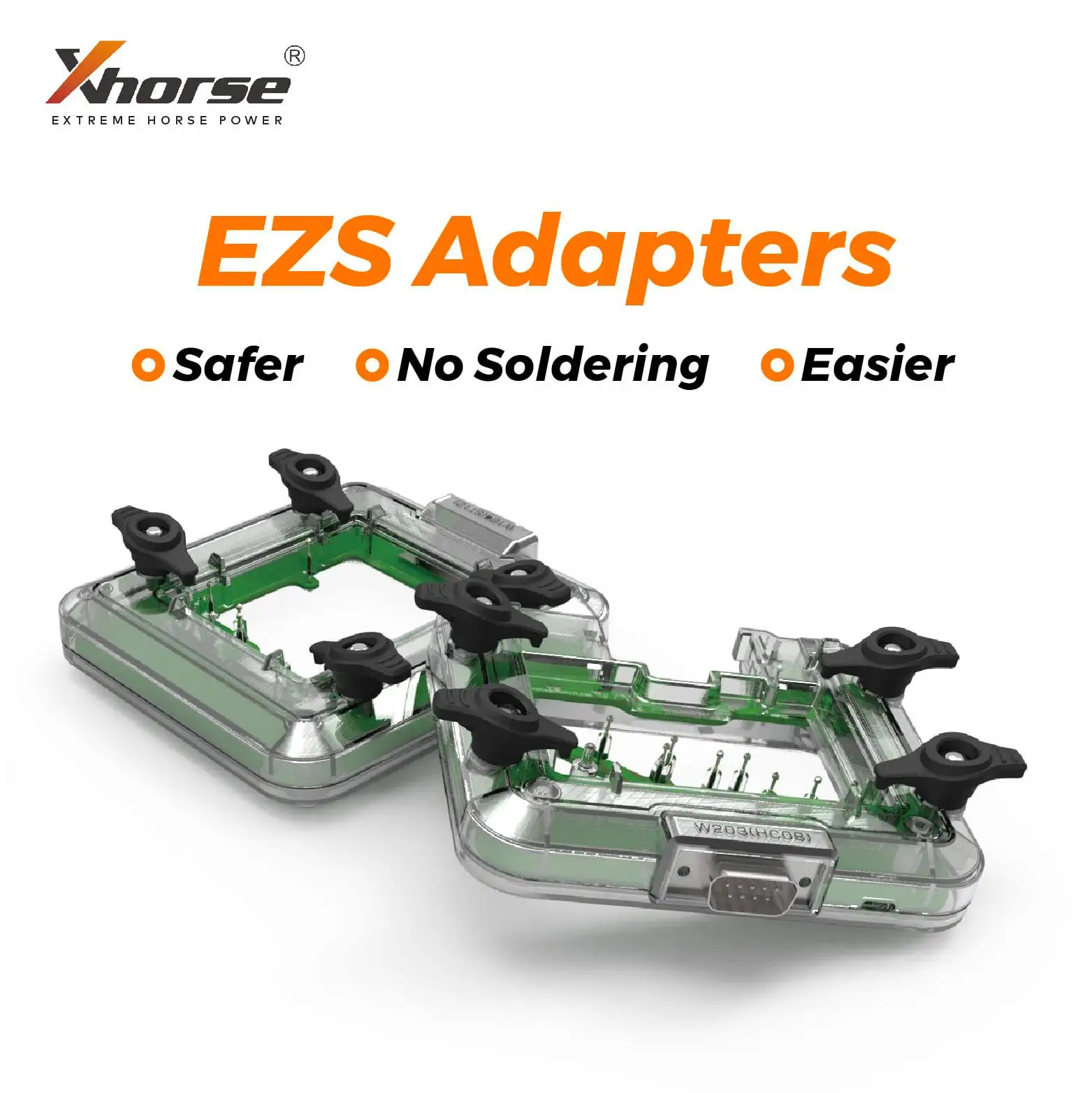
When used with a compatible Xhorse programmer, the adapter provides secure contact points between the programming device and the EIS/EZS circuit board. It can assist automotive locksmiths and electronic repair technicians with supported data reading, writing, backup and module-repair procedures.
This product is an adapter only. It does not operate independently and does not include a programming device or software license.
Main Features
• Designed for supported Mercedes-Benz EIS/EZS modules
• Compatible with selected Xhorse programming devices
• Provides stable contact during supported read and write operations
• Reduces the need for temporary loose-wire connections
• Suitable for professional key and immobilizer work
• Useful for EIS/EZS data backup and repair procedures
• Compact bench-programming design
• Durable connector and circuit-board construction
• Intended for trained automotive locksmiths and technicians
Compatible Xhorse Tools
Depending on the module, software version and required cable, the adapter may be used with:
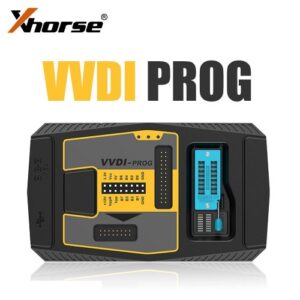
• Xhorse VVDI Prog
• Xhorse VVDI MINI Prog
• Xhorse Key Tool Plus
• Other compatible Xhorse programmers when officially supported
Compatibility must be confirmed in the programming device’s current software or connection diagram before use.
Supported Applications
Depending on the selected EIS/EZS model and programmer coverage, supported operations may include:
• Reading supported EIS/EZS data
• Writing supported module data
• Creating an original data backup
• Recovering data from a damaged module
• Transferring data during module replacement
• Preparing data for compatible key-programming procedures
• Reading supported EEPROM or MCU information
• Checking and repairing module data
• Supporting selected all-keys-lost procedures
Available operations depend entirely on the Mercedes-Benz EIS/EZS type, processor, hardware version, programmer and current Xhorse software coverage.
What Is EIS/EZS?
EIS means Electronic Ignition Switch, while EZS is the German abbreviation for the same type of Mercedes-Benz electronic ignition and immobilizer module.
The module communicates with the vehicle key and other security components. Because it forms part of the vehicle’s immobilizer system, programming should only be performed for legitimate vehicle repair or authorized key-service work.
How to Use
- Identify the exact Mercedes-Benz EIS/EZS module.
- Open the compatible Xhorse software.
- Select the correct module and processor.
- Review the displayed connection diagram.
- Connect the EIS/EZS module to the adapter.
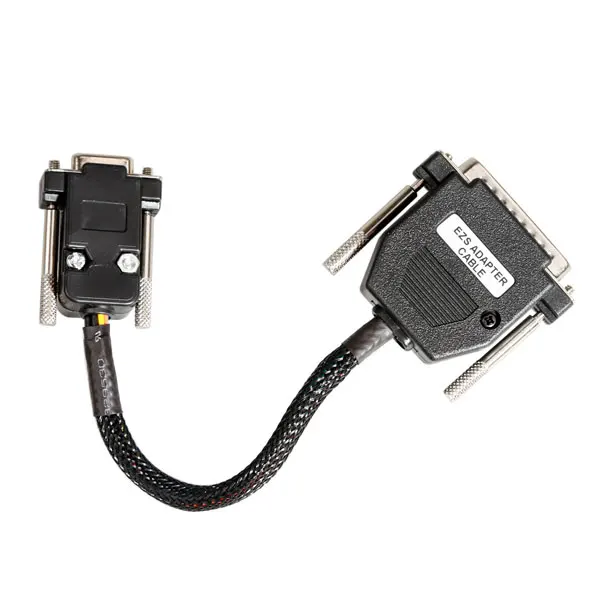
- Connect the adapter to the compatible Xhorse programmer.
- Supply the specified voltage when required.
- Read and save the original module data.
- Perform the required supported operation.
- Verify the written data before disconnecting the module.
Important Compatibility Notice
Mercedes-Benz EIS/EZS modules are available in multiple hardware designs and processor versions. Similar-looking modules may require different adapters, wiring or operating procedures.
Before purchasing, confirm:
• The exact vehicle model and production year
• The EIS/EZS part number
• The processor or MCU type
• The required Xhorse programmer
• The adapter shown in the software wiring diagram
• Any additional cables or power supply required
Do not rely only on the external appearance of the EIS/EZS module.
Professional Use Notice
This product is intended for qualified automotive locksmiths and electronic repair technicians.
Before writing data:
• Always read and save the original file
• Keep multiple copies of the original backup
• Confirm that the selected module matches the connected unit
• Verify every connection before applying power
• Use a stable regulated power supply
• Do not disconnect the adapter during reading or writing
• Do not overwrite original data without a verified backup
Incorrect connections, wrong voltage or incompatible files may damage the EIS/EZS module or prevent the vehicle from recognizing its keys.
Legal Notice
This adapter must only be used on vehicles owned by the user or with documented authorization from the vehicle owner. Immobilizer and key-programming operations must comply with applicable local laws.
Package Includes
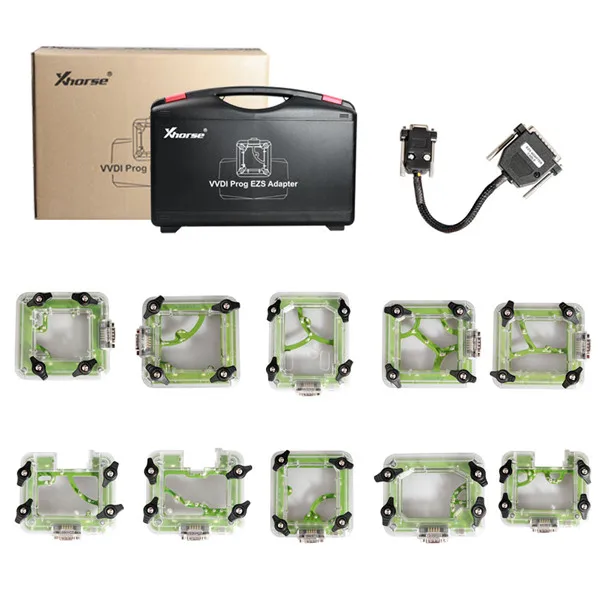
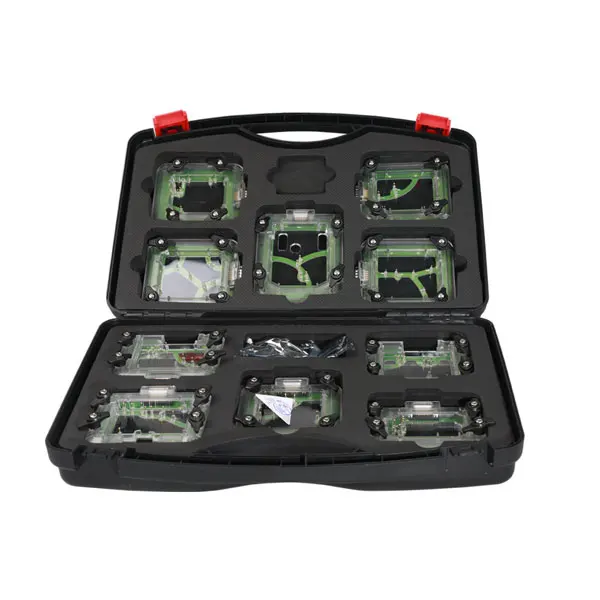
• 1 × Xhorse VVDI Prog EIS/EZS adapter
VVDI Prog, VVDI MINI Prog, Key Tool Plus, software, power supply and additional connection cables are not included unless specifically shown in the selected package.

Reviews
There are no reviews yet.