
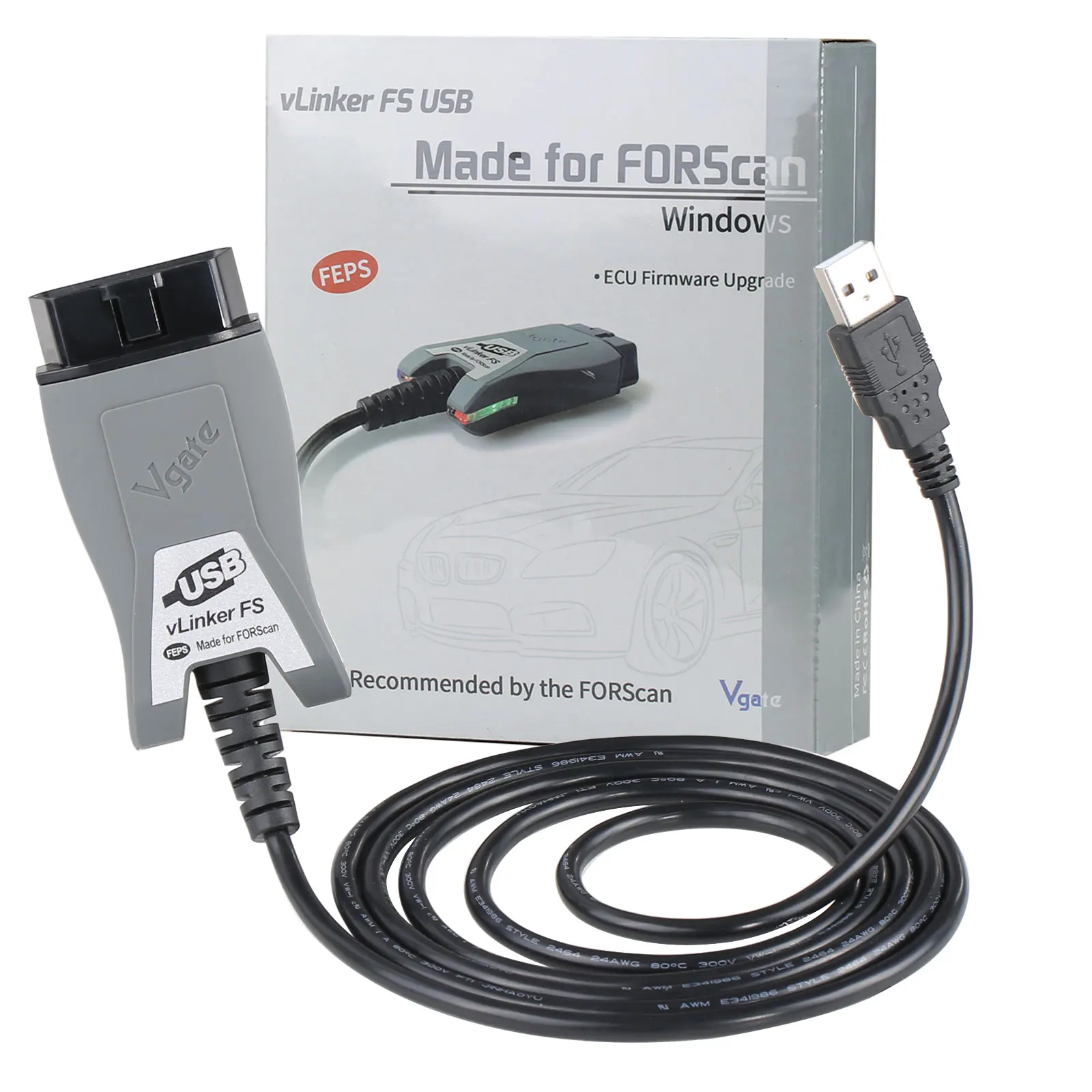
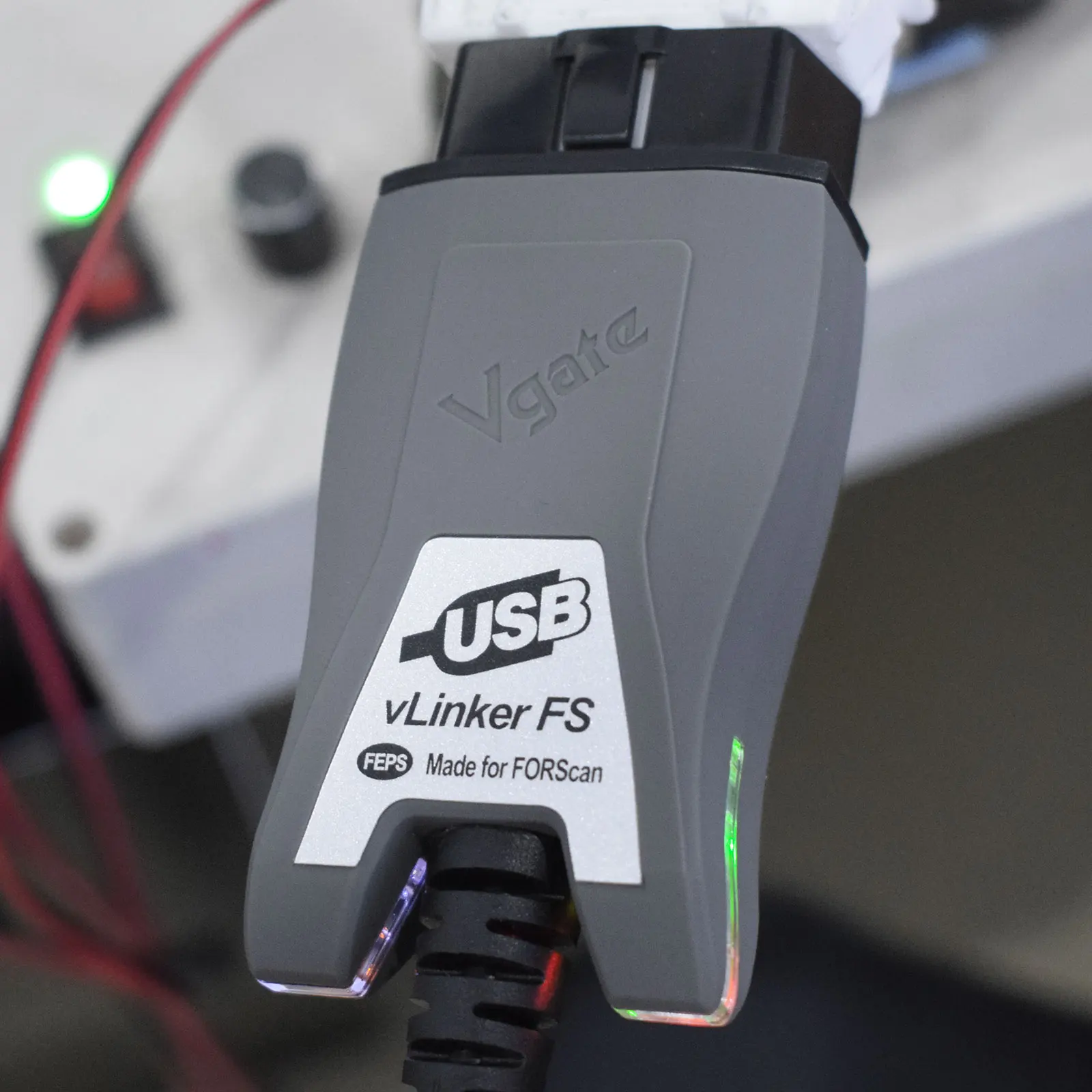
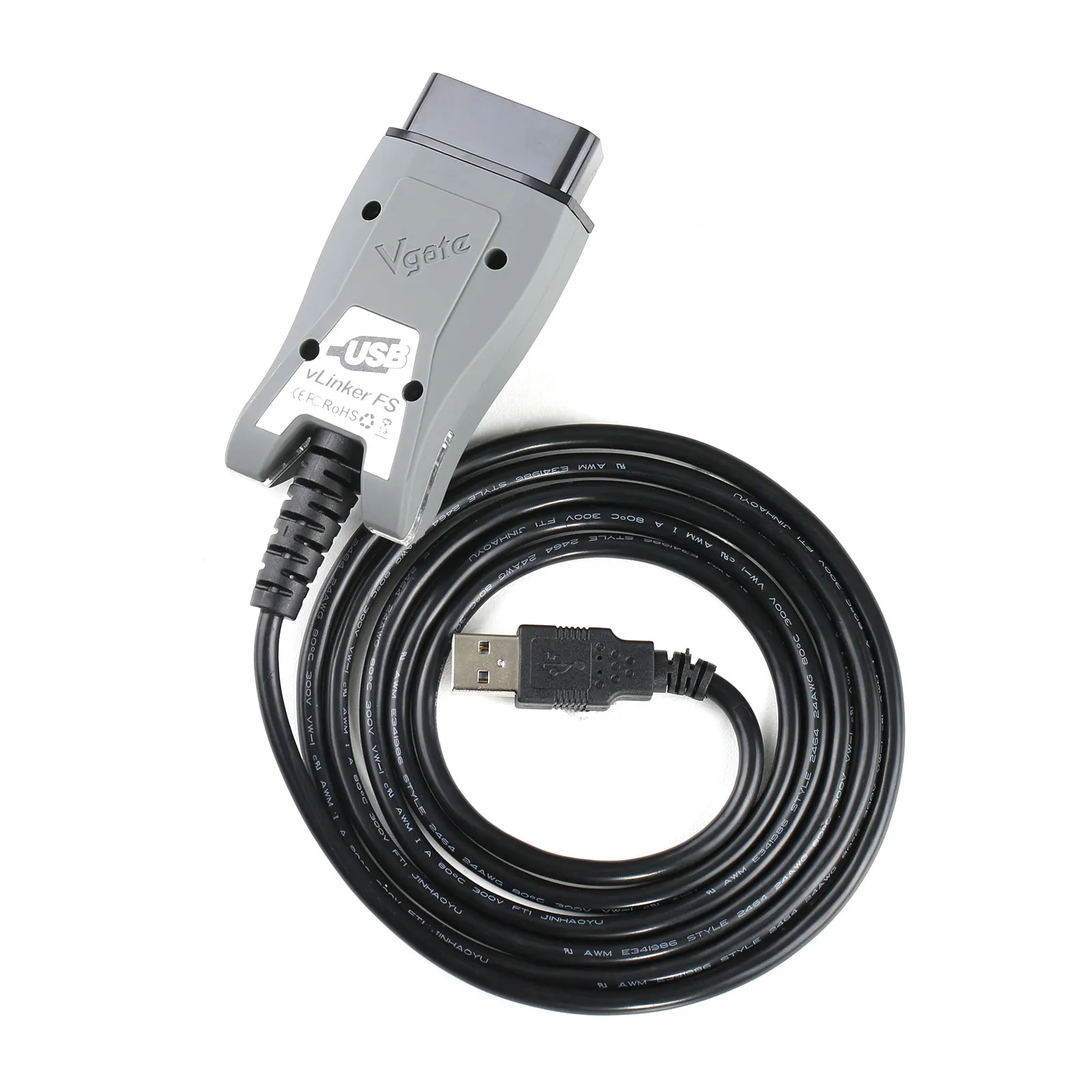
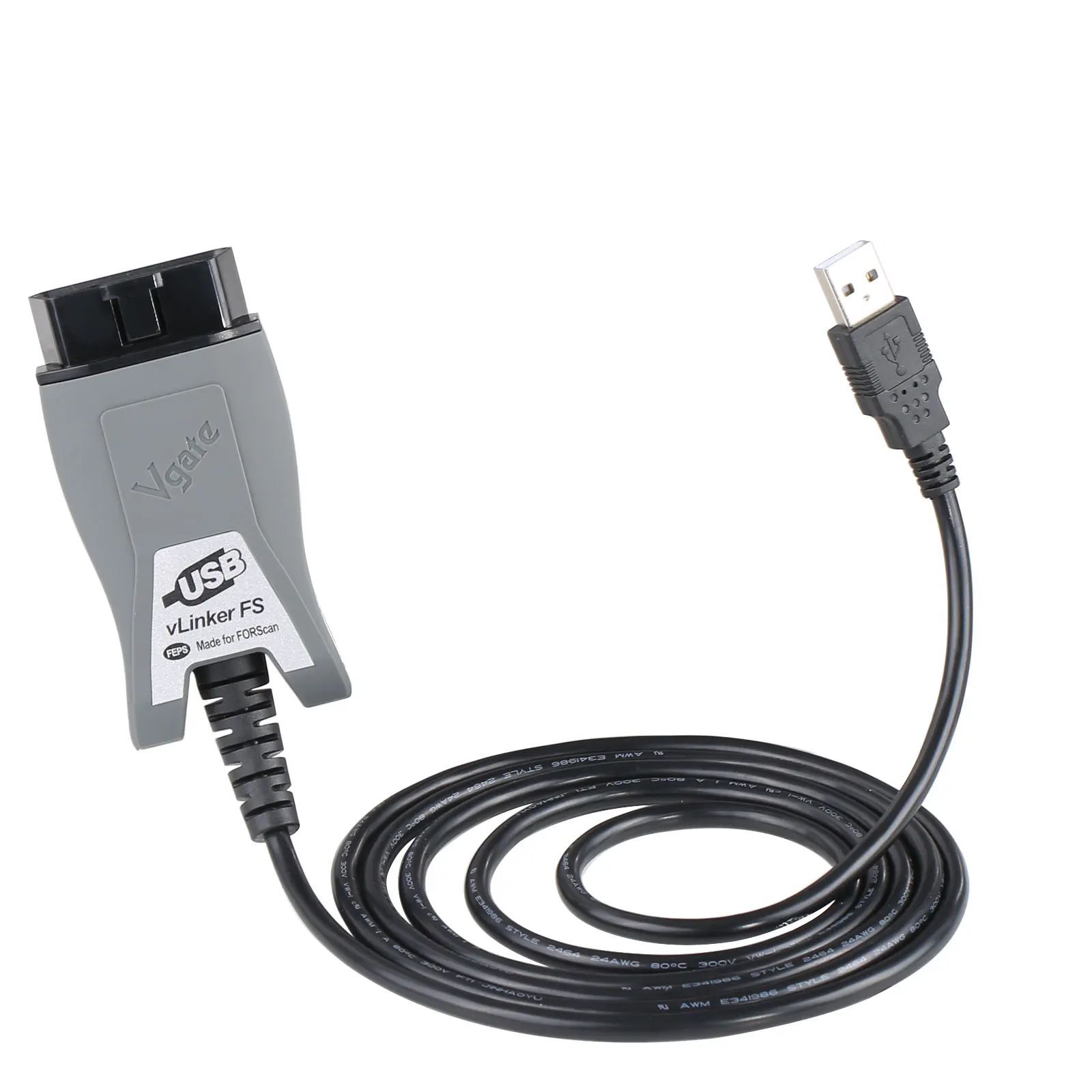
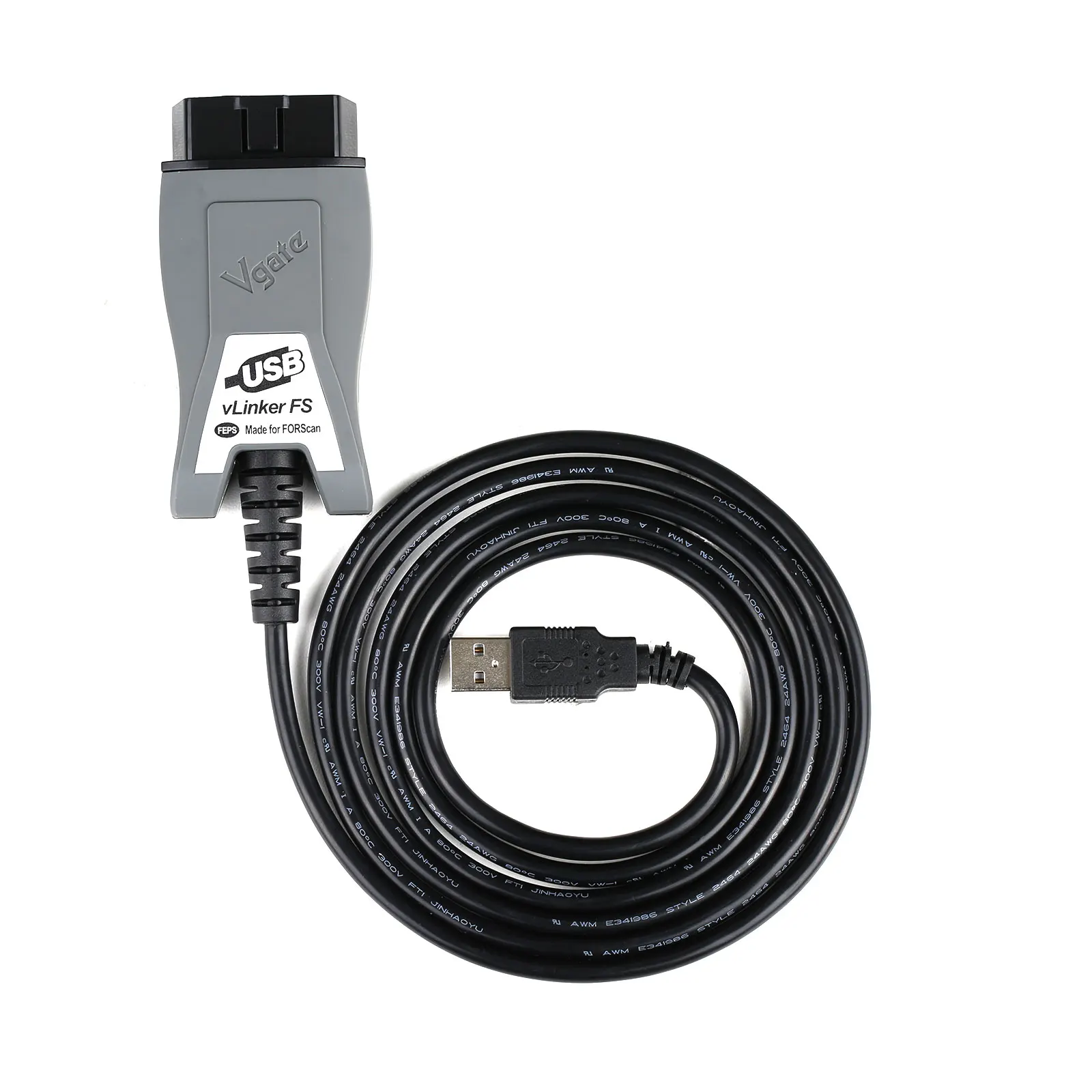
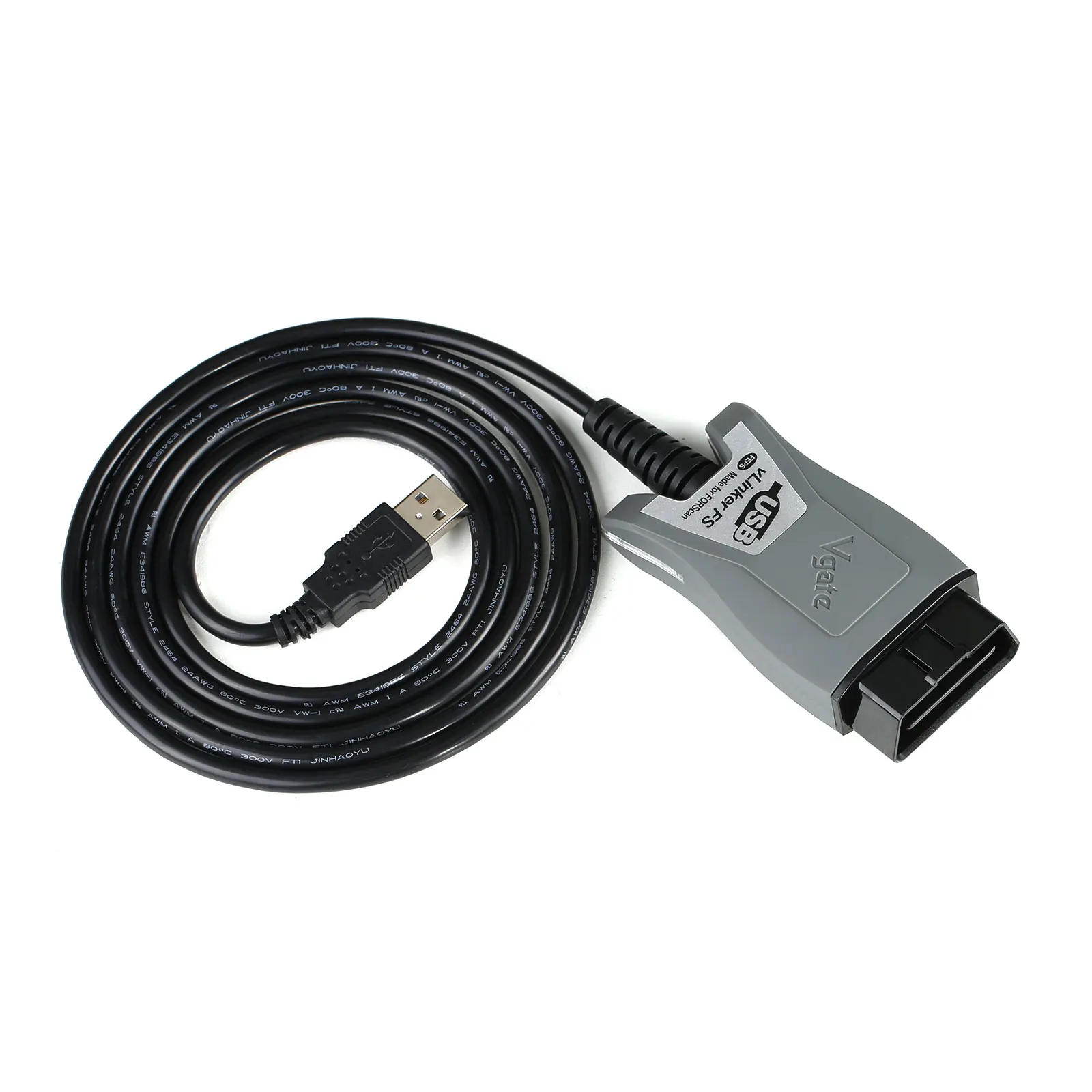
Original Vgate vLinker FS USB FORScan Diagnostic Adapter
The Vgate vLinker FS is a professional USB OBD2 diagnostic adapter specifically designed for use with FORScan software on compatible Ford, Mazda, Lincoln and Mercury vehicles.
Unlike basic ELM327 adapters, the vLinker FS provides fast and stable communication and automatically switches between HS-CAN and MS-CAN networks. This allows FORScan to communicate with a wider range of vehicle control modules without requiring a manual switch.
Main Features
• Original Vgate diagnostic interface
• Specifically designed for FORScan software
• Automatic electronic switching between HS-CAN and MS-CAN
• No manual HS/MS-CAN switch required
• Fast and stable USB connection
• Supports standard OBD2 engine diagnostics
• Accesses supported manufacturer-specific control modules
• Suitable for diagnostics, service functions, configuration and coding
• Designed for compatible Ford, Mazda, Lincoln and Mercury vehicles
• Improved connection reliability compared with many basic ELM327 adapters
• Suitable for workshop technicians and advanced vehicle owners
FORScan Functions
Available functions depend on the vehicle, control module and FORScan licence. Supported operations may include:
• Automatic vehicle identification
• Complete vehicle module scanning
• Reading and clearing diagnostic trouble codes
• Viewing live sensor data
• Reading module information
• Running supported actuator tests
• Service procedures
• Battery monitoring system reset
• Diesel particulate filter service functions
• Injector coding on supported vehicles
• ABS bleeding on supported models
• Steering angle sensor calibration
• Transmission adaptive learning procedures
• Module configuration
• As-Built configuration
• Enabling or disabling supported vehicle features
• Module programming on supported vehicles
Not every function is available on every vehicle. Some advanced functions require a FORScan Extended Licence.
Automatic HS-CAN and MS-CAN Switching
Ford and Mazda vehicles may use more than one CAN network for communication with different control modules.
The Vgate vLinker FS automatically switches between:
• HS-CAN – High-Speed Controller Area Network
• MS-CAN – Medium-Speed Controller Area Network
Automatic switching allows FORScan to access compatible modules across both networks without asking the user to change a physical switch position.
Compatible Vehicle Brands
The adapter is primarily designed for compatible vehicles from:
• Ford
• Mazda
• Lincoln
• Mercury
It may also perform standard OBD2 diagnostics on other OBD2-compliant vehicles. However, FORScan manufacturer-level functions are intended mainly for supported Ford-family and Mazda vehicles.
Supported Diagnostic Systems
Depending on the vehicle, the adapter may communicate with supported modules such as:
• Engine control module
• Transmission control module
• Anti-lock braking system
• Airbag control module
• Body control module
• Instrument cluster
• Power steering module
• Climate control module
• Parking assistance module
• Four-wheel-drive module
• Battery monitoring system
• Other HS-CAN and MS-CAN modules supported by FORScan
Supported OBD2 Protocols
The adapter supports common OBD2 communication protocols, including:
• SAE J1850 PWM
• SAE J1850 VPW
• ISO 9141-2
• ISO 14230-4 KWP2000
• ISO 15765-4 CAN
Actual protocol support and available functions depend on the connected vehicle and diagnostic software.
Computer Compatibility
The Vgate vLinker FS uses a wired USB connection and is designed primarily for Windows computers running compatible FORScan software.
A wired USB connection provides:
• Stable data transfer
• Low communication latency
• Reduced risk of wireless disconnection
• Reliable communication during coding and configuration
• No Bluetooth pairing or WiFi configuration
How to Use
- Download and install FORScan from its official website.
- Install the required vLinker USB driver.
- Connect the Vgate vLinker FS to the computer.
- Confirm that Windows recognises the adapter correctly.
- Connect the adapter to the vehicle’s OBD2 port.
- Switch the vehicle ignition on.
- Open FORScan and establish a connection with the vehicle.
- Allow FORScan to detect the vehicle and installed control modules.
Important Notes
• FORScan software and its Extended Licence are not included unless explicitly stated.
• Advanced coding and configuration functions require technical knowledge.
• Always save the original module or As-Built configuration before making changes.
• Use a regulated battery support unit during long diagnostic, coding or programming sessions.
• Do not disconnect the adapter or switch off the ignition while writing module data.
• Module programming availability depends on the vehicle, FORScan version and module type.
• This adapter is not a universal dealer-level scanner for every vehicle brand.
• Compatibility should be verified using the exact vehicle model, year and control module.
• Some newer vehicles may use protected networks or protocols requiring additional authorisation or different hardware.
Vgate vLinker FS vs Basic ELM327 Adapters
The vLinker FS offers several advantages over many generic ELM327 interfaces:
• Automatic HS-CAN and MS-CAN switching
• Faster and more stable USB communication
• Better compatibility with FORScan
• Wider access to supported Ford and Mazda modules
• More reliable communication for configuration and service procedures
• No manual CAN-network switch required
Package Includes
• 1 × Original Vgate vLinker FS USB OBD2 Adapter
• 1 × USB Connection Cable, according to the supplied package
• 1 × Retail Package


Reviews
There are no reviews yet.